Quality assurance with Avalonia

Automate your UI tests in CI, on a framework that’s tested with every change.

Trusted by industry leaders and developers worldwide

Tested in your pipeline. Checked on the real app.

In your pipeline

UI tests that run in CI.

Headless tests run your real controls, layout and bindings in memory, so they need no display. They’re ordinary xUnit or NUnit tests.

  • Type, click, scroll and drag
  • Runs on any build agent
  • Packages for xUnit and NUnit
[AvaloniaFact]
public void Pressing_Enter_sends_the_transfer()
{
    var view = new TransferView();
    var window = new Window { Content = view };
    window.Show();

    view.AmountBox.Focus();
    window.KeyTextInput("250");
    window.KeyPressQwerty(PhysicalKey.Enter, RawInputModifiers.None);

    Assert.Equal("Sent €250.00", view.Status.Text);
}

On screen

Catch the change nobody saw.

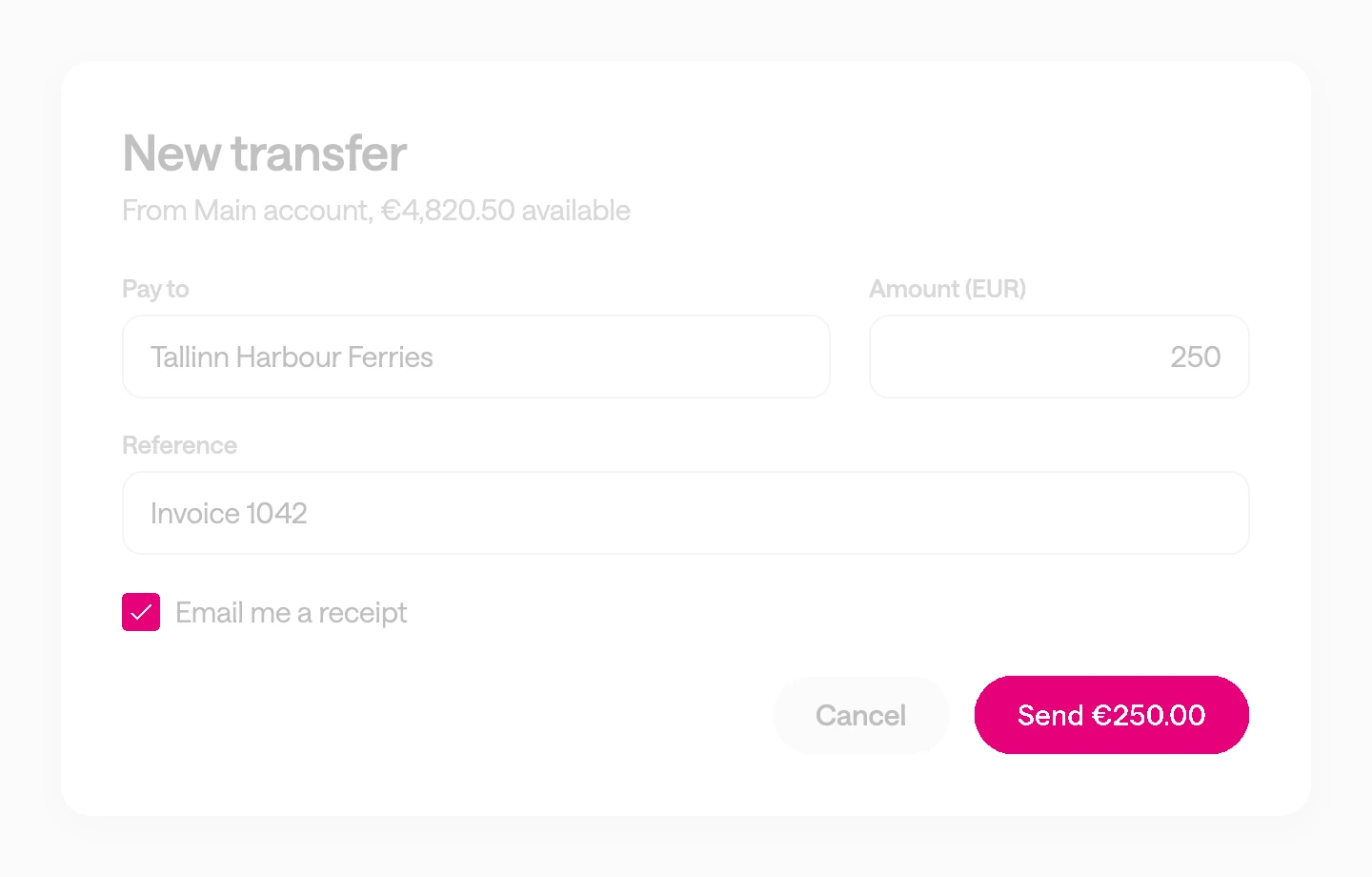
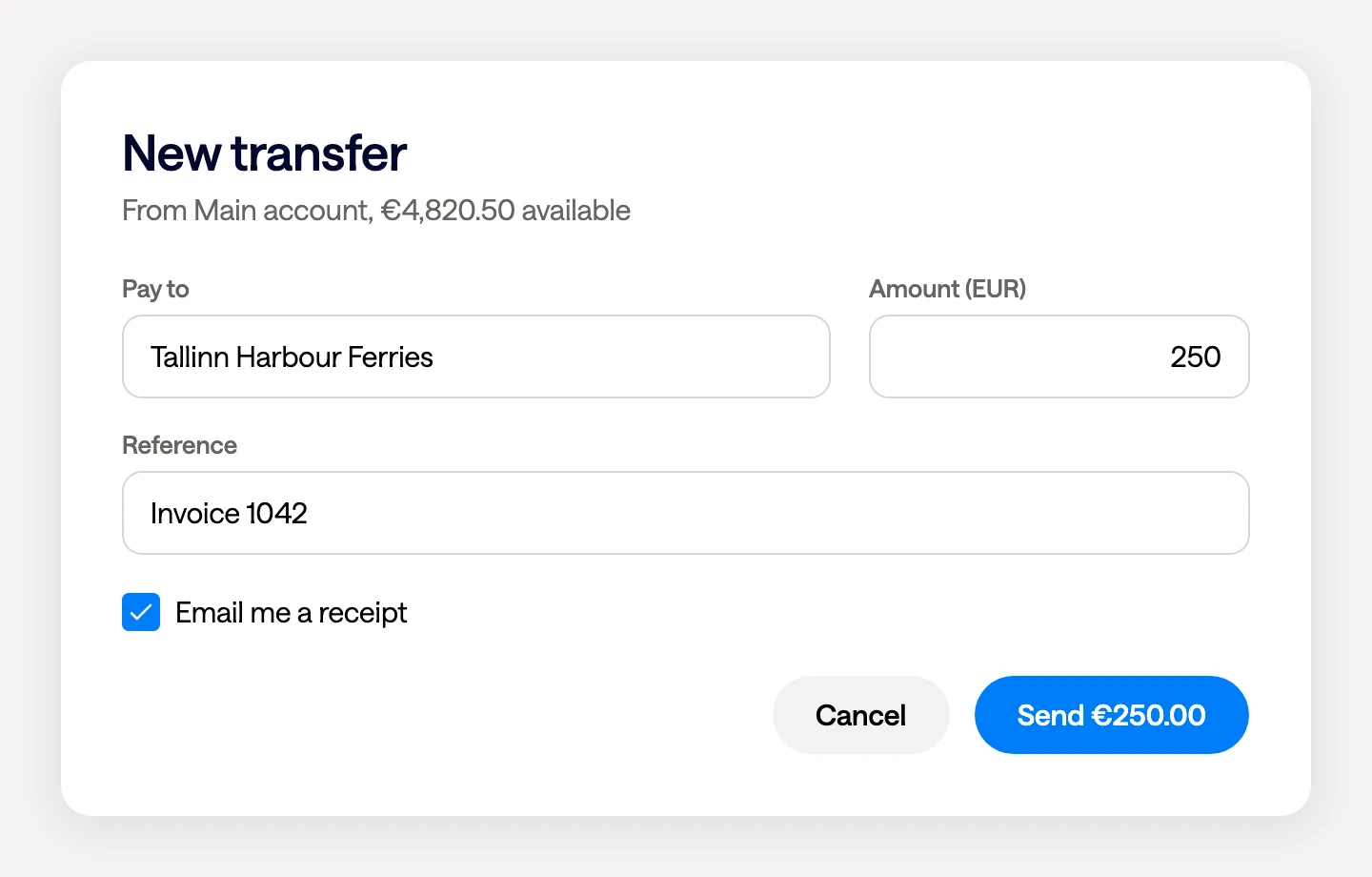
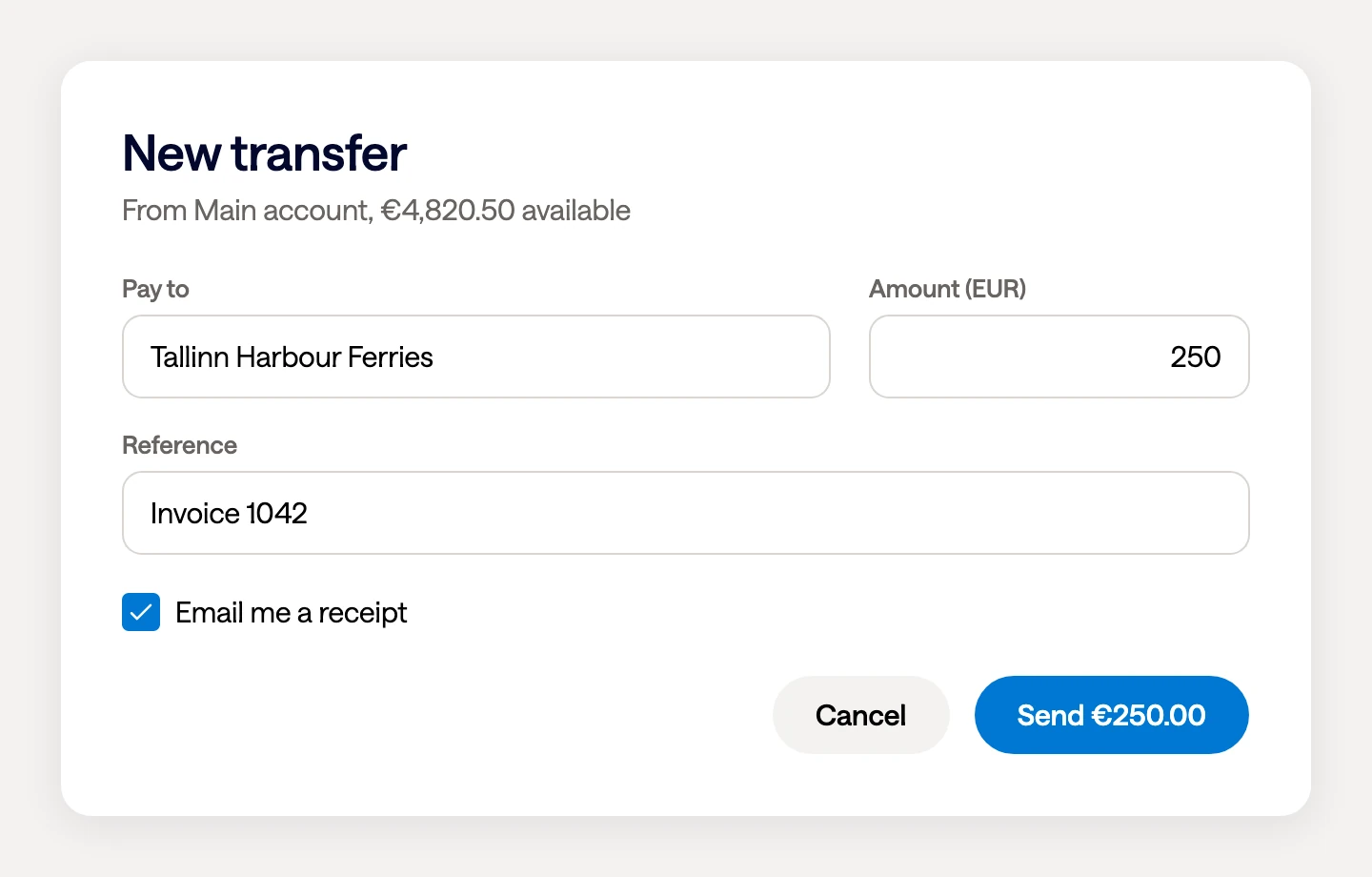
A test can capture the frame Avalonia drew and compare it with a saved baseline. Here a button’s blue moved one shade, and the comparison found it.

  • Rendered by Skia, in memory
  • Compared with a baseline you keep
  • How Avalonia tests its own rendering
BaselineThe baseline frame: a payment form titled New transfer, with a blue Send button
This buildThe same form rendered by a later build. To the eye it matches the baseline
DifferenceThe comparison’s output: the form washed to grey, with the Send button and the checkbox painted magenta where their colour changed

End to end

Drive the real app like a user.

Appium launches your compiled app in a real window and finds each control through the accessibility tree, by an id that doesn’t change with the language.

  • On Windows and macOS
  • Ids that survive translation
  • Real windows, menus and focus
In the app
<TextBox Text="{Binding Amount}"
         AutomationProperties.AutomationId="AmountBox" />

<Button Content="{Binding SendLabel}"
        AutomationProperties.AutomationId="SendButton" />
In the test
session.FindElement(MobileBy.AccessibilityId("AmountBox"))
       .SendKeys("250");

session.FindElement(MobileBy.AccessibilityId("SendButton"))
       .Click();

How Avalonia is tested

Tested before it reaches you.

Avalonia is developed in the open, and so is its test suite. You can read every test, and watch them run on each change.

7,800+

Automated tests

Unit, rendering and memory-leak tests, all in the public repository.

3

Operating systems

Every pull request builds and runs the suite on Windows, macOS and Linux.

320+

Reference images

Rendering is compared with saved pictures, the same check you can run on your own screens.

Test first

How a bug gets fixed

The contributing guide asks for a failing test, then the change that passes it.

Counted in the public repository on 17 November 2026.

Accessibility you can audit.

Avalonia describes your interface to each platform’s accessibility API, so screen readers and audit tools see real controls.

  • Built into the controls. Buttons, text boxes and checkboxes report their role, name and state without extra work.

  • Native on every desktop. UI Automation on Windows, NSAccessibility on macOS and AT-SPI on Linux.

  • Errors are announced. Validation messages reach screen readers with no configuration.

  • Keyboard first. A focused control shows a visible indicator by default, and the tab order is yours to set.

iOS and Android are supported too. Support in the browser is partial.

When a bug needs more than a test.

DevTools

Name the control behind the bug.

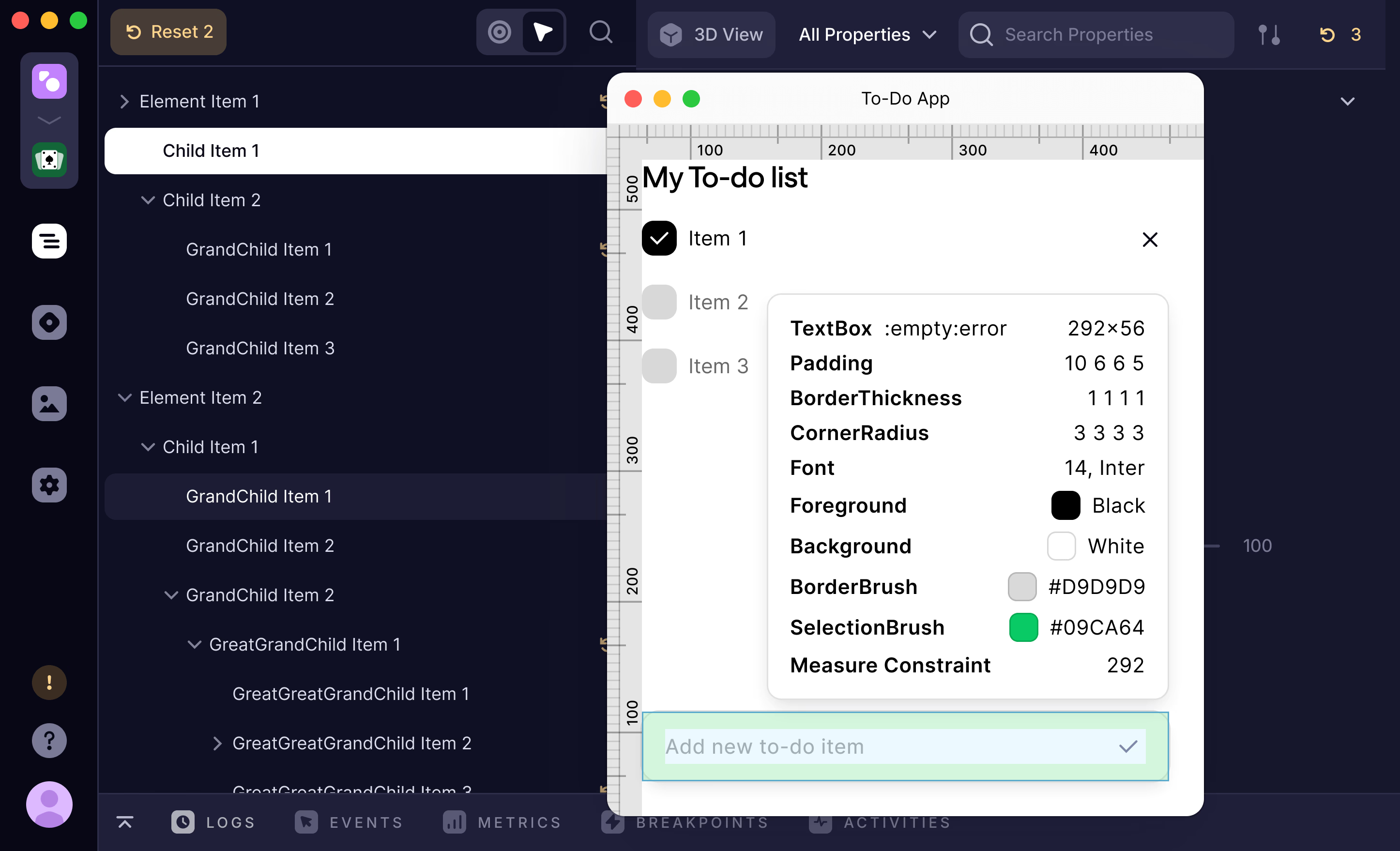
DevTools attaches to the running app. Point at anything on screen to see which control it is, with its properties, its styles and the events it raised.

  • Inspect the live element tree
  • Watch events as they fire
  • In Plus, Pro and Enterprise
Avalonia DevTools pointing at a card in Helio, a running sample app: rulers and padding guides drawn on the app, an overlay listing the card’s size, padding, corners and colours, beside DevTools’ element tree
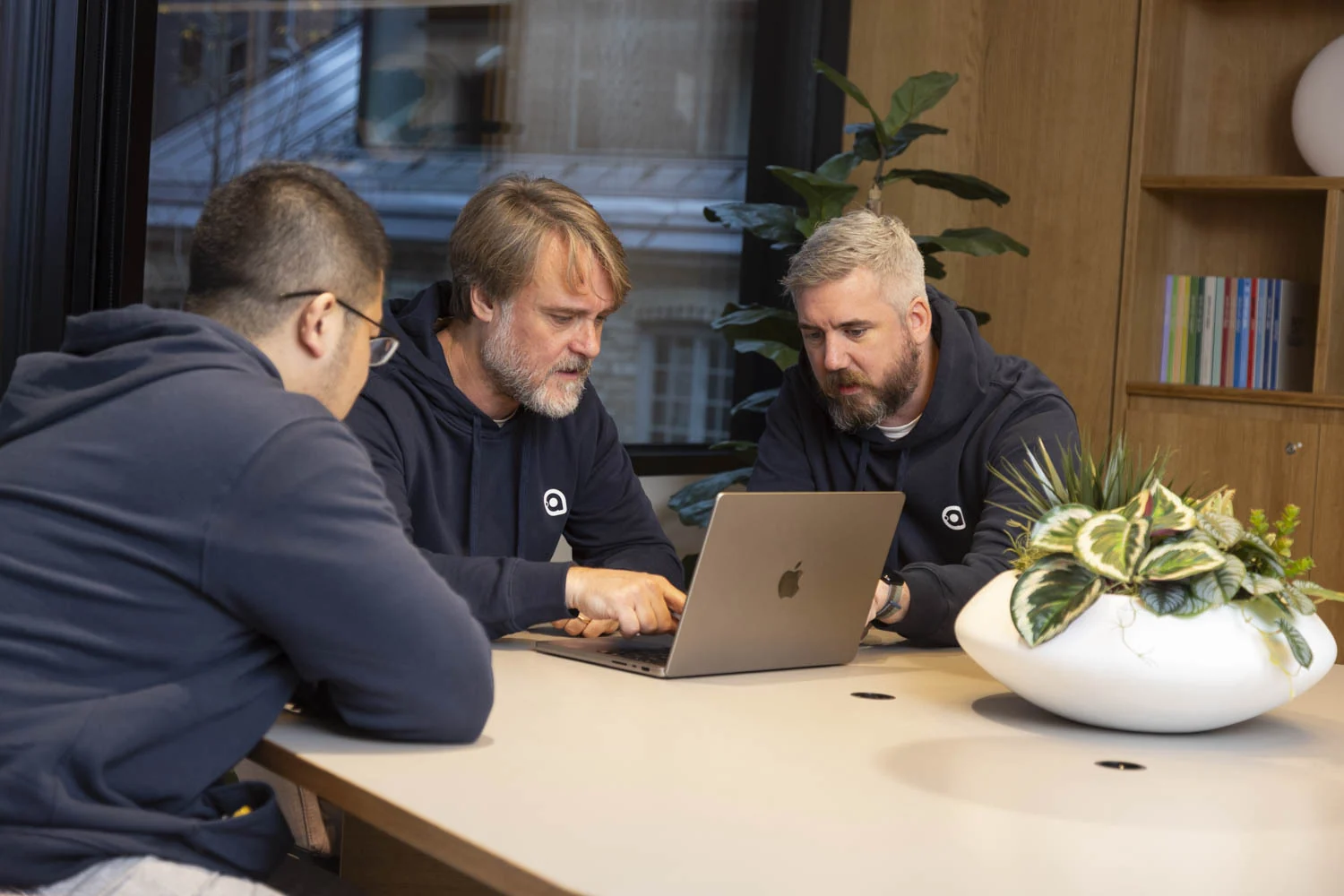
Three members of the Avalonia team in Avalonia hoodies, working through something together on a laptop

Avalonia Enterprise

Our engineers on your bug report.

When a failing test points at the framework, Enterprise puts your report in front of the team that builds it, with a reply in one working day.

  • A reply in one working day
  • Eight hours for a critical issue
  • LTS releases with five years of security updates

FAQ

Your questions,
answered.

Can't find what you need? We're here to help.

xUnit and NUnit, each through its own headless testing package. View-models are plain C#, so any .NET test framework covers those.

No. Headless tests run in memory, so they work on any build agent, including a Linux container.

Show a real view, then type, press keys, click, scroll and drag, and read the result off the controls. It can also capture the rendered frame.

Start with headless tests: they’re fast and run anywhere. Add Appium where you need the real window, such as native menus, windowing and focus.

Not reliably. Appium has no stable Linux desktop driver, so Linux pipelines use headless tests.

Give it an AutomationId. Avalonia exposes it through the platform’s accessibility API, and it doesn’t change with the display language.

Yes. With the Skia renderer on, a test captures the frame Avalonia drew and compares it with a baseline you keep.

Every pull request builds and runs more than 7,800 tests on Windows, macOS and Linux. The tests are public.

The Tier 1 platforms in the support matrix. Tier 2 platforms are kept working on a best-effort basis.

Report it on GitHub, where issues and fixes are public. Avalonia Enterprise adds a reply from our engineers within one working day.

Avalonia Enterprise includes LTS releases with five years of security updates.

No. The headless testing packages are part of the MIT-licensed framework. DevTools and Enterprise are optional.

Write the first test.

Add the headless package to a test project and run it in your pipeline.