Supercharge Avalonia development in Visual Studio
Purpose-built for Avalonia development inside Visual Studio. Community covers the fundamentals; Plus clears the friction that slows professional XAML work.
Trusted by .NET teams around the world
Community edition
Everything you need to get started with Avalonia.
When you're learning Avalonia or building apps for fun, the Community edition gives you the fundamentals inside the IDE you already know, free for non-commercial use.

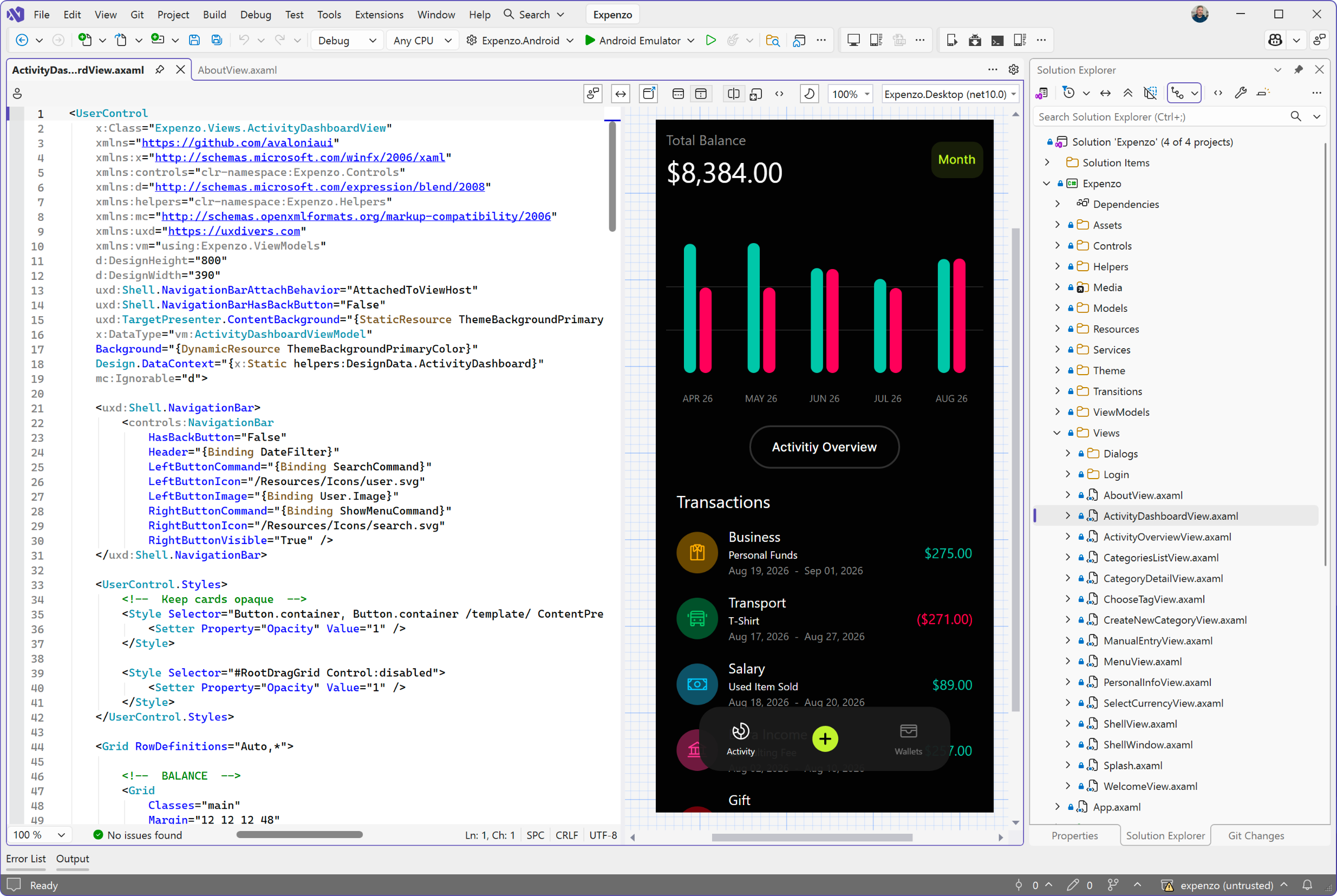
XAML IntelliSense built for Avalonia
Code completion that knows your XAML structure, properties, events, and ViewModels inside and out, so you write markup with your hands on the keyboard instead of in the documentation.


Plus edition
Built for professional Avalonia development.
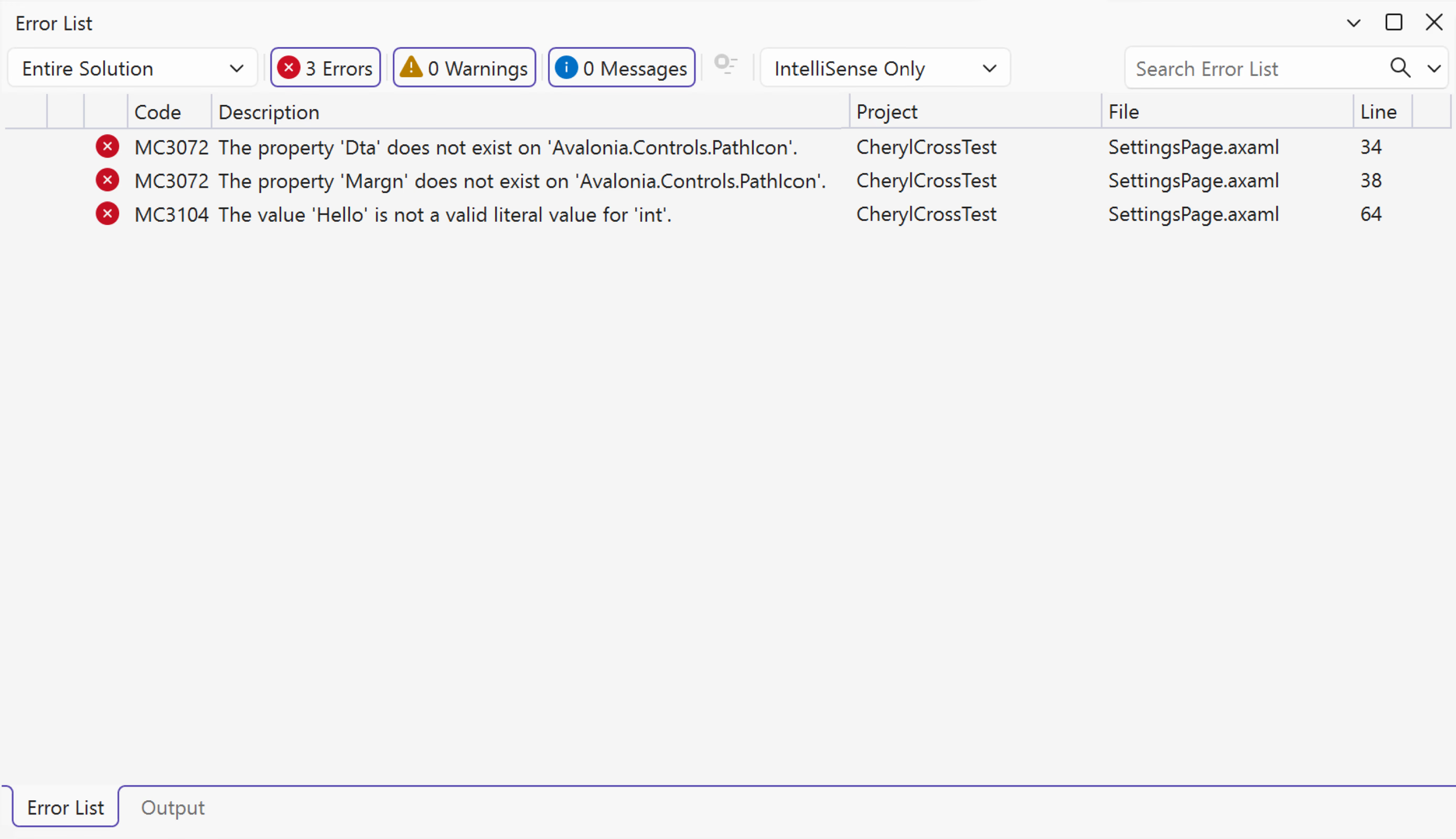
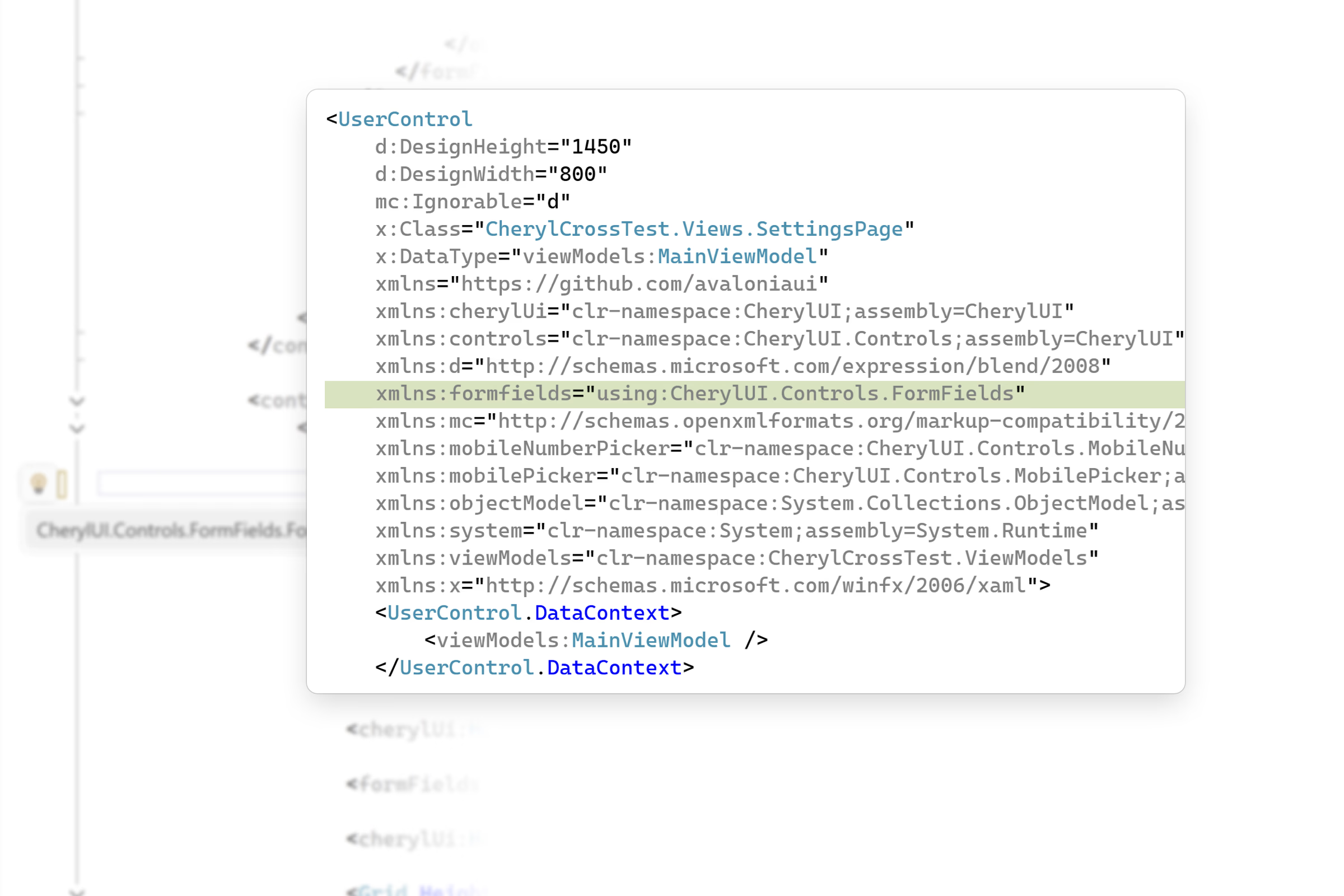
When Avalonia becomes part of your daily workflow, upgrade to a paid subscription and unlock the most productive features. The Plus edition doesn't just edit your code, it understands it: it catches issues the compiler misses, automates repetitive refactorings, and turns Visual Studio's tool windows into instruments built for Avalonia. It's included with every Avalonia Plus, Pro and Enterprise subscription.


Included with Avalonia Plus, Pro, and Enterprise subscriptions
See pricingIncluded with your subscription
One subscription, the whole toolchain.
Upgrading unlocks more than Visual Studio. Every Avalonia Plus, Pro and Enterprise subscription also includes Avalonia for VS Code, DevTools, Parcel and Hot Reload, so the same subscription upgrades your editor, improves debugging, inspection and shipping, and keeps your app running while you edit it.
The same XAML tooling everywhere VS Code runs: live previewer, IntelliSense, deep analysis, and refactorings on Windows, macOS, and Linux.
See inside your running app: live property editing, visual and logical tree navigation, and real-time diagnostics for any Avalonia application.
Ship what you build: native installers for Windows, macOS and Linux, with code signing and notarization handled in one toolset.
Edit XAML and C# while the app runs: changes apply on save, with no rebuild, no restart, and your app keeps its state.

Customer stories
"Avalonia has a very strong community, and frankly is a joy to work with."
Bill Henning
CEO & Founder, Actipro Software




Why upgrade
Professionals invest in tools that save them time.
The Community edition is an excellent way to start building with Avalonia. The Plus edition is designed for developers who build with Avalonia every day, where every interruption, every manual refactoring and every avoidable bug slows development. Plus removes that friction, so you can stay focused on building your application.
Your views no longer fit in your head
Files run to hundreds of lines and finding one control means scrolling. The document outline keeps the whole tree in view beside the editor.
The compiler says everything is fine. Your users disagree.
Grid coordinates that point nowhere compile without complaint. The advanced analysis available in the Plus edition immediately flags them.
The same properties are pasted across controls
Copied inline styling drifts apart quietly. One-click refactorings pull them into shared styles you maintain in a single place.
Your previewer and your editor fight for space
A docked preview steals half your markup. Detach it into its own window, put it on a second monitor, and give both a full screen.
Editions
Avalonia for Visual Studio comes in two editions
Community provides core XAML editing capabilities at no cost, while Plus unlocks powerful designer tools and deeper IDE integration.
Core features
Plus edition
FAQ
Your questions,
answered.
Can't find what you need? We're here to help.
The Community edition is free for non-commercial use. The Plus edition adds deeper XAML analysis, one-click refactorings, the document outline, the toolbox, the detachable previewer, and more, and is included with Avalonia Plus, Pro, and Enterprise subscriptions.
The extension supports Visual Studio 2022 and Visual Studio 2026 on Windows. For macOS and Linux, Avalonia for VS Code offers the same core editing experience everywhere VS Code runs.
Community includes XAML IntelliSense with autocompletion, a live XAML previewer, code navigation, error highlighting, and project templates. Plus adds deeper XAML analysis, one-click refactorings, implicit style adornments, image previews in tooltips, the document outline, the Avalonia toolbox, a detachable previewer window, and editor colour schemes. The edition comparison on this page has the full breakdown.
Both extensions share the same XAML analysis engine, so diagnostics and refactorings behave consistently across editors. The Visual Studio extension adds IDE-native integrations on top: the document outline and toolbox as real tool windows, a previewer you can detach onto a second monitor, and Quick Info tooltips in the editor you already use.
The extension itself is not open-source. Avalonia UI, the framework it supports, is open-source and MIT-licensed.
Elevate your Visual Studio experience
Try the Plus edition free for 30 days and experience professional tooling in your daily workflow. Build your next Avalonia app without leaving the IDE.