Avalonia for Linux
X11 and Wayland on the desktop, DRM and the bare framebuffer on a panel, and the same C# and XAML for both.
Platform support
From the workstation down to the bare framebuffer.
Avalonia treats Linux as a range rather than a single target. The same project renders through X11 or Wayland on a desktop, and straight to DRM or the framebuffer on a device with no compositor and no window manager at all.
Windowing
X11, Wayland, DRM or framebuffer
Four windowing backends, so the same build serves a laptop and a panel.
Rendering
Skia on OpenGL or EGL
Direct to the framebuffer on embedded, with no compositor.
Architectures
x64, ARM64 and ARM32
ARM32 covers the small boards, down to Raspberry Pi OS.
Runtime
.NET 8.0 on glibc 2.17
Desktop also wants libx11-6, libice6, libsm6 and libfontconfig1.
Shipping today
Industrial panels, ground stations, developer tools.
On Linux, that range runs from a developer’s workstation to a fan-less panel that’ll run untouched for a decade, both served by the same framework.
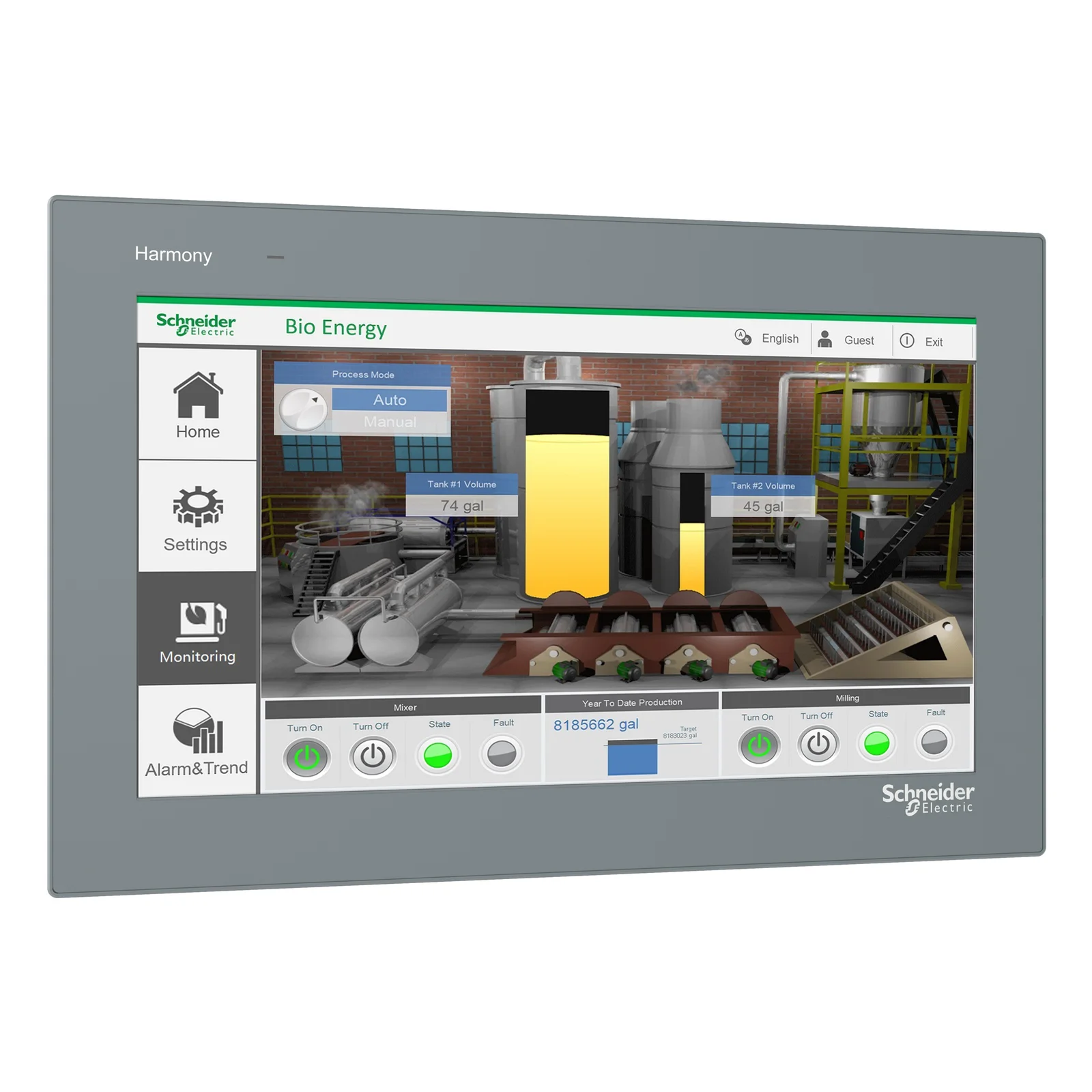
Schneider Electric Harmony
A generation of HMI graphics moved off Windows and onto Avalonia, rendering to the framebuffer on panels with as little as 512MB of RAM.
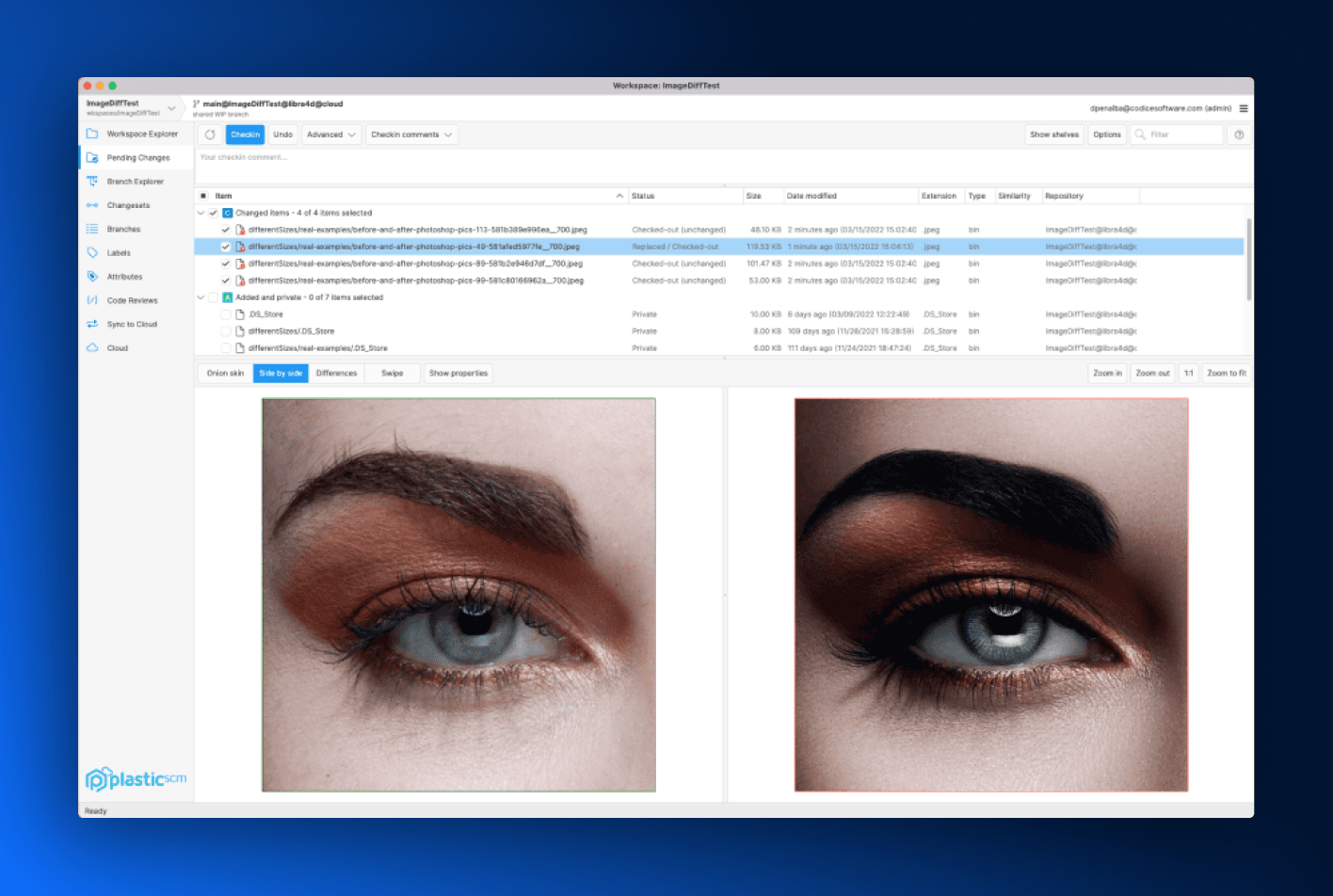
Unity Plastic SCM
Version control for game teams, with the same client shipped for Linux, Windows and macOS.
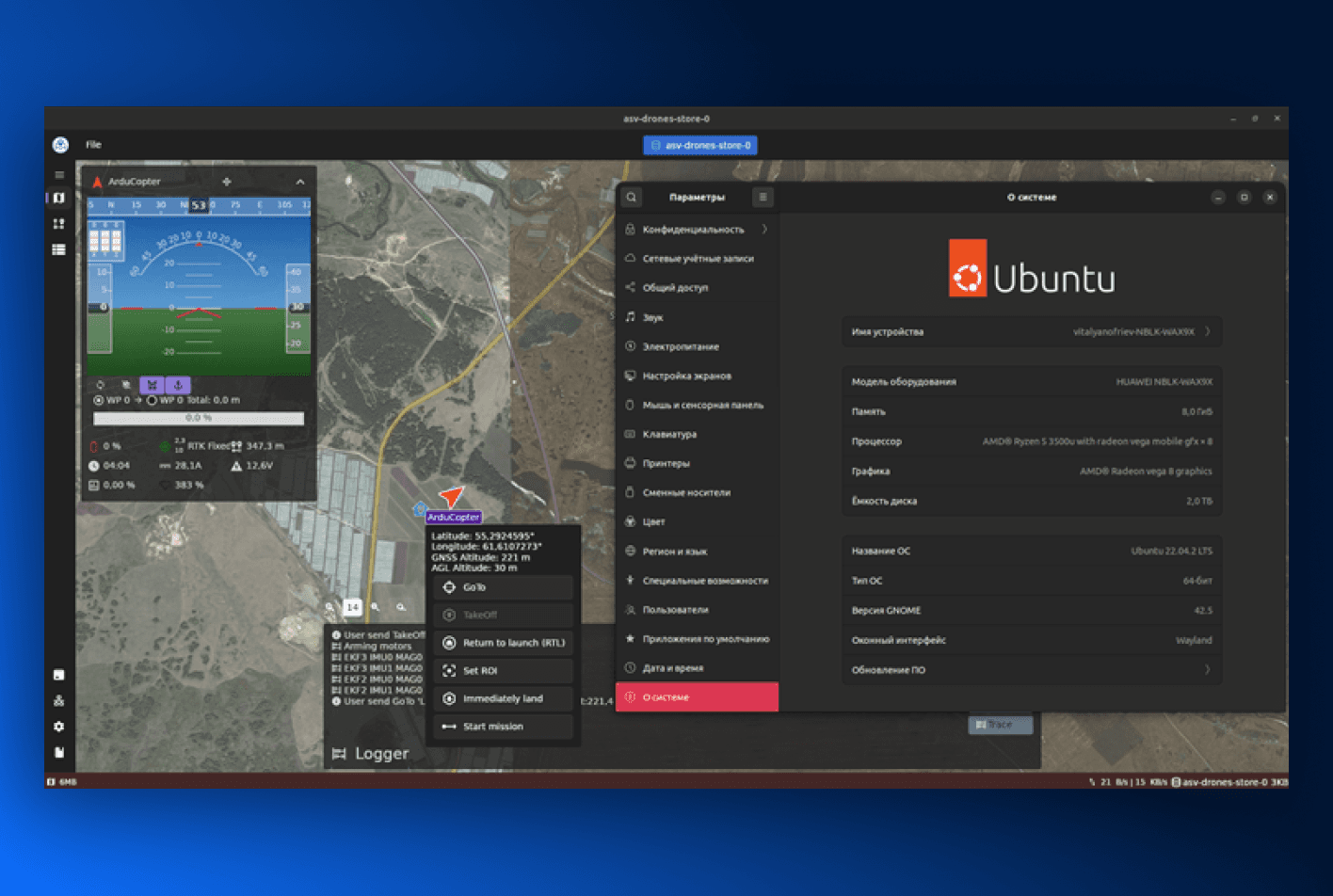
Asv.Drones
An open source ground control station for ArduPilot and PX4 autopilots, built and flown on Linux.
Desktop and embedded
No compositor. No window manager. No X server on the device at all.
On embedded Linux, Avalonia draws to DRM or the framebuffer directly. There’s no desktop stack in the image, which removes the memory and boot cost of one, and removes an entire category of things that can be misconfigured on a device you can’t reach.
That’s the same binary shape a developer runs on Ubuntu, so the daily loop stays ordinary: write the view on a laptop against X11 or Wayland, deploy it to a panel where the same view renders against the framebuffer. Input, DPI scaling and window chrome are handled by Avalonia rather than by whatever the device happens to have installed, which is what makes the two environments the same project instead of two.
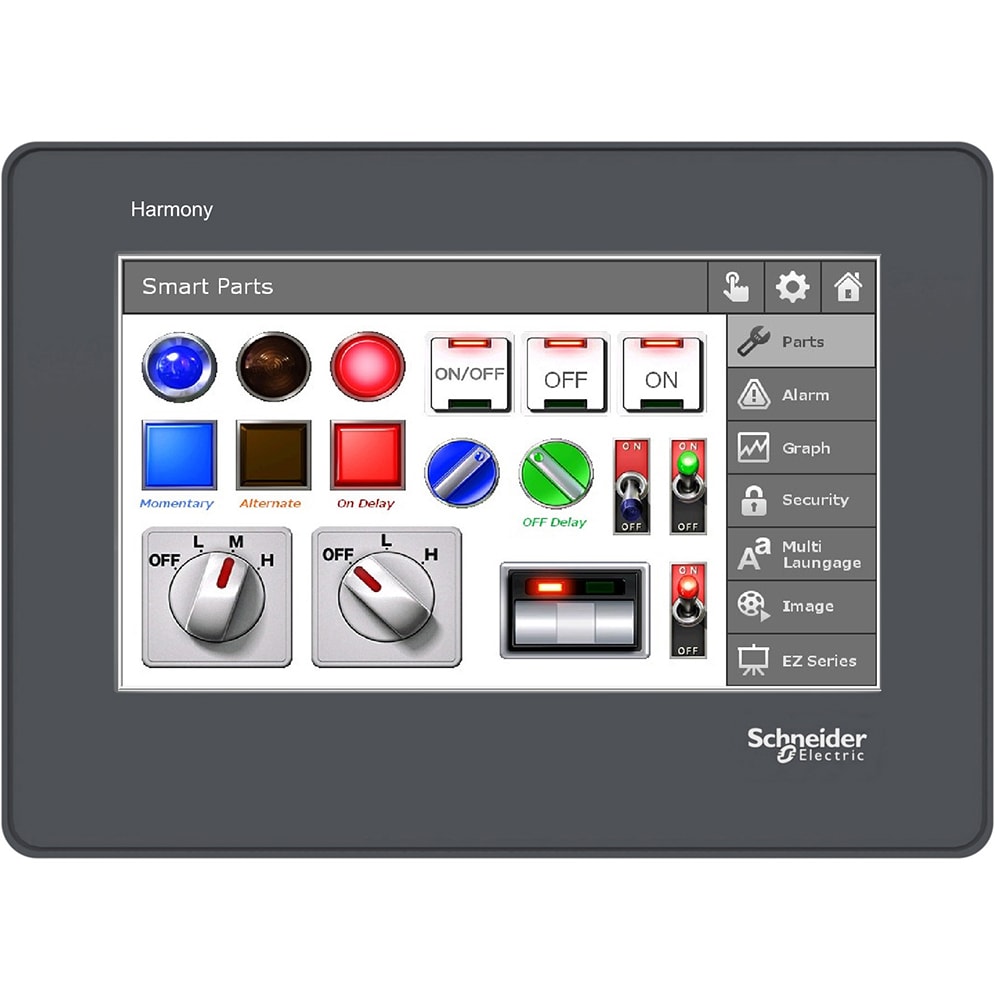
On the device
One method call is the difference.
Moving the same project from a developer laptop to a panel with no desktop stack is a change of entry point, not a change of codebase.
Rotate and scale the panel
DrmOutputOptions.Orientation takes Rotation0, Rotation90, Rotation180 or Rotation270 for panels mounted whichever way the enclosure demanded, and Scaling takes fractional values so a small high-density screen gets sensible logical pixels.
Touch, through libinput
Avalonia reads touch events from libinput and adjusts the coordinates for screen rotation itself, so a rotated panel doesn’t need a calibration layer of your own.
Virtual keyboard, built in
The virtual keyboard covers devices that have a touchscreen and nothing else, which is most of them once you leave a desk.
Straight into your application
With no login manager, no session and no desktop shell between power-on and the first frame, the device boots into your interface. That’s a shorter startup and a much smaller surface to harden on hardware you can’t reach.
Supported for as long as the panel is
A device that runs untouched for a decade needs a framework that is still maintained in year eight. Avalonia Enterprise includes designated LTS releases built for exactly that, with support for older majors beyond the standard window available on request.
One package, one lifetime
Add Avalonia.LinuxFramebuffer and swap IClassicDesktopStyleApplicationLifetime for ISingleViewApplicationLifetime. Your views, view models and styles don’t know the difference.
Deployment to Raspberry Pi and other boards is documented step by step.
Embedded Linux guideOn the desktop
X11 stays supported, Wayland is native, and it’s the same code on both.
Linux desktops are mid-migration and will be for years, so Avalonia targets both display protocols rather than betting on one and asking your users to wait.
Orca reads your app
Avalonia speaks AT-SPI2, the Linux accessibility protocol, and turns it on automatically when a D-Bus session bus is available. Screen readers see real controls, and Accerciser will show you the tree.
GNOME, KDE, XFCE, and the rest
Because Avalonia draws its own controls, the desktop environment handles window management and nothing else, so your interface doesn’t change shape between one environment and the next. KDE also picks up the global application menu, window icons and blur-behind.
Fits your event loop
UseGLibMainLoop runs Avalonia on the GLib main loop when you’re integrating with GTK or GLib-based libraries. WlDisplayName targets a specific Wayland display when more than one is available, and EnableReconnects keeps the app running if the compositor connection drops.
The Linux backend for .NET MAUI, too
We build the Avalonia-powered backend that brings .NET MAUI to desktop Linux, embedded Linux and the browser, with Microsoft’s MAUI team. Preview 1 shipped in March 2026 and the repository is public, so a MAUI codebase has a Linux path that keeps its MAUI code.
Runs where the desktop isn’t
WSL 2 works with a few extra libraries, and XWayland remains the fallback on Wayland sessions, so a developer machine that’s technically none of the above still runs your build.
The backend options and their trade-offs are documented in full.
Linux platform guideGetting it installed
Ship it however your users install things.
Avalonia produces an ordinary .NET application, so you choose how it’s packaged: deb, rpm, AppImage, Flatpak, snap, or your own pipeline.
The Linux installer comes out of the same run
Parcel produces the deb, rpm, AppImage, Flatpak and snap outputs from one saved configuration, run in parallel with the Windows and macOS builds. For a team whose developers are on Linux and whose customers aren’t, that’s the difference between one release step and three.
deb and rpm
Publish self-contained and wrap the output with the packaging tooling your distribution expects.
AppImage, Flatpak and snap
A self-contained publish has no runtime prerequisite, which is what makes the portable formats straightforward.
Yocto and Buildroot images
For embedded, the application goes into the image like any other binary, with no desktop stack to pull in behind it.
NativeAOT
Publish ahead of time for a smaller footprint and a faster start on boards where both are the constraint.
Nobody ships from a laptop
The Parcel CLI runs your saved configuration headlessly on a Linux agent, so every release builds in CI exactly as it does on your desk, and the five package formats above come out of one job.
Agents can drive it
Parcel ships an MCP server with the CLI. Its tools create the packaging project and run the pack, so an assistant with access to your repo can produce the deb, rpm and AppImage without a person clicking through it.
Avalonia itself is MIT licensed. Parcel is the packaging tool; the free Community edition packages for the machine it runs on, and Plus adds cross-platform packaging and the CLI.
See ParcelEvery target
The panel and the laptop are the same project.
If Linux is your hard target, the rest come close to free. The same views and view models produce the Windows, macOS, mobile and browser builds.
Windows
Direct Win32 calls, x64 and ARM64.
macOS
A native backend, universal binaries.
Linux
X11, Wayland, and bare framebuffer.
You’re here
iOS
The same views, drawn on Metal.
Android
ARM64, ARM32 and x64 devices.
WebAssembly
Static files, no server component.
One project, from the workstation to the panel.
Install the templates and run the sample on your laptop, then deploy the same project to a board. The framework is MIT licensed, and that same publish is what reaches it.