Package and distribute your Avalonia apps
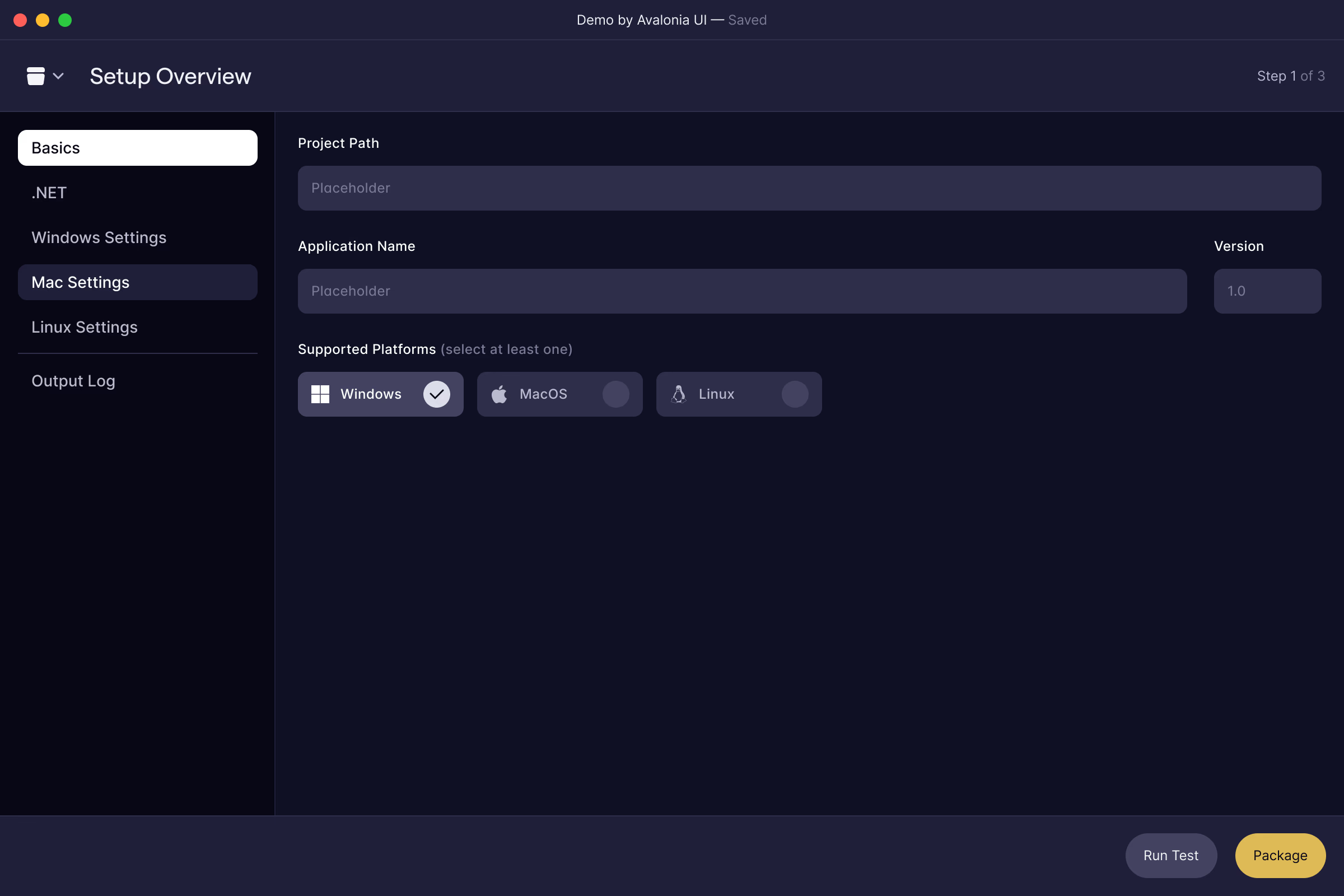
Native installers for Windows, macOS and Linux from one toolset. Community packages for the machine you're on; Plus signs, notarizes and automates the releases you ship.
Trusted by .NET teams around the world
Community edition
Everything you need to package your first release.
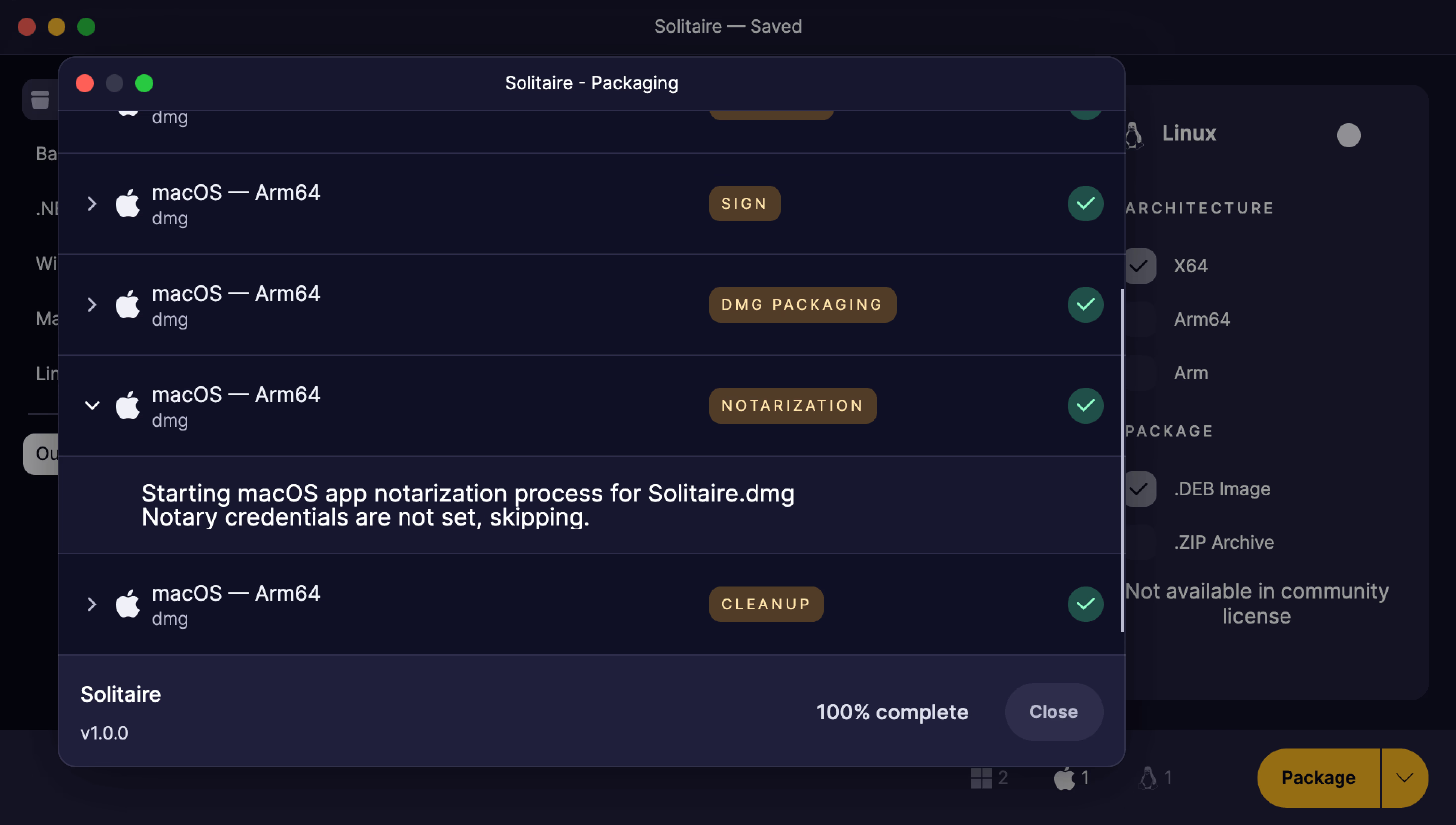
When you're learning Avalonia or building apps for fun, the Community edition turns your project into a real, installable app at no cost, free for non-commercial use. Point Parcel at your project, pick your formats, and get a native package for the platform you're on.
Every native format, no scripts
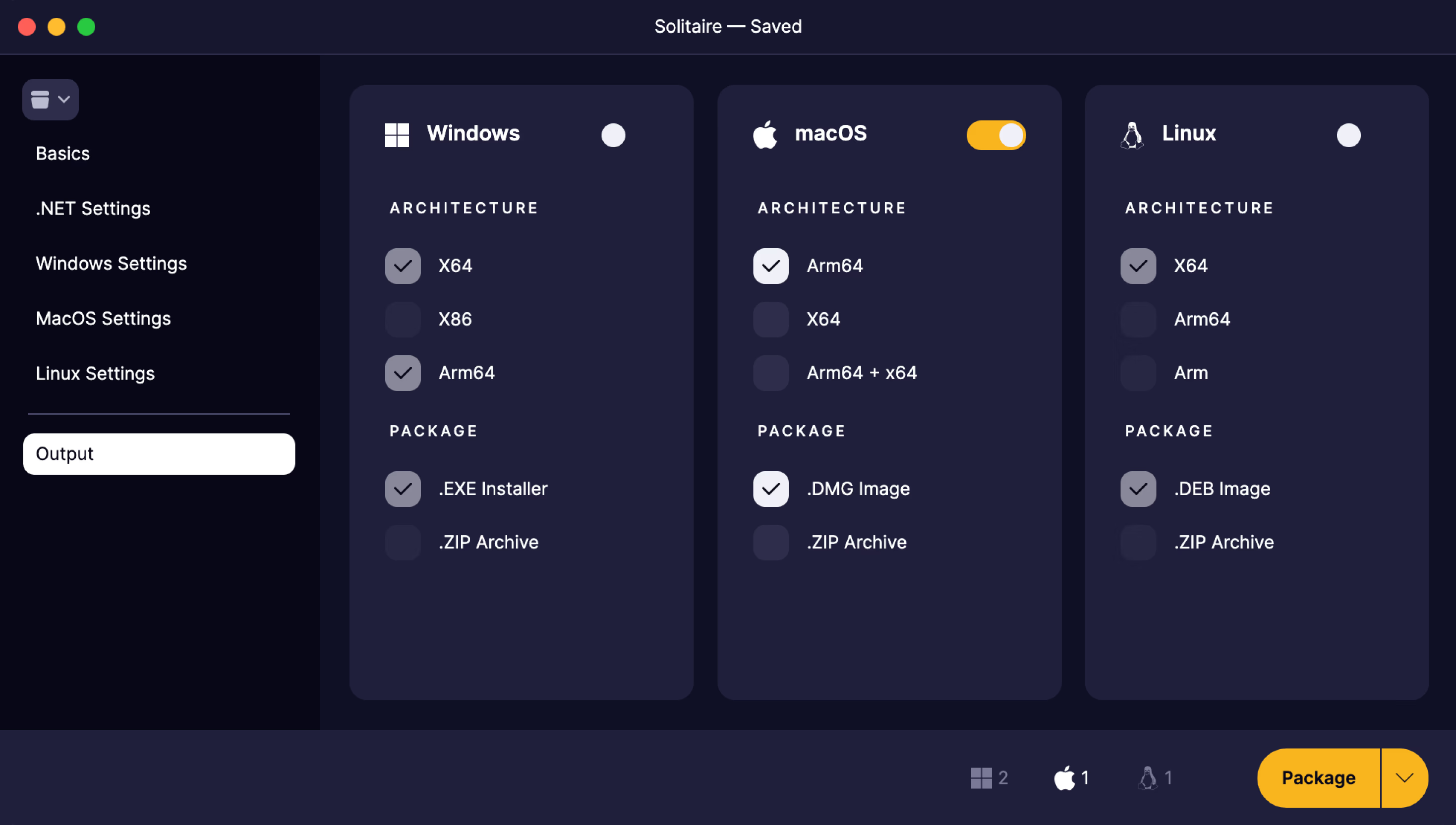
Choose your architectures and outputs in one place: EXE installers and ZIP archives on Windows, DMG images on macOS, DEB packages on Linux. Parcel runs the whole publish pipeline for you, with no NSIS scripts, no plists and no Makefiles to maintain.
Plus edition
Built for releases you ship to users.
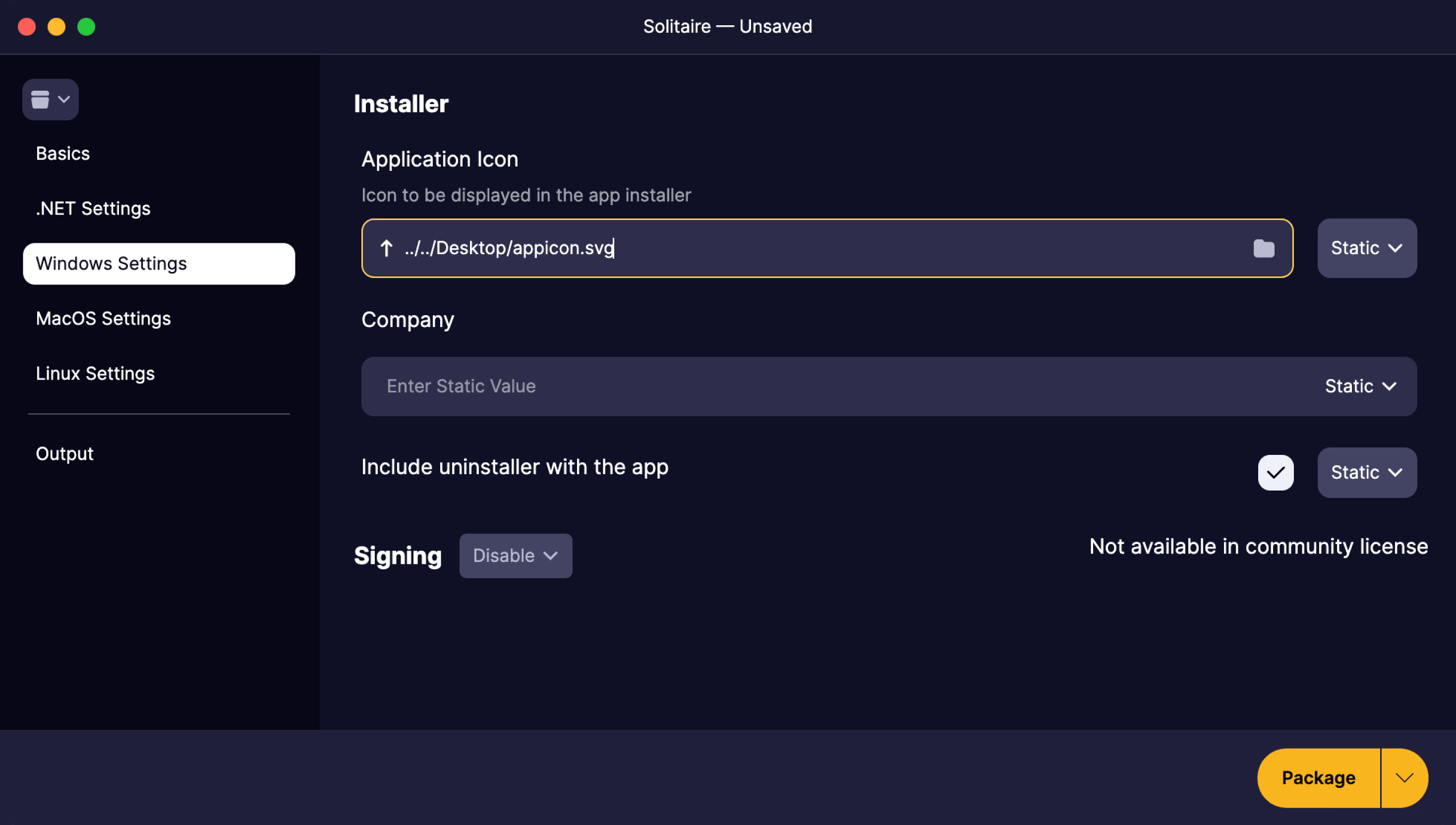
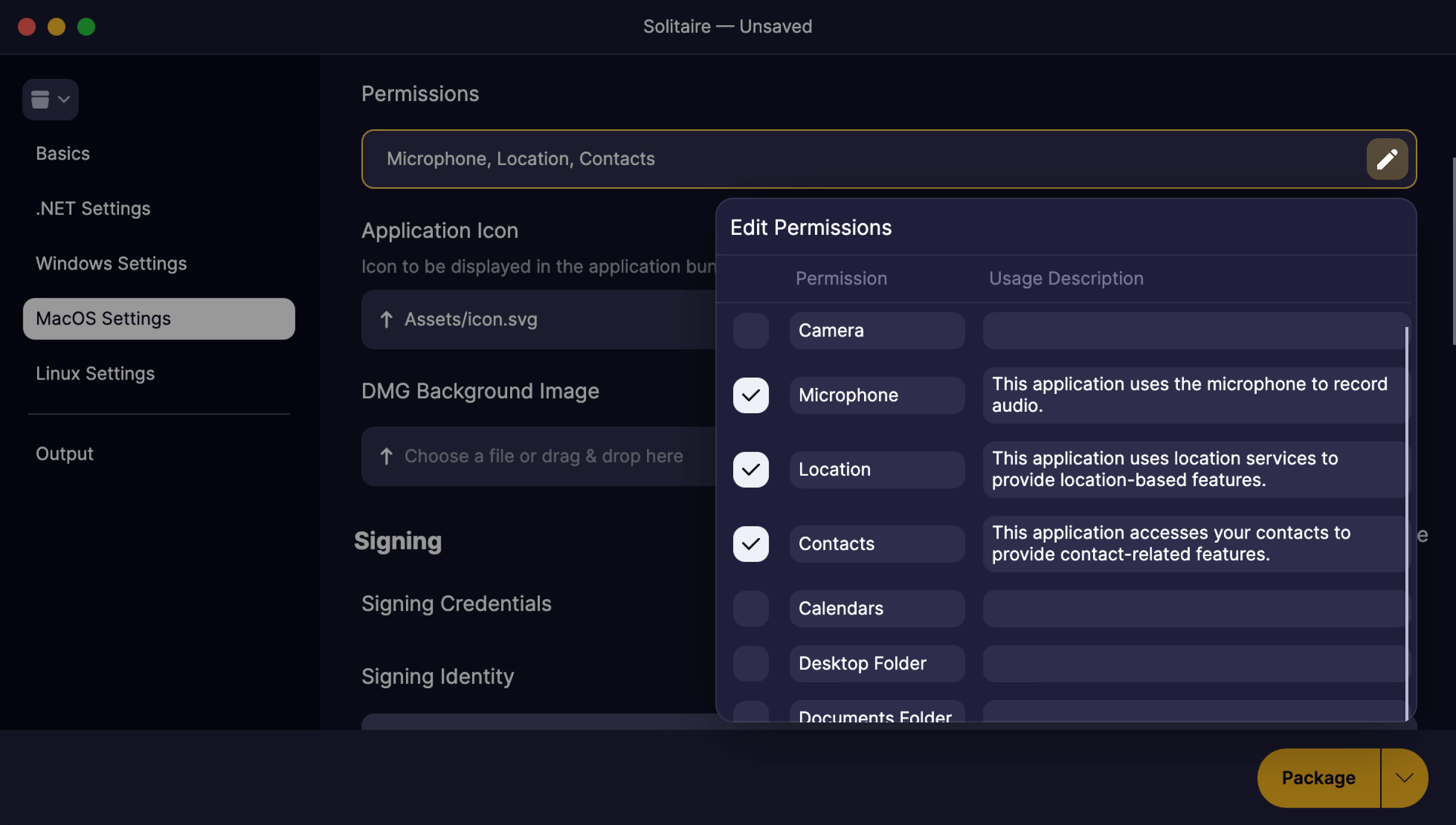
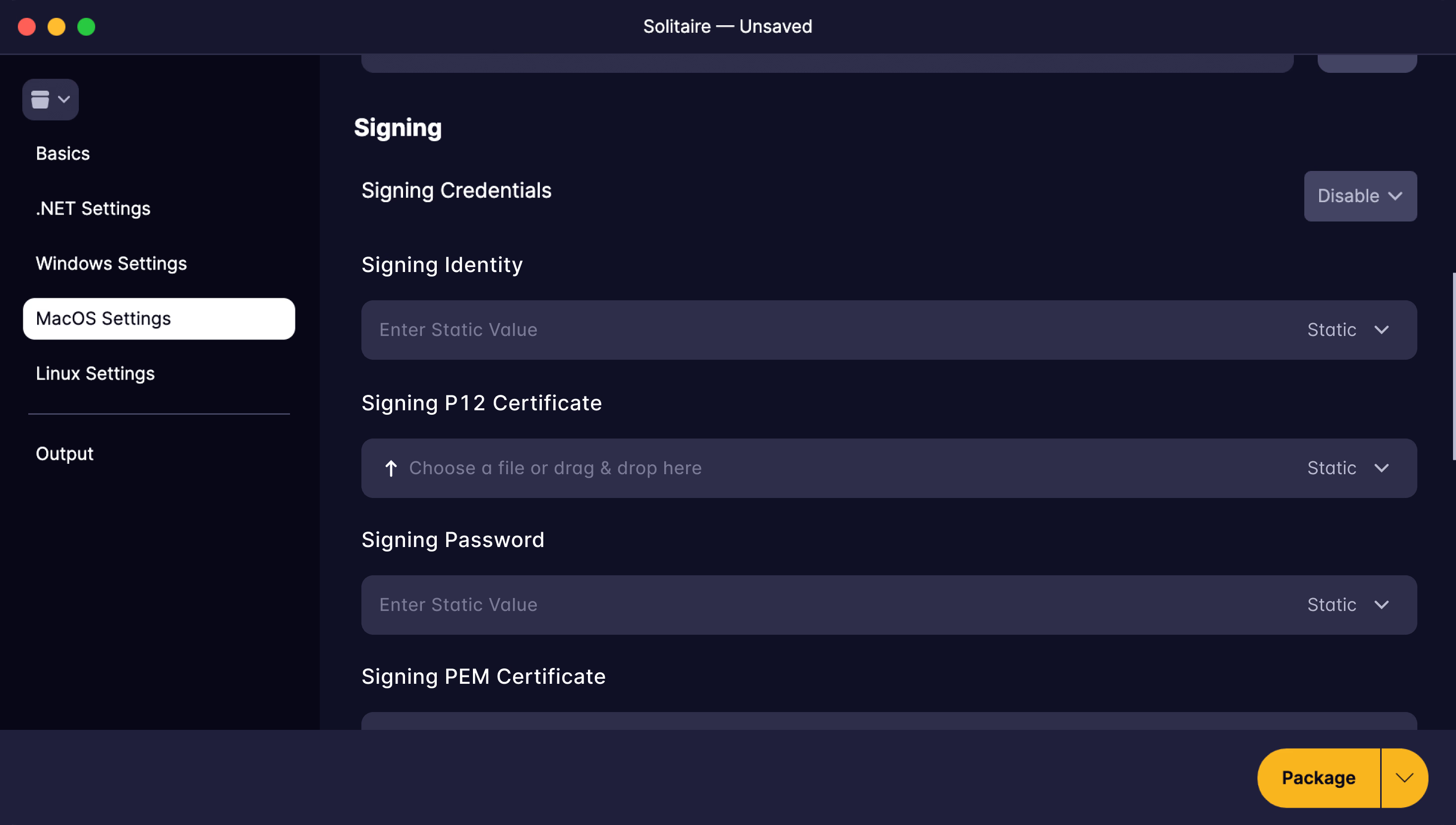
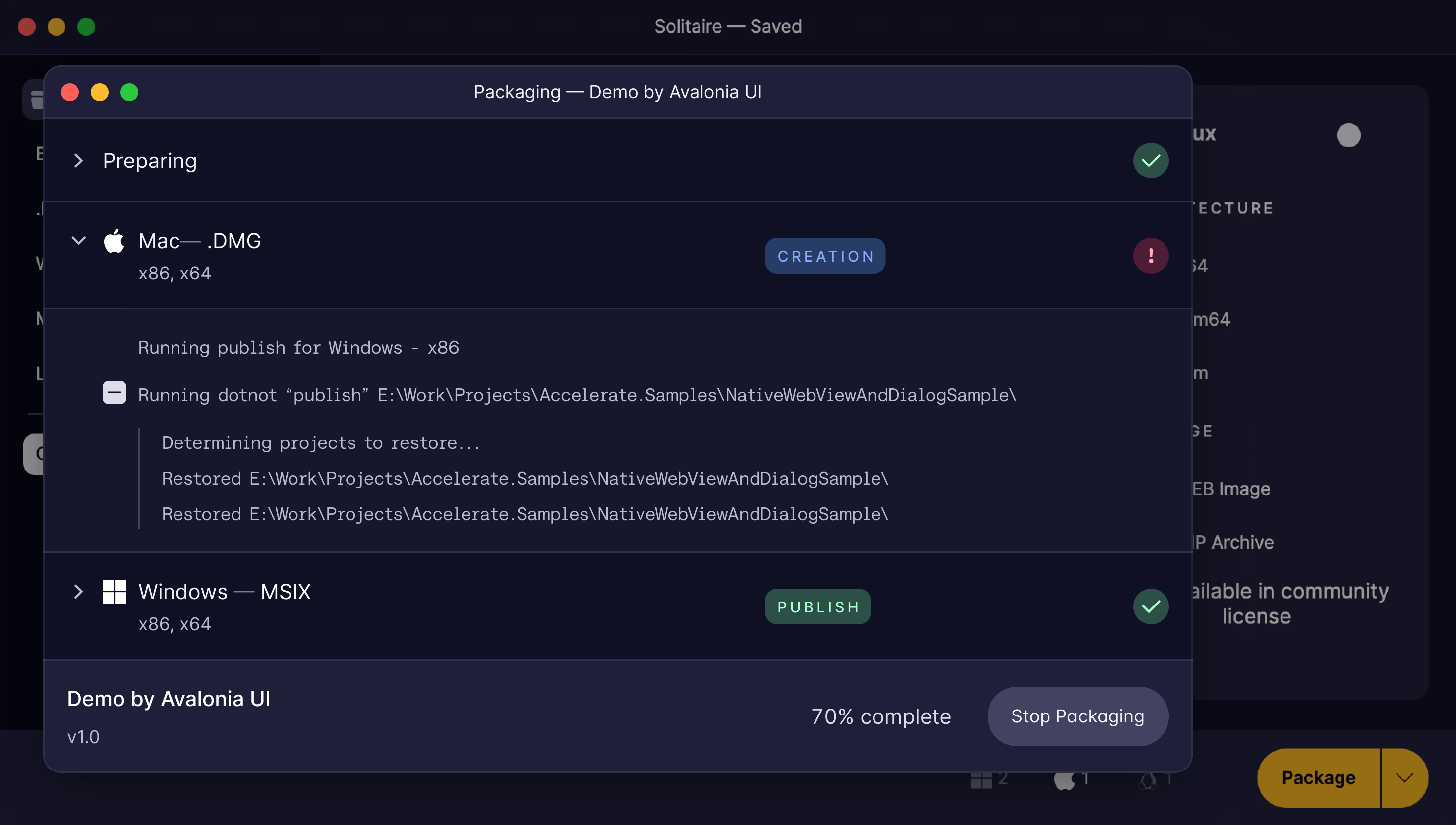
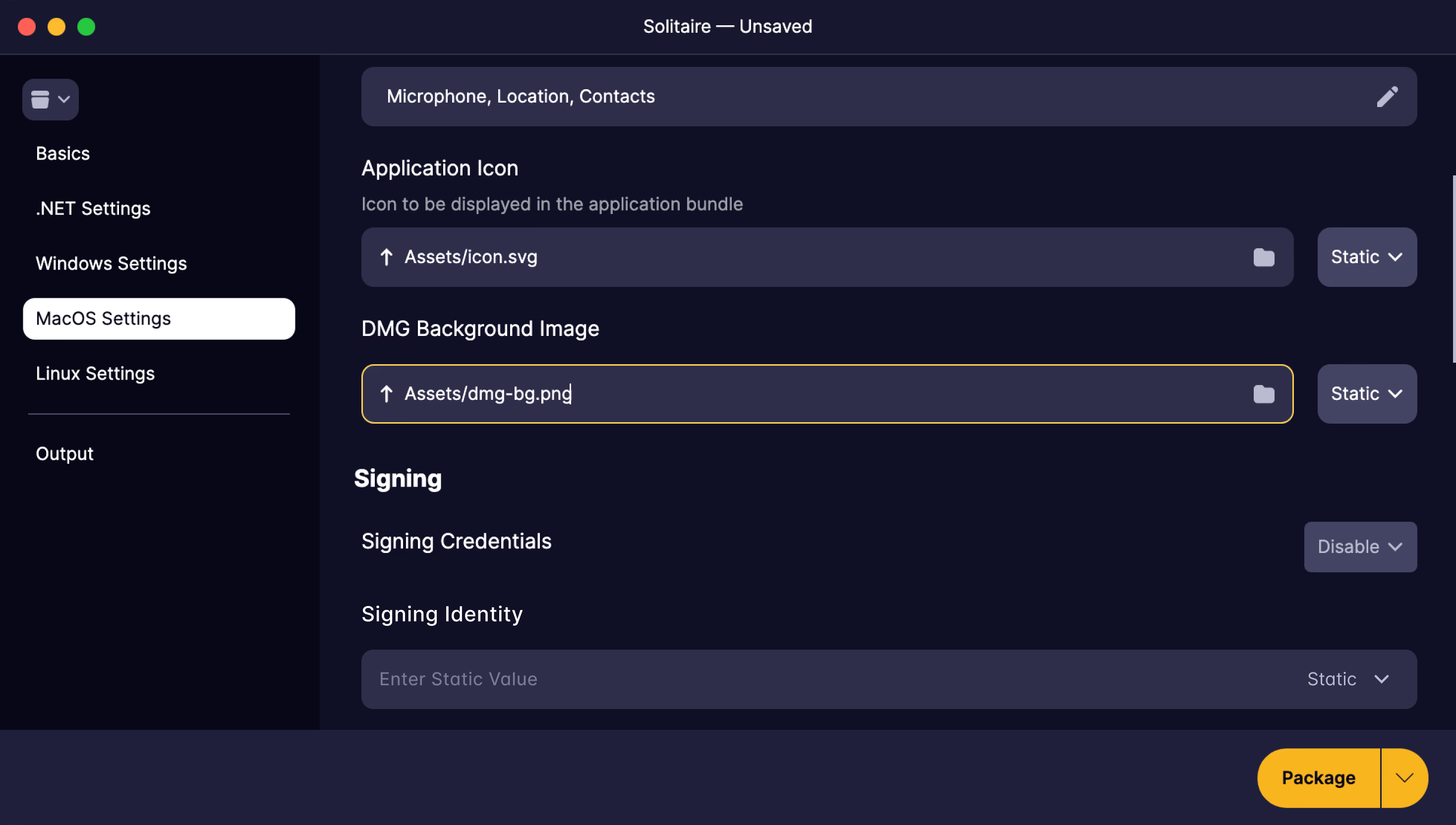
Packaging an app and shipping it are different jobs. The Plus edition covers the second one: it signs and notarizes your builds so Windows and macOS trust them, packages every platform from one machine, lifts the Community size cap and branding, and automates the whole run from your CI pipeline. It's included with every Avalonia Plus, Pro and Enterprise subscription.
Included with Avalonia Plus, Pro, and Enterprise subscriptions
See pricingIncluded with your subscription
One subscription, the whole toolchain.
Upgrading unlocks more than Parcel. Every Avalonia Plus, Pro and Enterprise subscription also includes Avalonia for Visual Studio, Avalonia for VS Code, DevTools and Hot Reload, so the same subscription that ships your releases also upgrades your editor, debugging, inspection and the edit loop in between.
The best Avalonia developer experience available today. Live XAML previewer, IntelliSense, project templates, and much more.
The same XAML tooling everywhere VS Code runs: live previewer, IntelliSense, deep analysis, and refactorings on Windows, macOS, and Linux.
See inside your running app: live property editing, visual and logical tree navigation, and real-time diagnostics for any Avalonia application.
Edit XAML and C# while the app runs: changes apply on save, with no rebuild, no restart, and your app keeps its state.

Customer stories
"Avalonia has a very strong community, and frankly is a joy to work with."
Bill Henning
CEO & Founder, Actipro Software


Why upgrade
Professionals invest in tools that save them time.
The Community edition is an excellent way to package your first builds. The Plus edition is for the moment those builds meet real users, where an unsigned installer, a blocked app or a manual release process costs you trust and time. Plus removes that friction, so shipping becomes a step in your pipeline instead of a project.
Windows warns people before they run your app
SmartScreen flags unsigned installers, and most users stop right there. Authenticode and Trusted Signing support makes the warning disappear.
macOS won't open it at all
Gatekeeper blocks apps that aren't signed and notarized. Plus signs with your Apple identity and submits to Apple's notary service as part of the packaging run.
Release day needs three machines
Community packages only for the OS it's running on. Plus packages every target from one machine, and runs them in parallel.
Someone has to remember to click Package
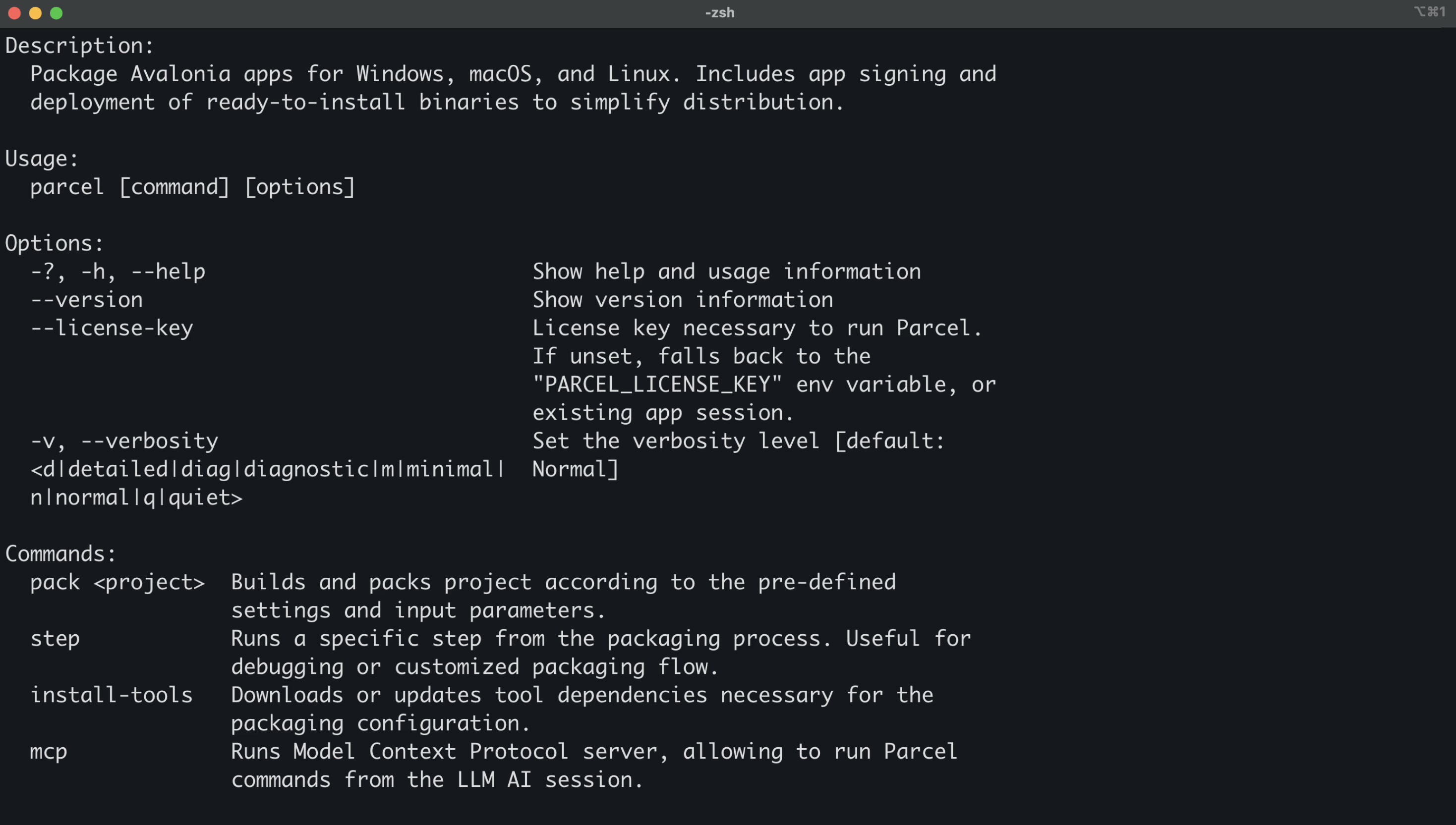
The Parcel CLI moves packaging into your CI pipeline, so every release is reproducible and nobody ships from a laptop.
Editions
Parcel comes in two editions
Community packages apps for the platform you're on, while Plus unlocks code signing, notarization, cross-platform packaging, and CLI automation for CI/CD.
Core features
Plus edition
FAQ
Your questions,
answered.
Can't find what you need? We're here to help.
The Community edition packages for the platform Parcel is running on, through the GUI only, with a 200 MB output limit. Builds are unsigned and un-notarized, targets package sequentially, and installers carry Parcel branding. Upgrading to a paid subscription unlocks cross-platform packaging, code signing and notarization, parallel builds, unbranded installers, and the Parcel CLI for CI/CD.
Parcel supports NSIS installers for Windows, DMG for macOS, DEB for Linux, and ZIP archives for all platforms.
Parcel supports pre-downloading all required build dependencies so you can run offline builds. See the documentation for details on configuring offline packaging.
Cross-platform packaging is available with the Plus edition. You can create macOS DMG packages from Windows or Linux, and vice versa. The Community edition packages only for the platform Parcel is running on.
The Parcel CLI and the MCP server require a paid subscription (Plus, Pro, or Enterprise). They run the same packaging configuration as the GUI headlessly, so releases build in CI exactly as they do on your machine. The Community edition is GUI only.
Community builds carry Parcel branding: a watermarked DMG background on macOS and "Packaged by AvaloniaUI Parcel" in the Windows installer text. Upgrading to a paid subscription removes the branding and lets you supply your own DMG background.
Parcel goes beyond dotnet publish by creating platform-native installers (NSIS, DMG, DEB), handling code signing and notarization, custom branding, and providing a streamlined packaging workflow.
Start packaging smarter
Try the Plus edition free for 30 days and ship signed, notarized installers for Windows, macOS, and Linux from one toolset. Parallel builds and CI/CD support keep every release moving.