Build Avalonia apps in VS Code
Skip the signup and start building for free. Community covers the fundamentals; Plus clears the friction that slows professional XAML work.
Trusted by .NET teams around the world
Community edition
Everything you need to get started with Avalonia.
Whether you're evaluating Avalonia, learning the framework or building small applications, Community gives you everything you need to get started at zero cost.
Live XAML previewer
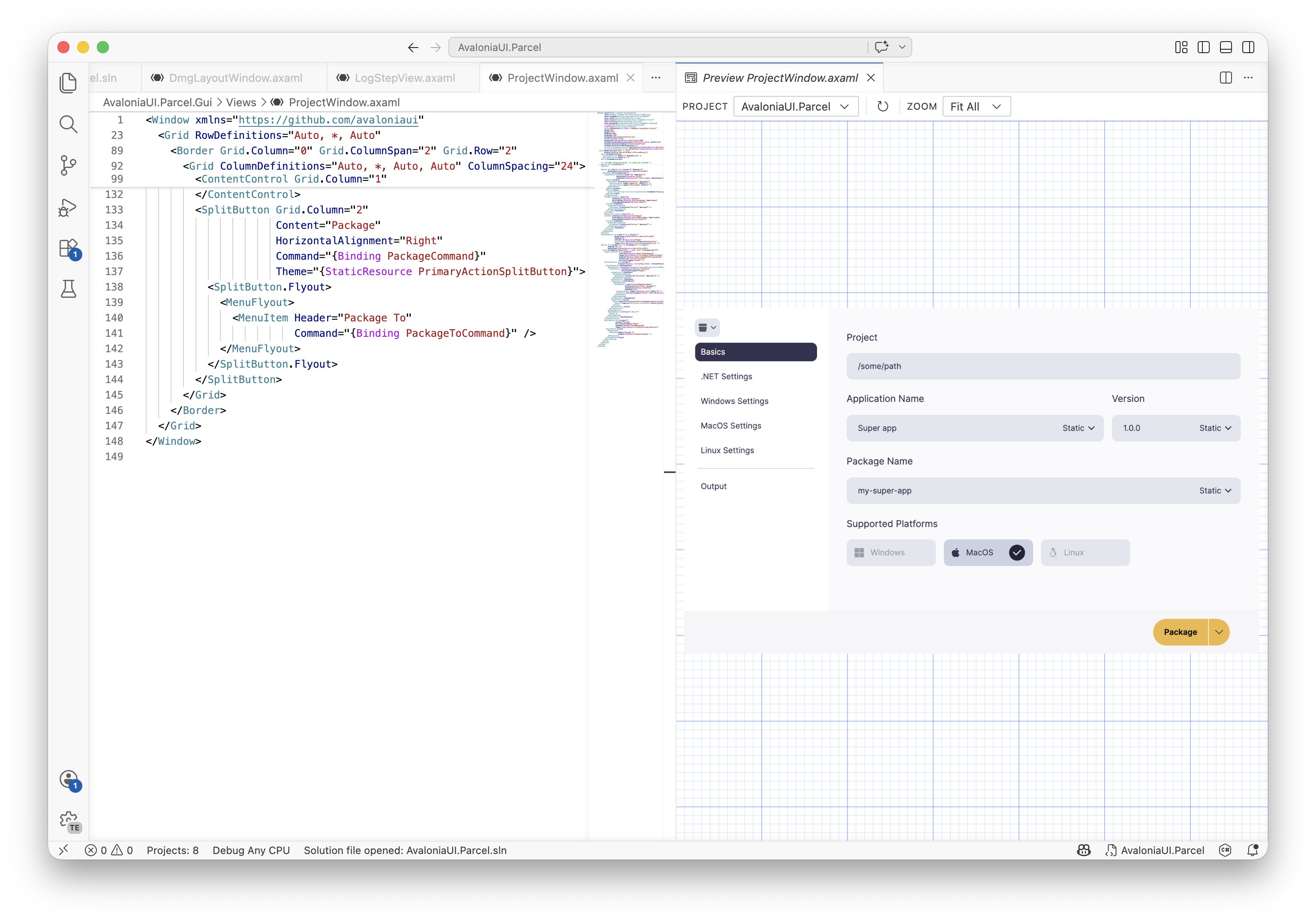
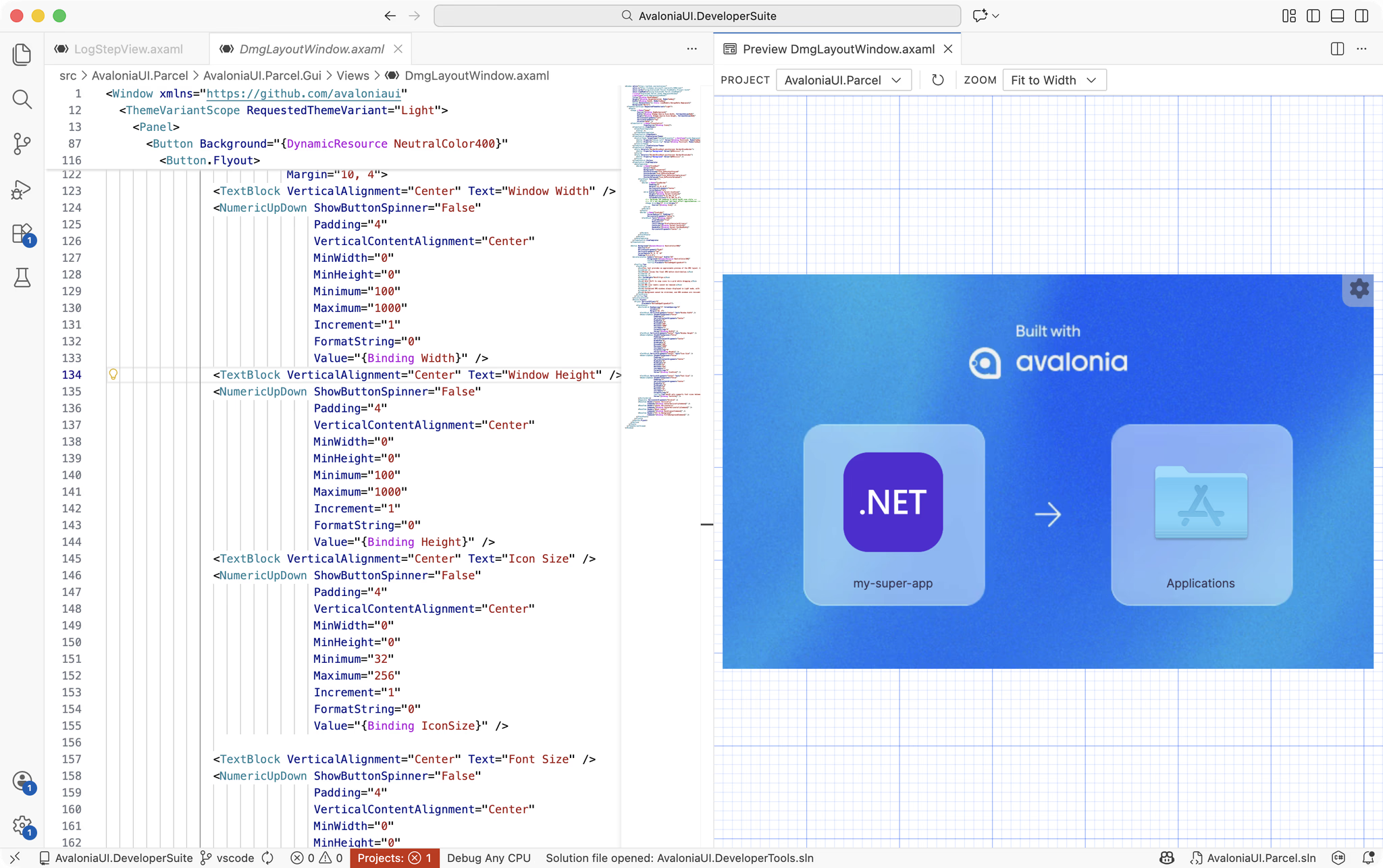
The extension ships with a fully functional live previewer. Edit your XAML and see how it will look immediately, rendered beside your code with no build step and no leaving the editor.
Ready to get started?
Get it now, it's freePlus edition
Built for professional Avalonia development.
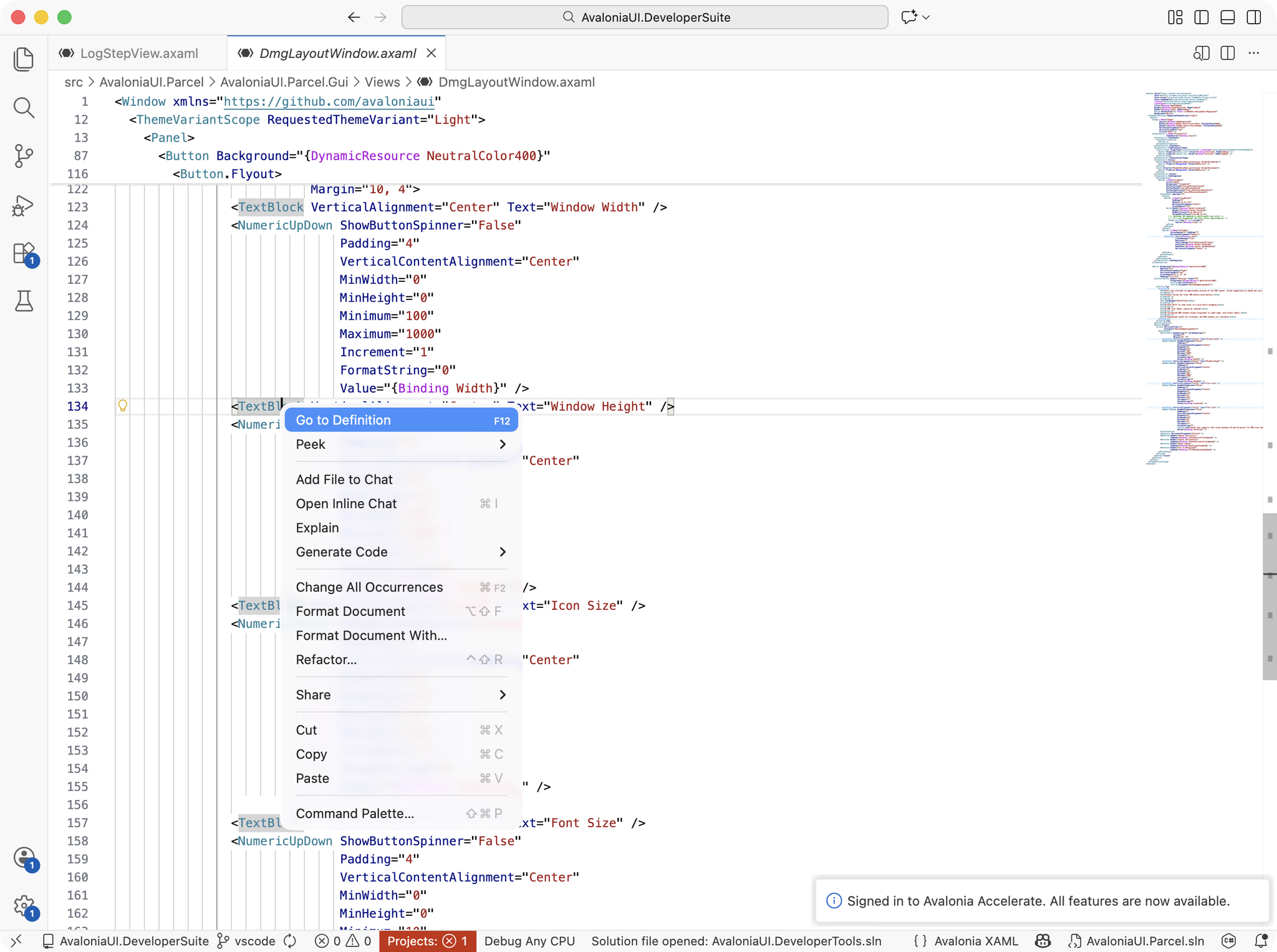
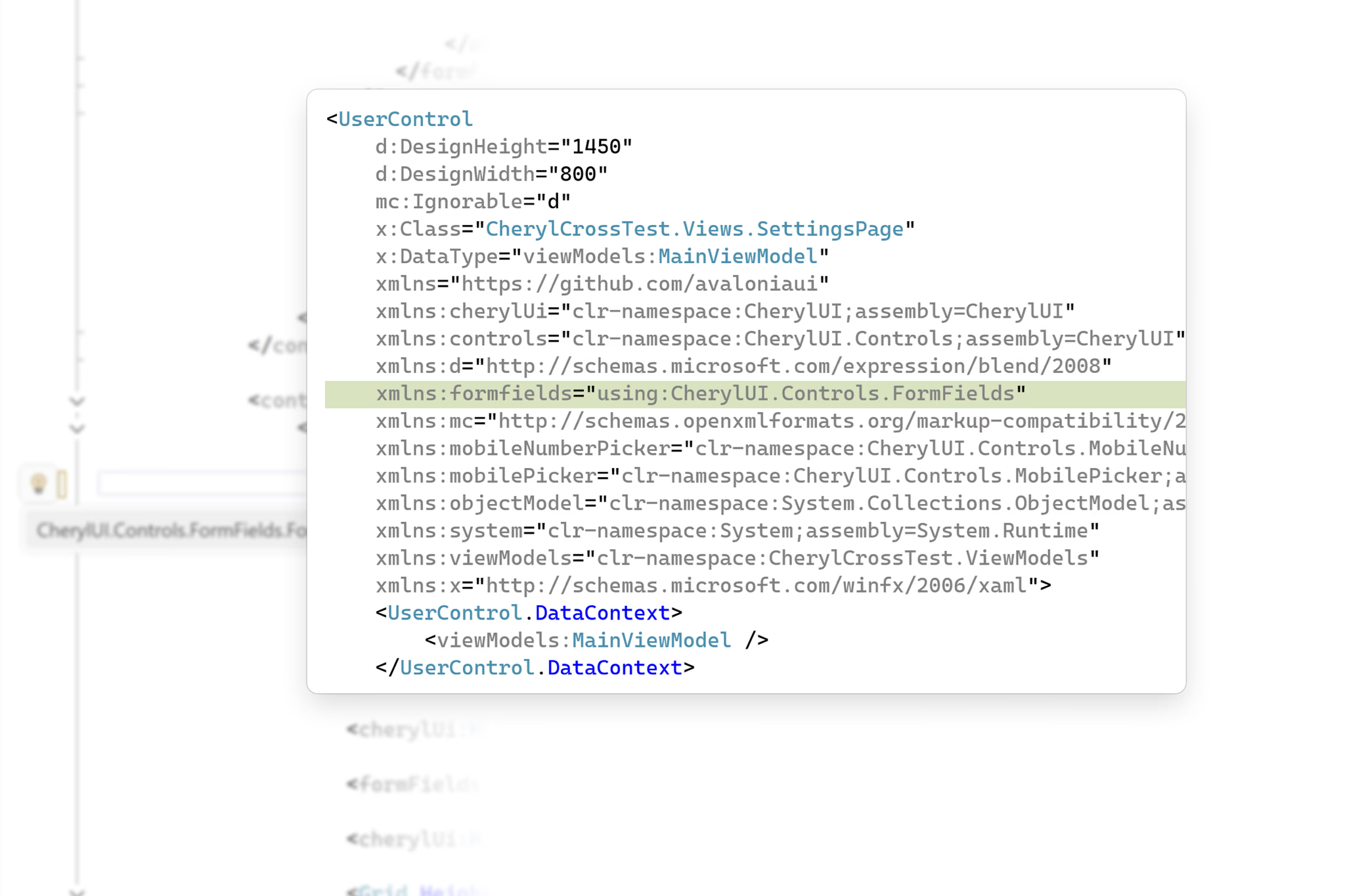
When Avalonia becomes part of your daily workflow, upgrade to a paid subscription and unlock the most productive features. As your applications grow, so does the complexity of your XAML. The Plus edition doesn't just edit your code, it understands it. By analysing your XAML, it catches issues the compiler misses, automates repetitive refactorings, and gives you powerful tools for navigating and maintaining growing applications. It's included with every Avalonia Plus, Pro and Enterprise subscription.


Included with Avalonia Plus, Pro, and Enterprise subscriptions
See pricingIncluded with your subscription
One subscription, the whole toolchain.
Upgrading unlocks more than VS Code. Every Avalonia Plus, Pro and Enterprise subscription also includes Avalonia for Visual Studio, DevTools, Parcel and Hot Reload, so the same subscription upgrades your editor, improves debugging, inspection and shipping, and keeps your app running while you edit it.
The best Avalonia developer experience available today. Live XAML previewer, IntelliSense, project templates, and much more.
See inside your running app: live property editing, visual and logical tree navigation, and real-time diagnostics for any Avalonia application.
Ship what you build: native installers for Windows, macOS and Linux, with code signing and notarization handled in one toolset.
Edit XAML and C# while the app runs: changes apply on save, with no rebuild, no restart, and your app keeps its state.

Customer stories
"Avalonia has a very strong community, and frankly is a joy to work with."
Bill Henning
CEO & Founder, Actipro Software




Why upgrade
Professionals invest in tools that save them time.
The Community edition is an excellent way to start building with Avalonia. The Plus edition is designed for developers who build with Avalonia every day, where every interruption, every manual refactoring and every avoidable bug slows development. Plus removes that friction, so you can stay focused on building your application.
Your views no longer fit in your head
Files run to hundreds of lines and finding one control means scrolling. The outline keeps the whole tree in view beside the editor.
The compiler says everything is fine. Your users disagree.
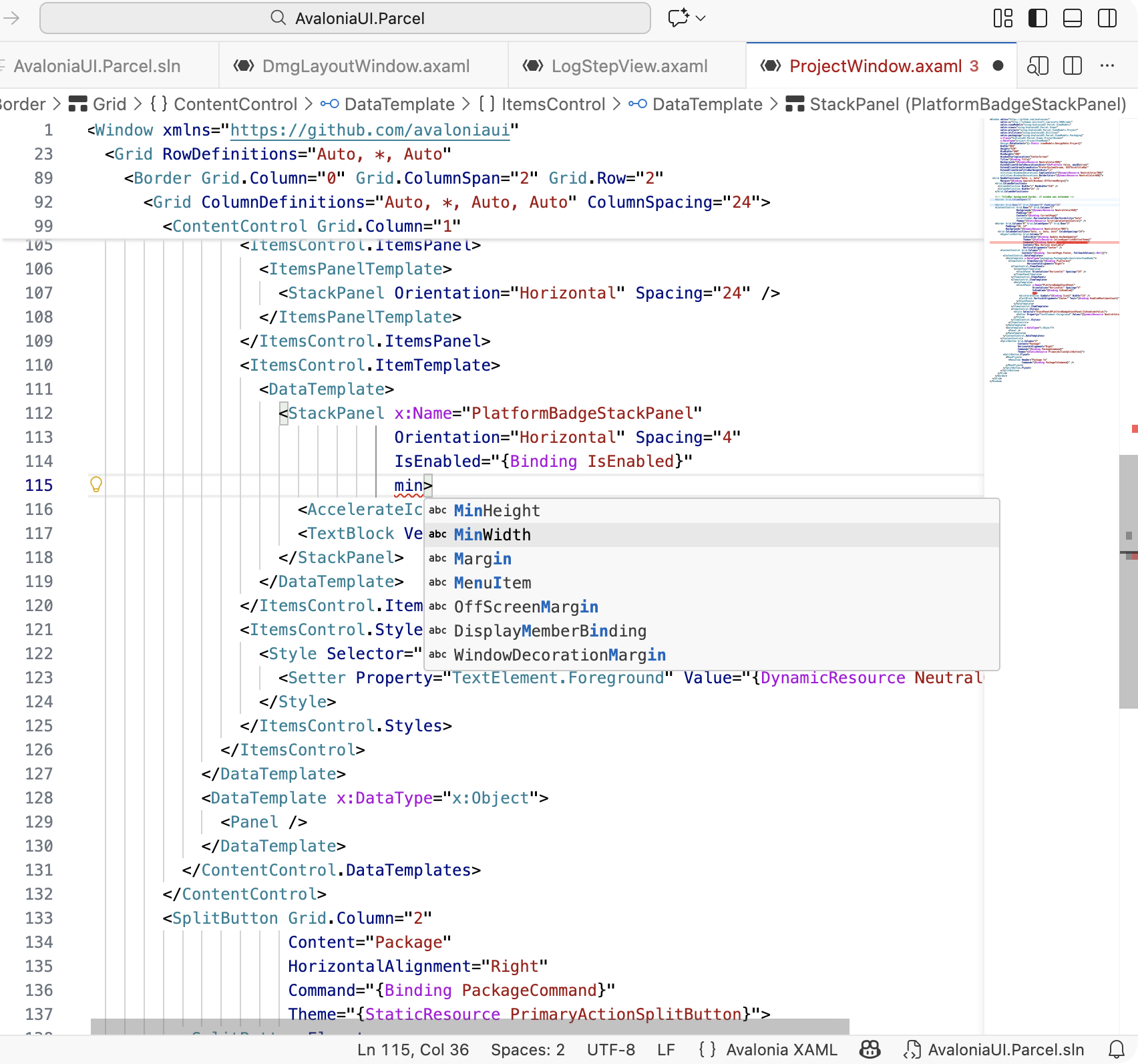
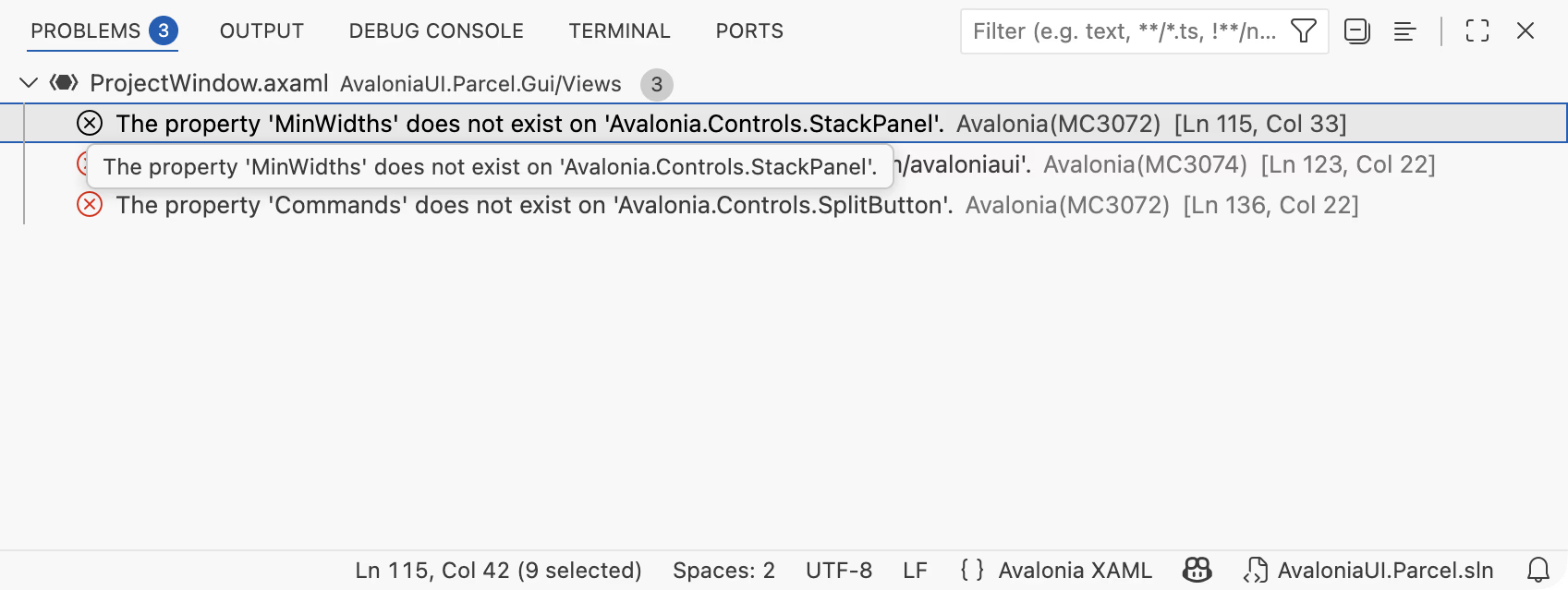
Grid coordinates that point nowhere compile without complaint. The advanced analysis available in the Plus edition immediately flags them.
The same properties are pasted across controls
Copied inline styling drifts apart quietly. One-click refactorings pull them into shared styles you maintain in a single place.
You're building from memory instead of intent.
The toolbox puts every control a drag away, so you build from what you can see rather than what you can remember.
Editions
Avalonia for VS Code comes in two editions
Community provides core XAML editing capabilities at no cost, while Plus unlocks the full power of the extension with deeper refactoring and productivity features.
Core features
Plus edition
FAQ
Your questions,
answered.
Can't find what you need? We're here to help.
Yes. The Community edition is free for personal, open-source, and commercial projects, with no account required. The Plus edition adds deeper XAML analysis, advanced refactoring, the XAML outline, and the toolbox, and is included with Avalonia Plus, Pro, and Enterprise subscriptions.
No. The extension works out of the box with no account or sign-in required. Just install it from the VS Code Marketplace and start building.
Avalonia for VS Code runs everywhere VS Code does: Windows, macOS, and Linux. It also works with VS Code-compatible editors such as Cursor.
Community includes XAML IntelliSense with autocompletion, a live XAML previewer, code navigation, error highlighting, and project templates. Plus adds deeper XAML analysis, one-click refactorings, the XAML outline, and the toolbox. The edition comparison on this page has the full breakdown.
The extension itself is not open-source, but it is free to use without restrictions. Avalonia UI, the framework it supports, is open-source and MIT-licensed.
Elevate your VS Code experience
Try the Plus edition free for 30 days and experience professional tooling in your daily workflow. Build your next Avalonia app without leaving the editor.