Avalonia for macOS
A native macOS backend written and maintained by us, universal binaries for Apple silicon and Intel, and no Mac needed to compile.
Platform support
A backend we wrote, not a workload we borrowed.
Avalonia ships its own native Objective-C++ macOS backend rather than depending on the .NET macOS workload. That’s why the Mac build behaves like the Windows and Linux builds, and why it doesn’t inherit anyone else’s deprecation schedule.
Windowing
Native Objective-C++ backend
Written and maintained by us, not the .NET macOS workload.
Rendering
Skia
GPU accelerated, with a software fallback.
Architectures
Apple silicon and Intel
ARM64 and x64, shippable as one universal binary.
Runtime
.NET 8.0 or later
No Xamarin.Mac, and no Mac required to compile.
Shipping today
Tools built for people who notice.
Designers and profiler users are among the least forgiving audiences a desktop application can have. These are the Mac builds those teams ship.
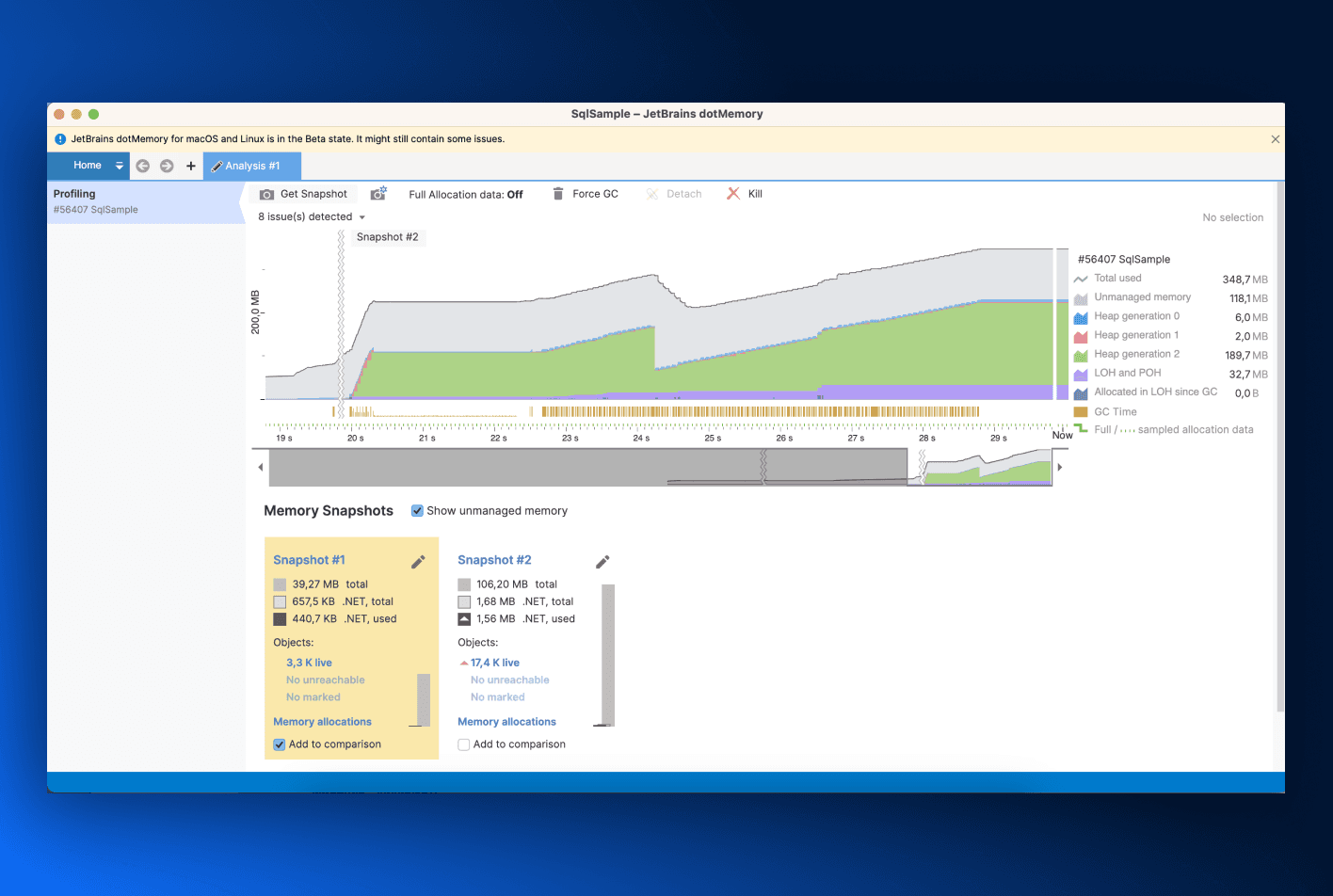
JetBrains dotMemory
The .NET memory profiler, rebuilt on Avalonia so one codebase serves the Windows, macOS and Linux editions.
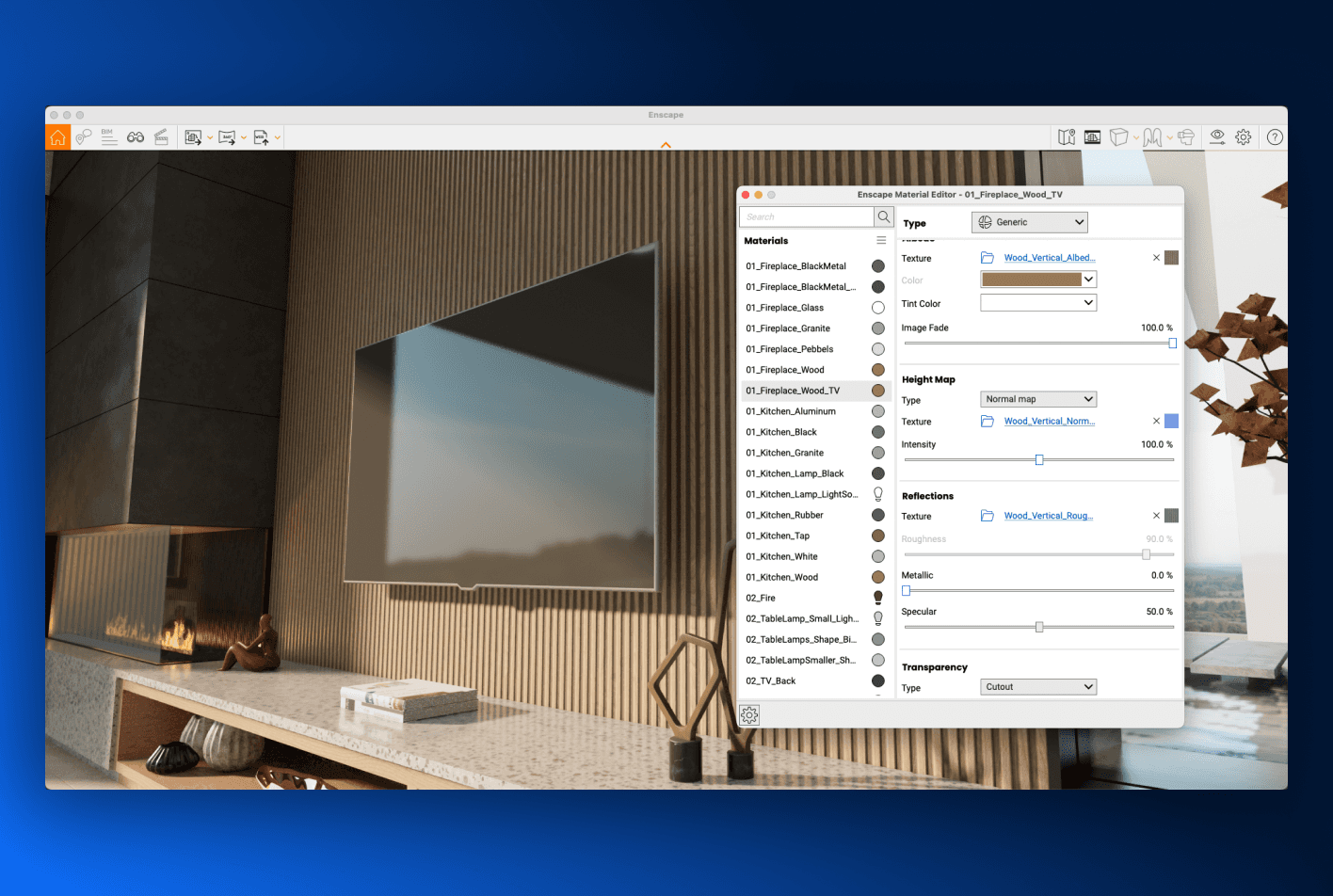
Chaos Enscape
Real-time architectural rendering and virtual reality, running inside the design tools architects already use.
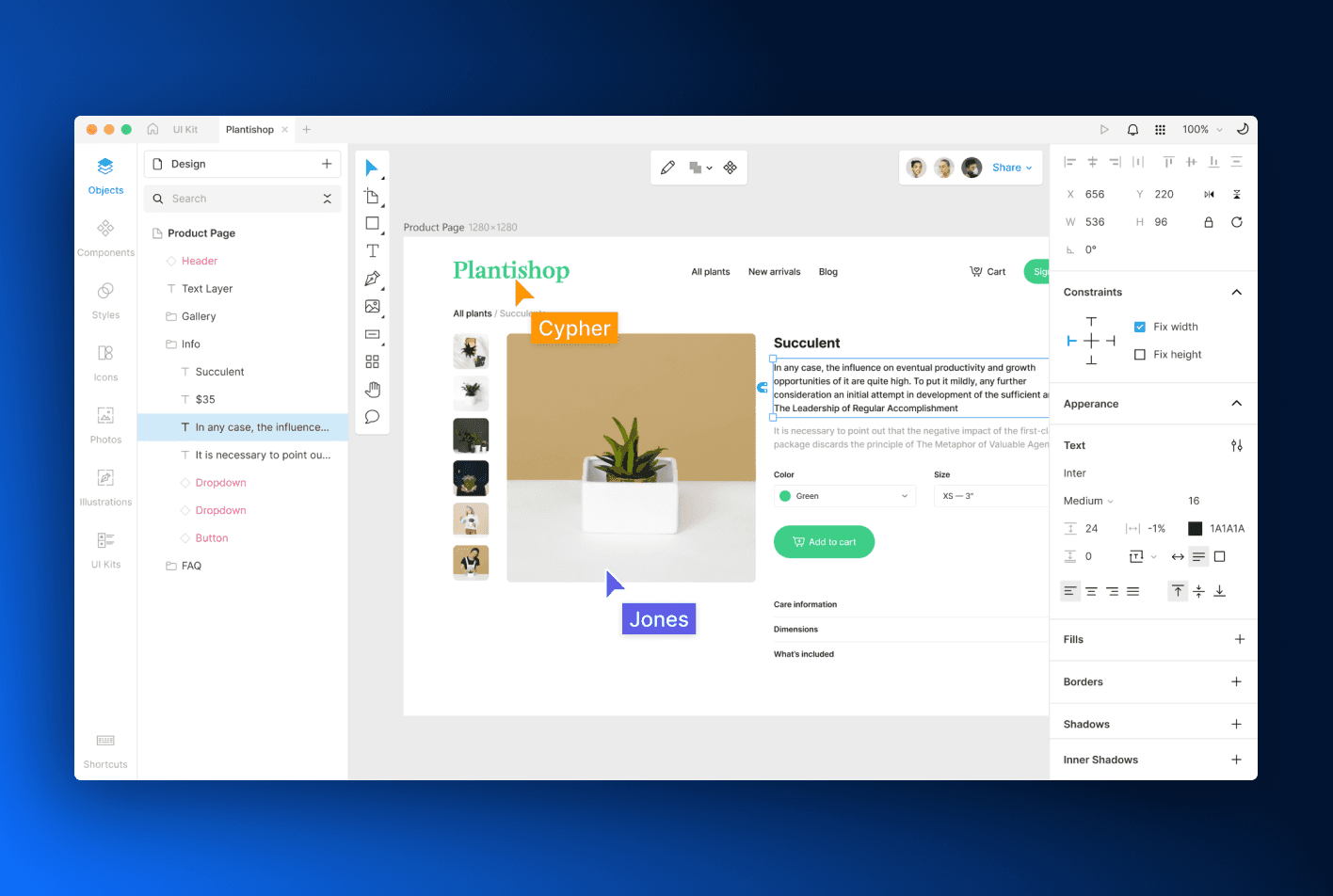
Icons8 Lunacy
A full graphic design application with built-in AI tooling, shipped for macOS, Windows and Linux.
Your build pipeline
Compile on Windows. Run on the Mac.
Avalonia’s macOS backend has no Xamarin.Mac dependency. Your existing Windows or Linux build agents can produce the Mac build, which keeps macOS out of the “we’d need to buy hardware first” column when a team is deciding whether to support it at all.
Signing and notarisation travel too. Apple’s own command line tooling needs a Mac to run on, which is why most teams assume the release still has to end on one. Parcel signs with your Apple identity and submits to Apple’s notary service as part of the packaging run, from whichever machine is doing the packaging, so the Mac leaves the pipeline as well as the build.
How it feels
Entirely at home on the Mac. Still one codebase.
Avalonia draws every pixel inside the window, so what a Mac user sees is up to you, not to a control library that was designed somewhere else. The window chrome and the appearance come from macOS; everything inside it comes from your styles, and the same styles are already producing the Windows and Linux builds.
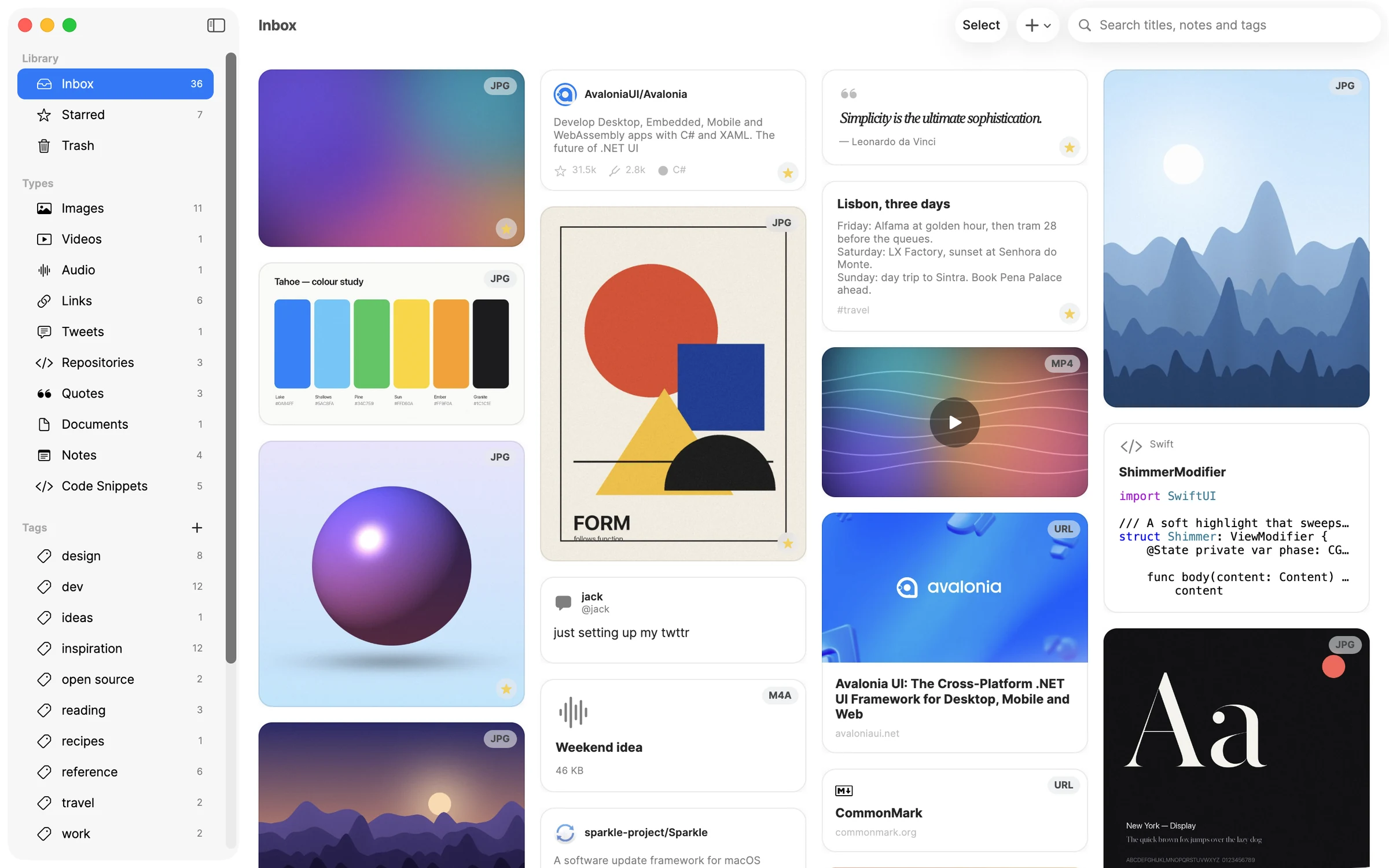
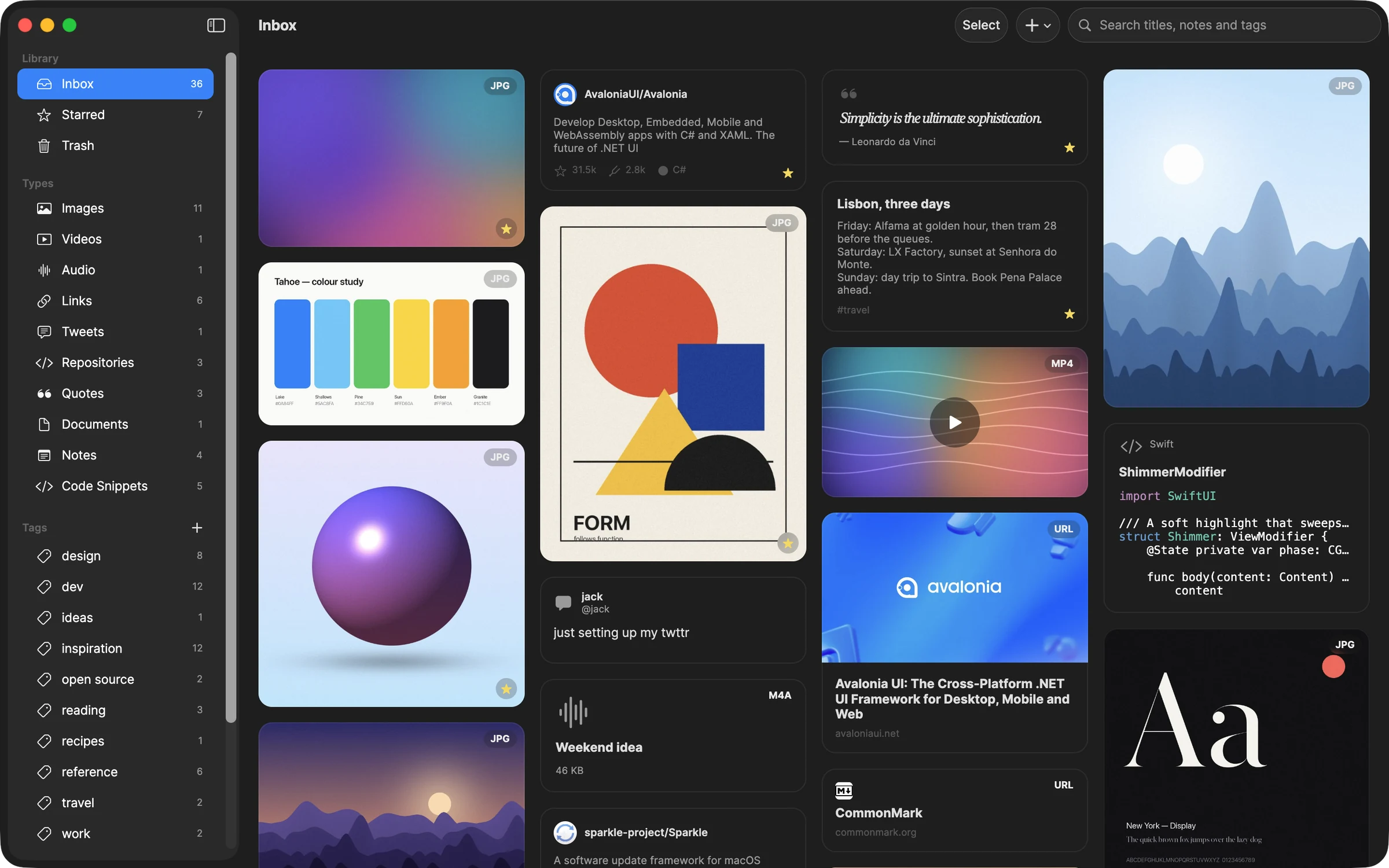
Light or dark, from System Settings.
Avalonia reads the appearance macOS is set to and your theme resources answer it. Both frames are the same controls with a resource swap, which is also how a brand theme works.
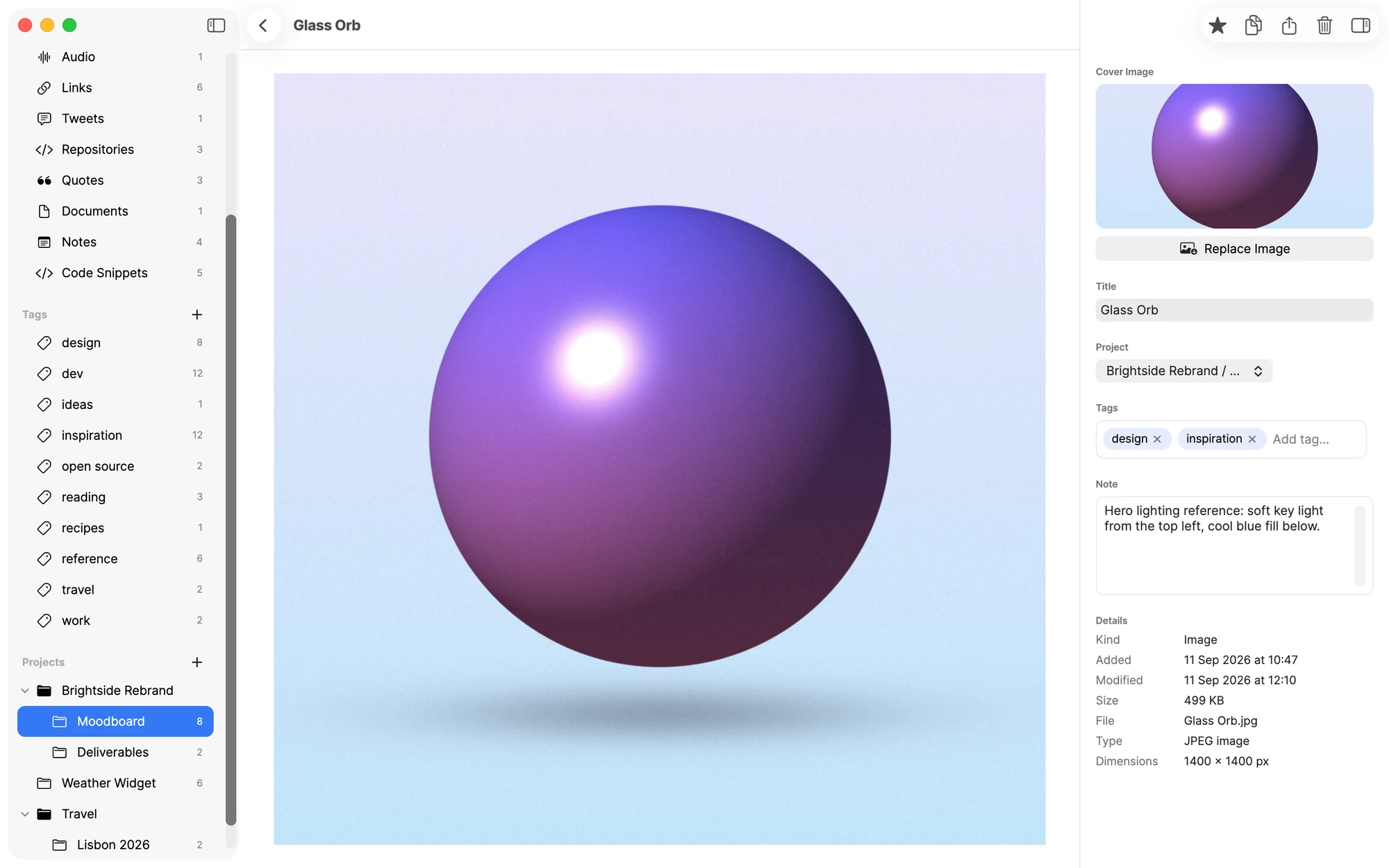
Styles, control themes and resource dictionaries are how you get from the built-in Fluent look to this one.
Read the styling guideNative to the Mac
Mac users can tell within about four seconds.
The tells are always the same ones: where the menus are, whether the Dock icon does anything, and whether Command does what Control does elsewhere. Avalonia gets all three right on macOS.
Command, not Control
PlatformHotkeyConfiguration maps the standard gestures per platform, so ⌘Q, ⌘W, ⌘M, ⌘H and ⌘A behave the way a Mac user expects without a per-platform shortcut table in your code.
VoiceOver reads your app
Avalonia exposes its visual tree through NSAccessibility, so VoiceOver sees real controls with real roles and values. OnCreateAutomationPeer covers the ones you built yourself, the same way it does on Windows.
The Dock icon does something
NativeDock.Menu gives the Dock icon a right-click menu, which is one of the small things whose absence makes an application feel like it was built somewhere else and shipped here.
Our own Objective-C++ backend
macOS support is libAvaloniaNative.dylib talking to .NET through MicroCom, written and maintained by us. That’s why the Mac build doesn’t track anyone else’s workload lifecycle, and why it compiles from Windows.
Down to NSView, when you need it
NativeControlHost embeds NSView subclasses inside an Avalonia layout on their own compositing layer, and a net10.0-macos target opens the full macOS API surface. One trade to know: net10.0-macos needs the macOS workload, so it is the one build on this page that does want a Mac. The plain net10.0 target is the one that compiles from anywhere.
Every API above is documented, with the macOS caveats spelled out.
macOS platform guideGetting it installed
Notarised before Gatekeeper ever sees it.
Avalonia produces a standard .app bundle, so the distribution path is the one Apple documents. Parcel is the part that runs it for you.
One packaging run, every target
Describe the app once (project path, name, version, targets) and every release after that starts from the same saved configuration. Parcel packages every target from one machine in parallel, so the DMG comes out alongside the Windows and Linux installers. Parcel Community packages for the machine it runs on, unsigned; Parcel Plus adds cross-platform packaging, signing, notarisation and the CLI.
Gatekeeper says yes
macOS blocks applications that aren’t signed and notarised, and most users stop at that dialog. Both happen inside the packaging run rather than as a separate ritual somebody has to remember.
Universal binaries
Publish for Apple silicon and Intel and join them with lipo, so users get one download and no Rosetta prompt.
Mac App Store
Sandbox entitlements, universal purchase and receipt validation are handled by Apple’s tooling against the same bundle you already produced.
The Info.plist plumbing
Declare permissions with their usage descriptions, URL handlers and uninstallers once, and the native plumbing gets written for you rather than by hand into a file nobody wants to own.
Icons from one SVG
Point Parcel at a single vector file and it produces the icon formats macOS wants, for the app bundle and the installer alike.
NativeAOT
Publish ahead of time for a smaller bundle and a faster launch, with no .NET runtime for the user to install first.
Nobody ships from a laptop
The Parcel CLI runs your saved configuration headlessly, so a release builds in CI exactly as it does on your desk, and the Apple signing identity and notary credentials live in the pipeline rather than in one person’s keychain.
Agents can drive it
Parcel ships an MCP server with the CLI. Its tools set up Apple signing and notary credentials, create the packaging project and run the pack, so an assistant with access to your repo can produce the signed DMG.
Avalonia itself is MIT licensed. Parcel is the packaging tool; the free Community edition packages unsigned for the machine it runs on.
See ParcelEvery target
Add the Mac without forking the team.
None of the tooling above (the Objective-C++ backend, the notarisation pipeline) is a macOS-only investment. The same project produces every other target Avalonia supports.
Windows
Direct Win32 calls, x64 and ARM64.
macOS
A native backend, universal binaries.
You’re here
Linux
X11, Wayland, and bare framebuffer.
iOS
The same views, drawn on Metal.
Android
ARM64, ARM32 and x64 devices.
WebAssembly
Static files, no server component.
Build the Mac target without buying a Mac.
Install the templates, add the macOS target, and build it from the machine you’re sitting at. The framework is MIT licensed, and the Mac build is one target of six.