Avalonia for Windows
Win32 underneath, the XAML your team already writes on top, and five more targets out of the same project.
Platform support
Windows is a first-class target, not a box we tick.
Avalonia calls Win32 directly and draws every control itself, on x64 and natively on ARM64. There’s no wrapper toolkit in between, nothing beyond the ordinary .NET SDK you already have installed, and no platform-specific code to maintain alongside the rest of your app.
Windowing
Win32, called directly
No wrapper toolkit, nothing beyond the standard .NET SDK.
Rendering
Skia
GPU accelerated, with a software fallback.
Architectures
x64 and ARM64
ARM64 on Windows 11; x64 back through Windows 10 22H2.
Runtime
.NET 8.0 or later
The SDK you already have. No workload install step.
Shipping today
Real apps, not concept demos.
These are production Windows applications rather than samples, and each of them also builds for at least one other operating system out of the same project.
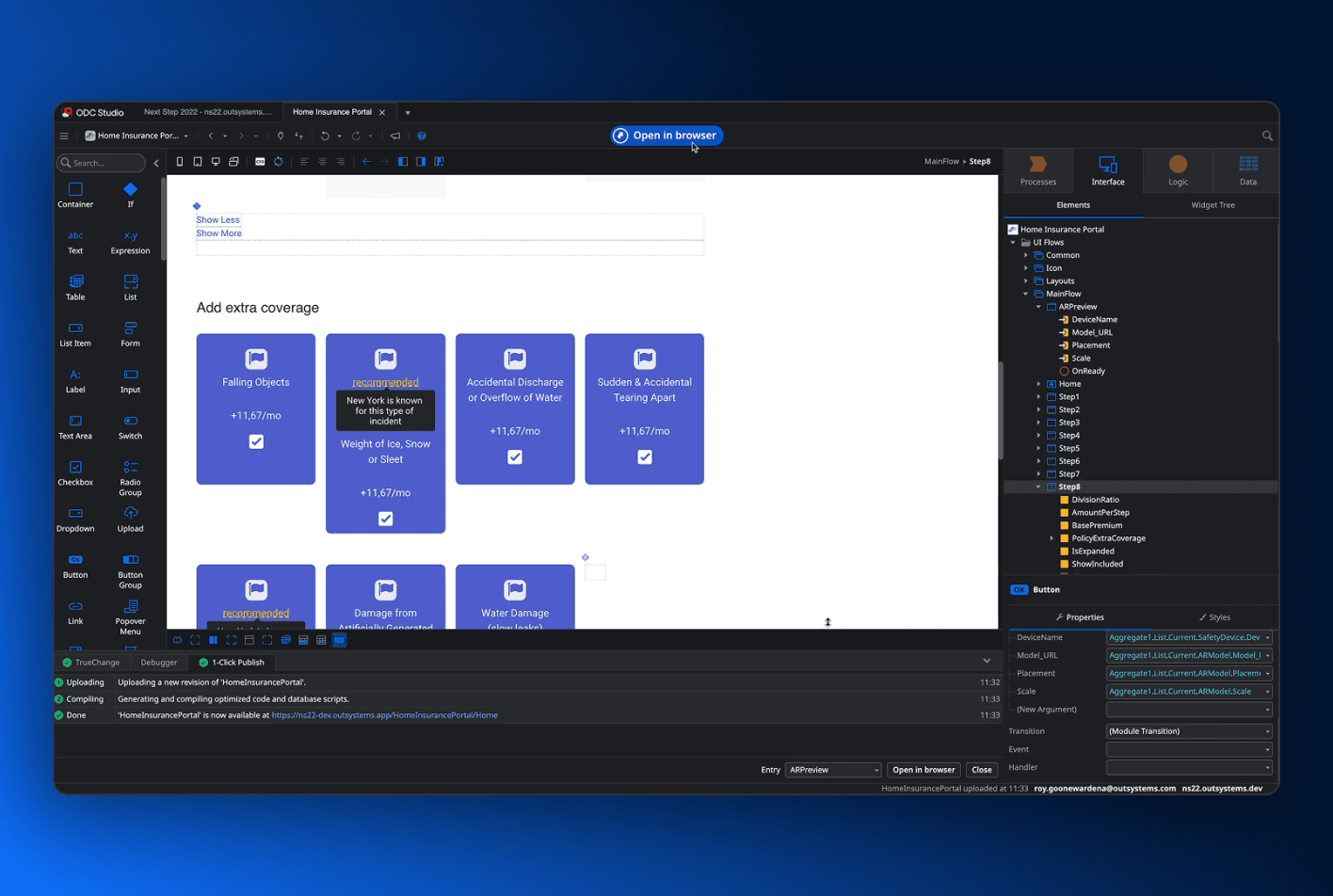
ODC Studio
The desktop studio for the OutSystems low-code platform, built with Avalonia and shipped for Windows and macOS from one codebase.
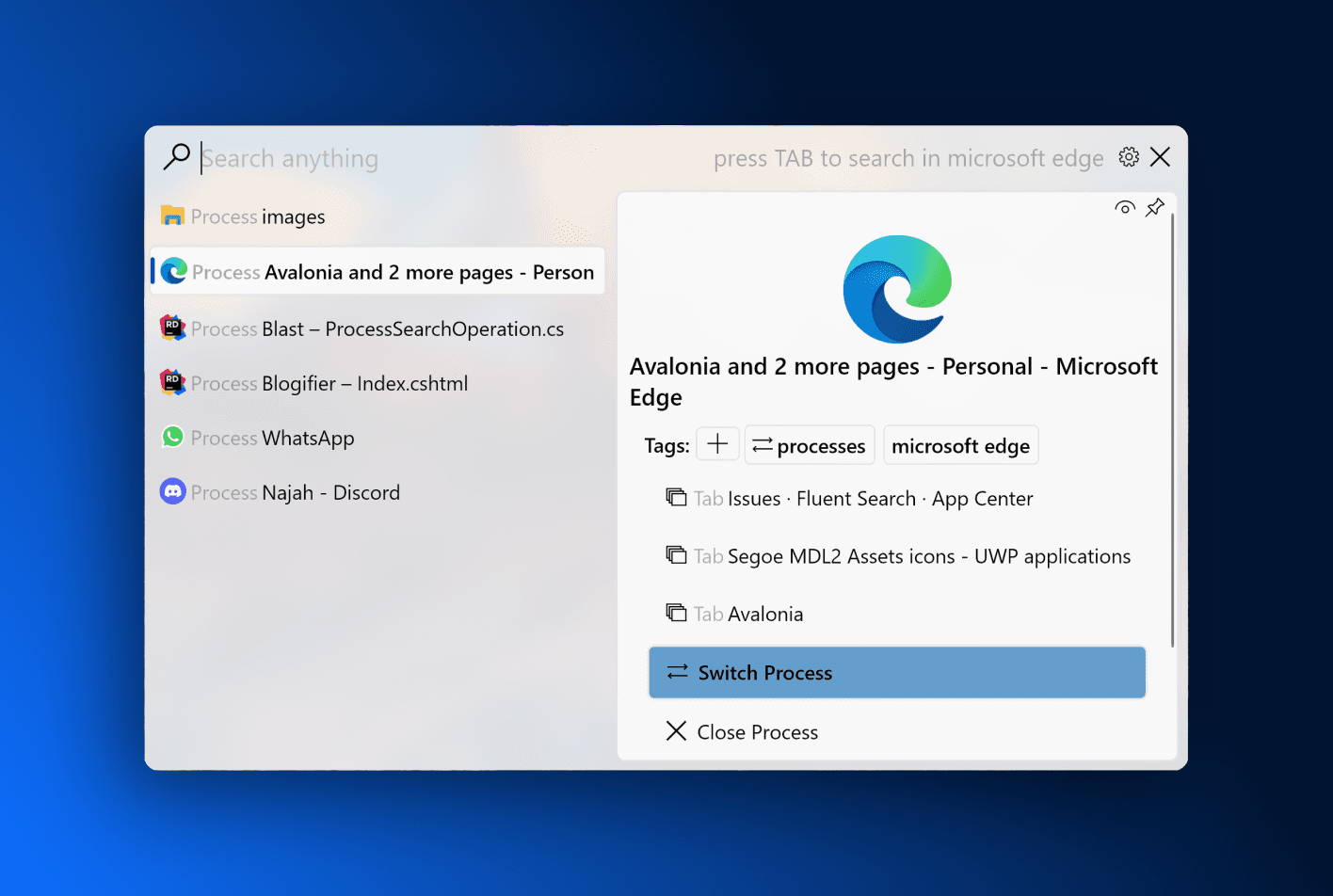
Fluent Search
Instant application, file and browser-tab search for Windows 10 and later, with a plugin ecosystem built on top of it.
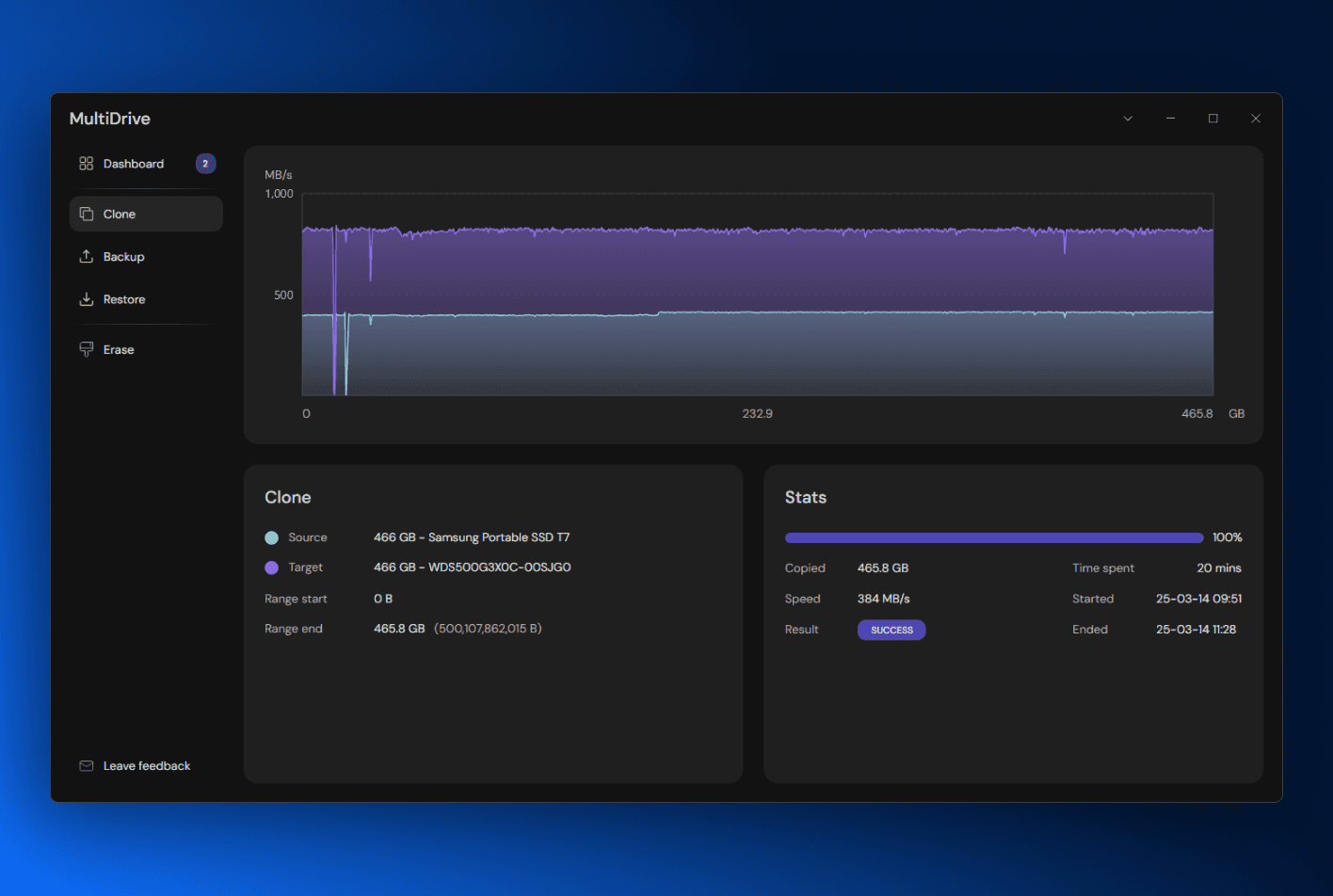
MultiDrive
Drive backup, cloning and restore for Windows, with a dense operational interface built entirely in XAML.
Coming from WPF
Your team already writes this.
Avalonia is the framework WPF developers recognise. Grid and DockPanel, styles and templates, two-way bindings, attached properties, MVVM and the same XAML compiler model. The concepts carry over because Avalonia never invented replacements for them.
That matters most on the parts of a migration nobody budgets for. Your custom controls stay custom controls, your value converters stay value converters, and your team keeps the judgement it built over a decade instead of relearning a new mental model alongside a new API surface.
<!-- The one line that differs from your WPF file -->
<Window xmlns="https://github.com/avaloniaui"
        xmlns:x="http://schemas.microsoft.com/winfx/2006/xaml"
        x:Class="Contoso.Invoices.MainWindow"
        Title="Invoices">
  <DockPanel>
    <StackPanel DockPanel.Dock="Top" Orientation="Horizontal">
      <TextBox Text="{Binding Query, Mode=TwoWay}" Width="240" />
      <Button Content="Search" Command="{Binding SearchCommand}" />
    </StackPanel>

    <DataGrid ItemsSource="{Binding Invoices}" />
  </DockPanel>
</Window>For a WPF codebase too large to port by hand, XPF runs it unmodified on macOS and Linux as a commercial compatibility layer.
Look at Avalonia XPFHow it looks
Native enough to disappear. Open enough to become your own.
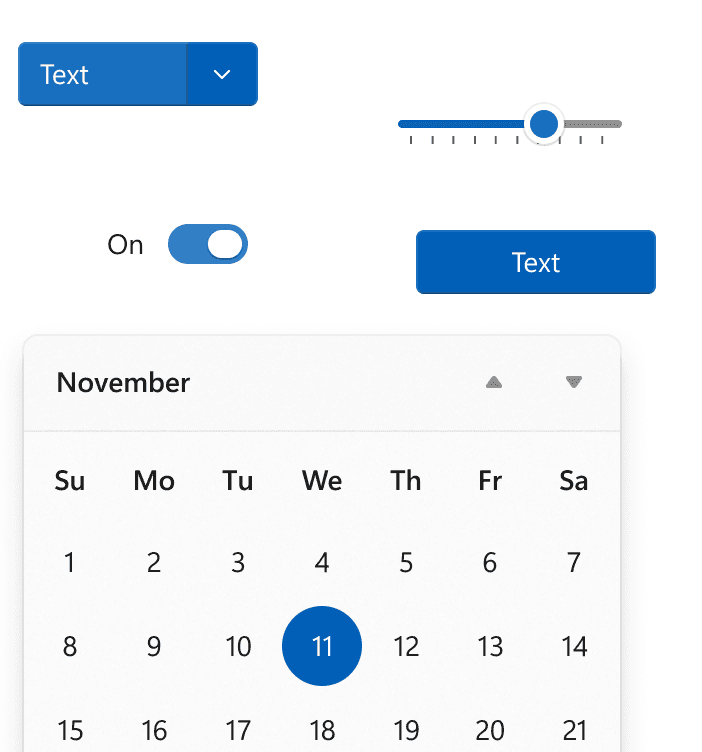
Avalonia ships a Fluent theme covering every built-in control, so a new project looks like it belongs on Windows 11 before you write a line of styling.
Then it gets out of your way. Because Avalonia draws its own controls rather than wrapping the operating system’s, every colour, corner radius, template and animation is a style resource you can override. Teams with a design system diverge completely; teams who want to blend in change nothing. Both are one project, and both render identically on every machine, because the widget behaviour is ours rather than whichever Windows build the user happens to be running.
Native to Windows
Cross-platform doesn’t mean lowest common denominator.
Avalonia exposes the Windows integrations your users expect, and every one of them is opt-in, so reaching for a Windows detail never costs you the other five targets.
Inspect it while it runs
Avalonia DevTools attaches to the running Windows build and shows the live visual tree, styles and bindings, with an MCP server so an assistant can read properties and take screenshots of the app you are debugging.
Every API on this page is documented, with the platform caveats spelled out.
Windows platform guideGetting it installed
Signed before SmartScreen gets a chance to warn anyone.
Avalonia produces an ordinary .NET application, so the packaging and deployment tooling your organisation already approved keeps working. Parcel is the part that runs it.
One packaging run, every target
Describe the app once (project path, name, version, targets) and every release after that starts from the same saved configuration. That one file also builds the macOS and Linux versions in parallel, so a Windows installer and a macOS DMG finish in the same run.
SmartScreen stops warning people
Windows flags unsigned installers, and most users stop right there. Authenticode and Trusted Signing support makes the warning disappear, as part of packaging rather than after it.
MSIX and the Microsoft Store
Package with the Windows SDK tooling and publish to the Store, or side-load the same bundle through App Installer.
MSI, Intune and group policy
Build a classic installer and push it through the deployment channel your IT team already runs, with no separate approval to win.
Icons from one SVG
Point Parcel at a single vector file and it produces the icon formats Windows wants, for the application and the installer alike.
Single file and NativeAOT
Trim and publish ahead of time for a smaller download and a faster cold start, with no runtime for the user to install.
Nobody ships from a laptop
The Parcel CLI runs your saved configuration headlessly, so every release builds in CI exactly as it does on your desk, and the Authenticode certificate or Trusted Signing account lives in the pipeline rather than on one machine.
Agents can drive it
Parcel ships an MCP server with the CLI. Its tools set up Trusted Signing, create the packaging project and run the pack, so an assistant with access to your repo can produce the signed installer without a person clicking through it.
Avalonia itself is MIT licensed. Parcel is the packaging tool; the free Community edition packages unsigned for the machine it runs on, and Plus adds signing, cross-platform packaging and the CLI.
See ParcelEvery target
The same project builds the other five.
None of the Win32 depth above (Mica, the tray icon, the real IFileDialog) locks the project to Windows. Adding macOS, Linux, iOS, Android or the browser means adding a target, not forking the team.
Windows
Direct Win32 calls, x64 and ARM64.
You’re here
macOS
A native backend, universal binaries.
Linux
X11, Wayland, and bare framebuffer.
iOS
The same views, drawn on Metal.
Android
ARM64, ARM32 and x64 devices.
WebAssembly
Static files, no server component.
Keep the Windows build. The other five come from the same project.
Install the templates, run the sample, and add macOS or Linux when you’re ready. The framework is MIT licensed, and mobile or the browser are the same story: one more target, not a fork.