Set up once, package forever
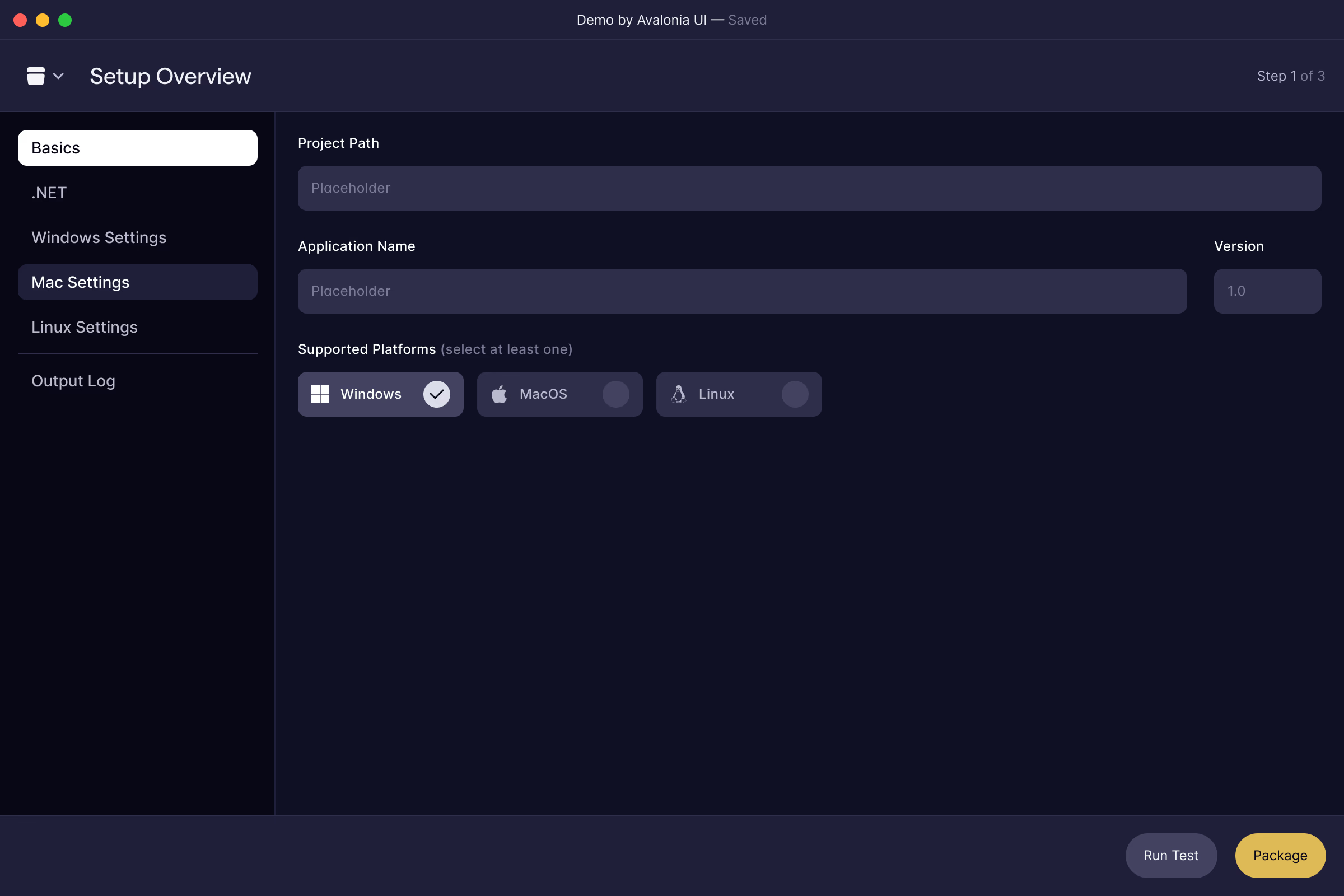
Describe your app a single time: project path, name, version and the platforms you target. Every package starts from the same saved configuration.

Native installers for Windows, macOS and Linux from one toolset.

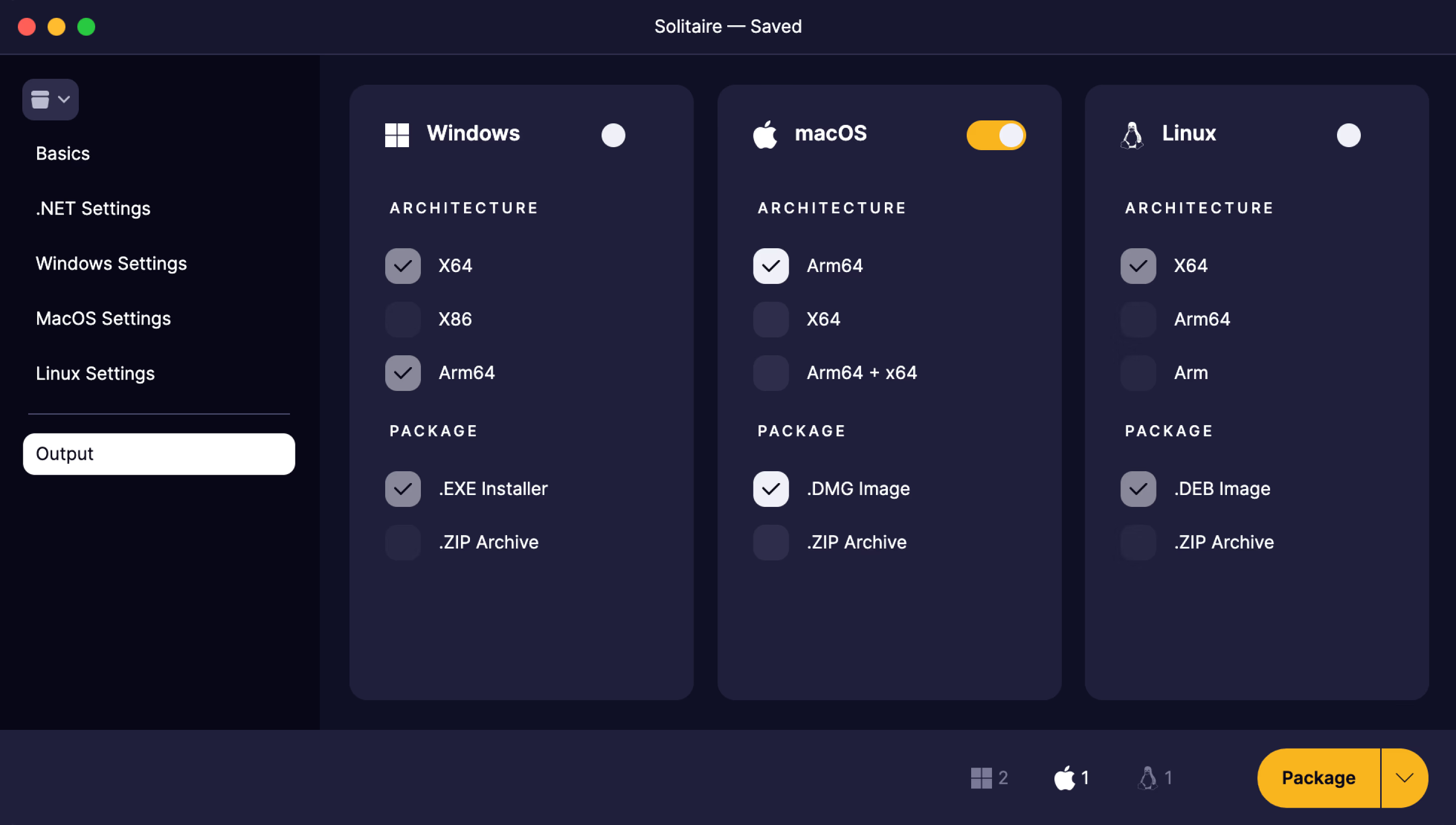
EXE and MSIX installers on Windows, DMG and PKG on macOS, DEB and RPM on Linux, and ZIP archives on all three. No NSIS scripts, plists or Makefiles to maintain.
Trusted by industry leaders and developers worldwide
Community edition
A limited edition, free for non-commercial use. It packages for the machine it runs on.
Describe your app a single time: project path, name, version and the platforms you target. Every package starts from the same saved configuration.
Point Parcel at one SVG and it produces the icon formats each platform expects, for the app bundle and the installer alike.
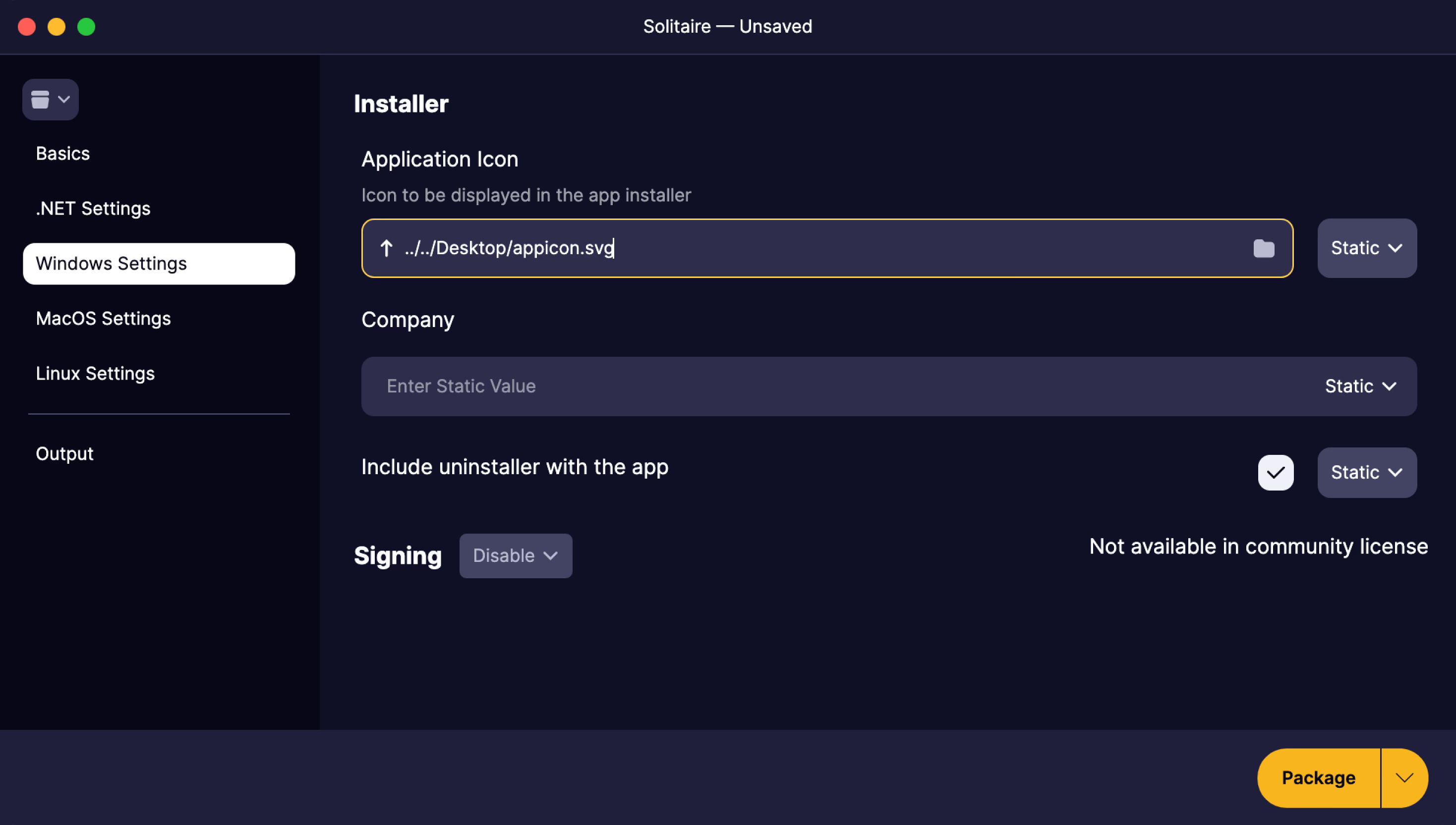
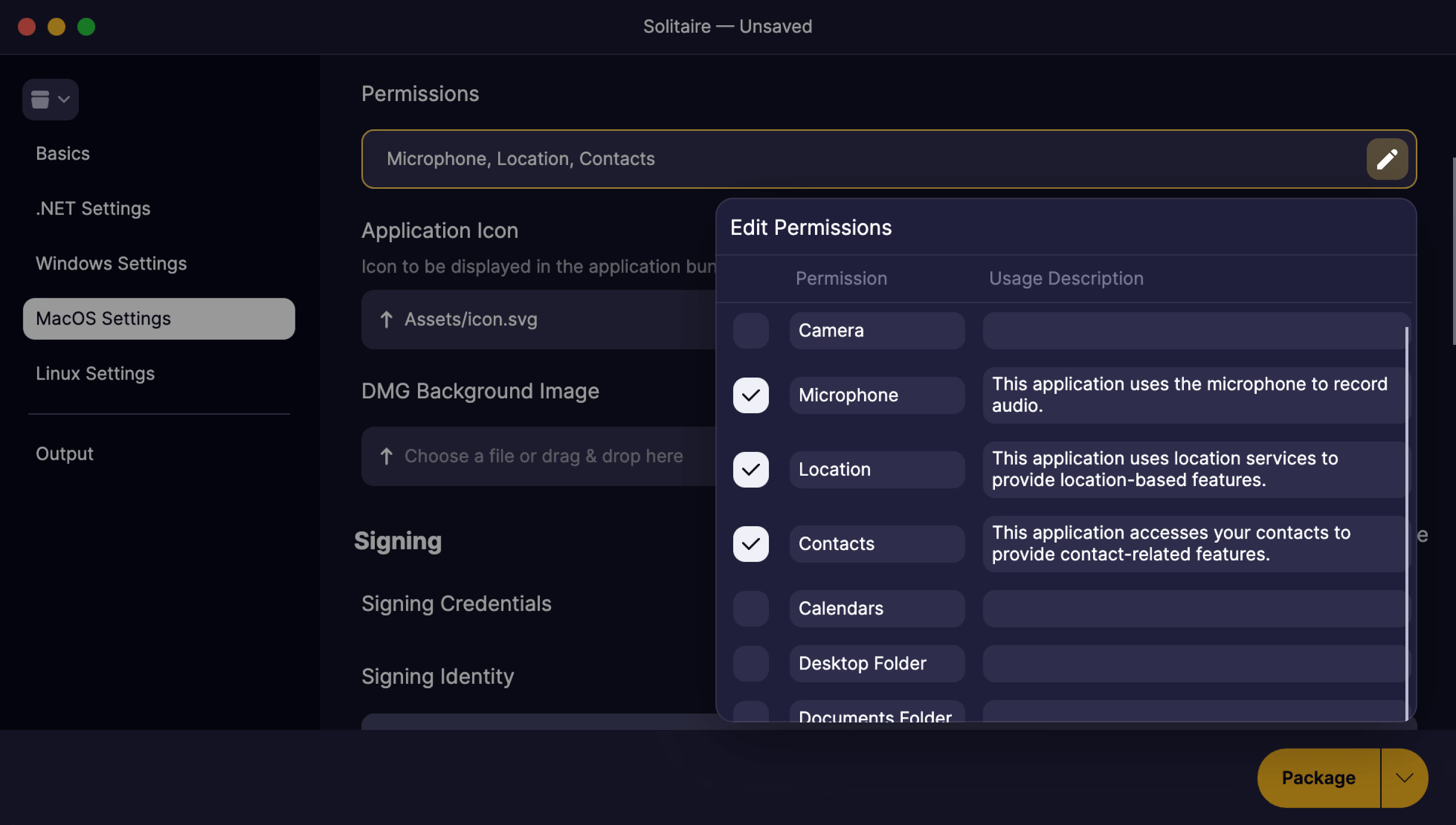
Declare macOS permissions, uninstallers and URL handlers in the GUI, and Parcel writes the native plumbing.
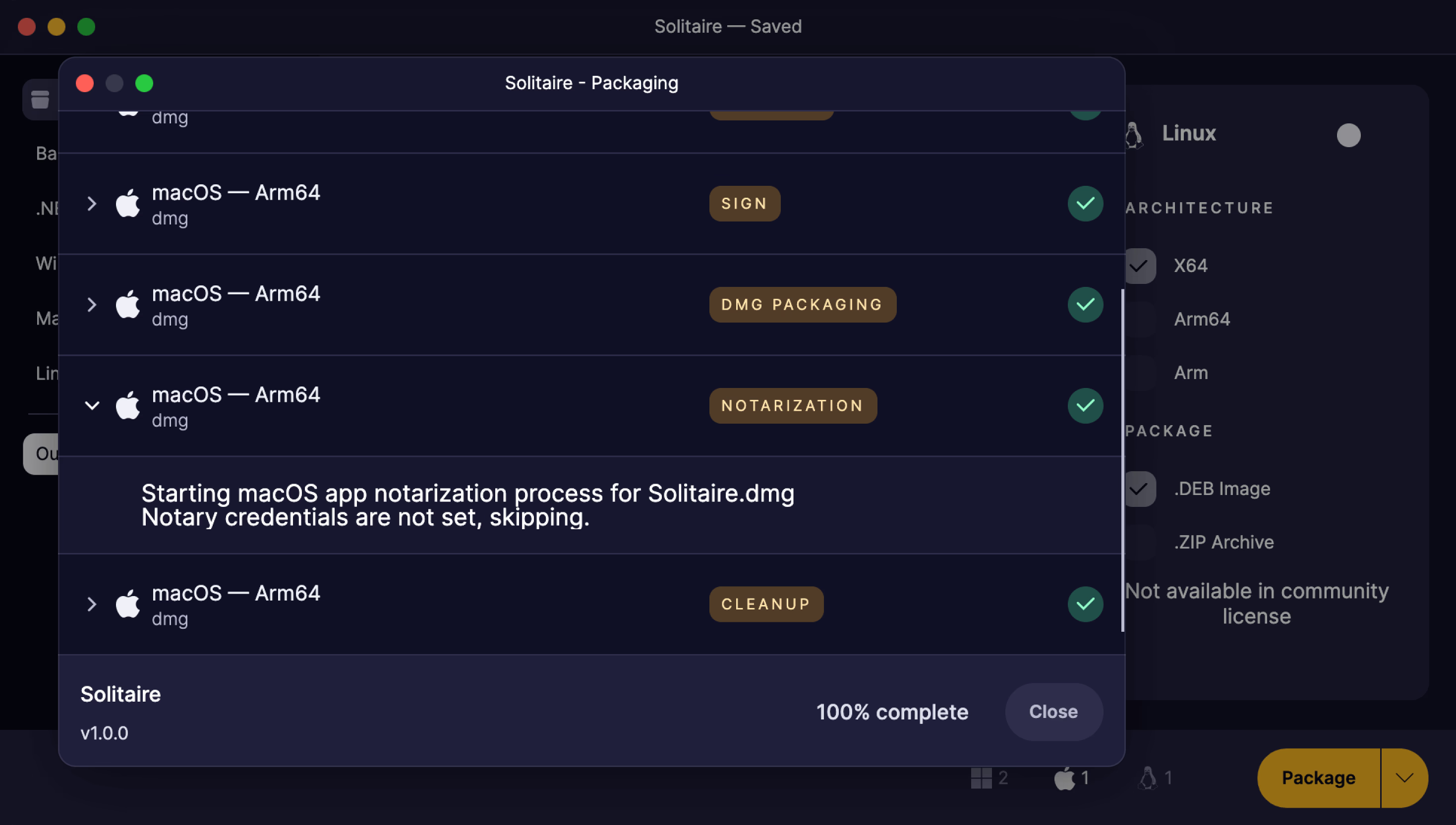
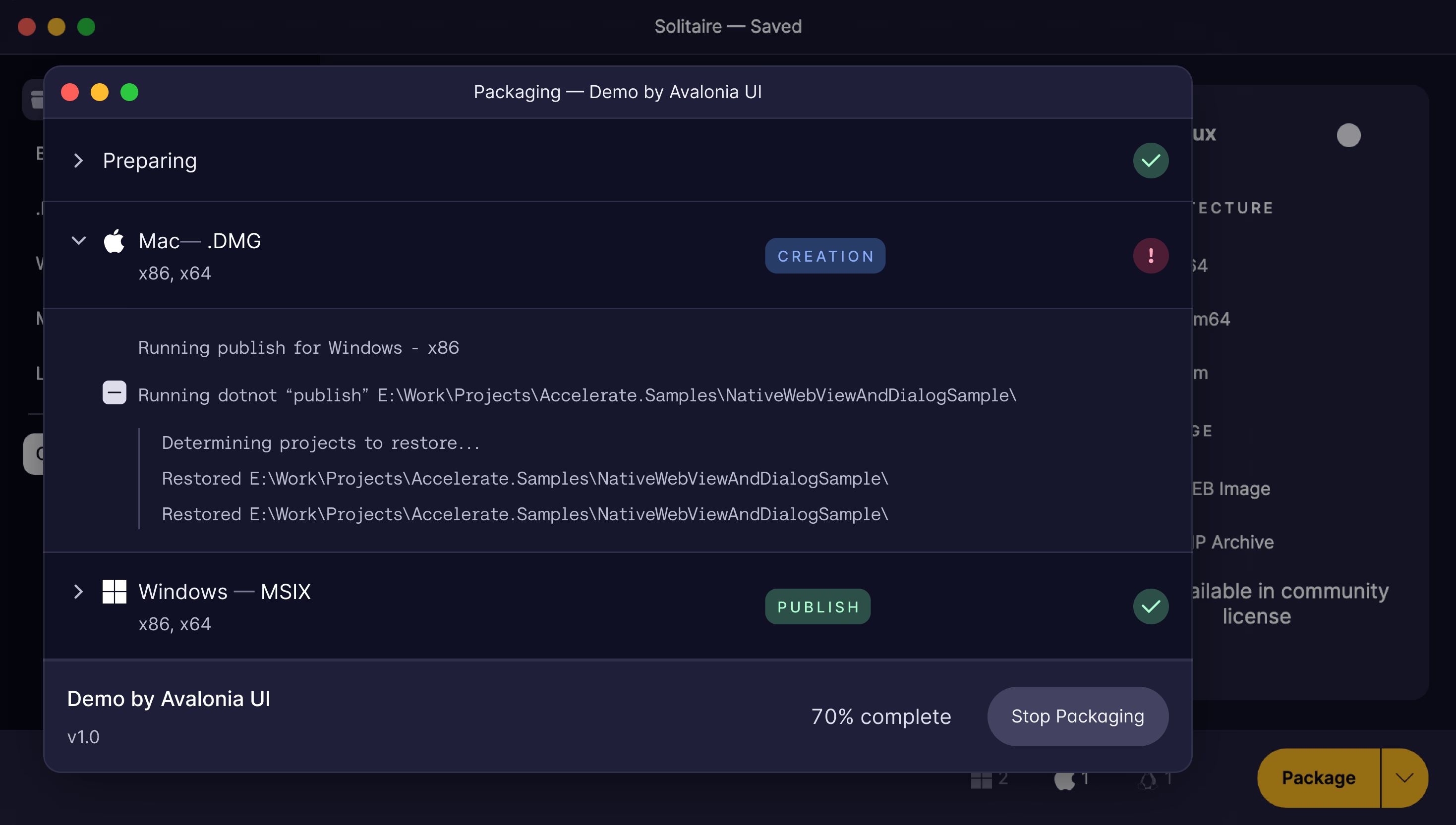
One click runs publish, packaging and cleanup for every selected target, with a live step-by-step log.

Plus
Packaging an app and shipping it are different jobs. Plus covers the second. It comes with every paid plan.
Plus
Unsigned apps meet a SmartScreen warning on Windows and a refusal on macOS. Plus signs both, with the service you already use.


Plus
Parcel submits your DMG or PKG to Apple, waits for the verdict and staples the ticket, so Gatekeeper opens your app without a warning.

Plus
Community packages for the OS it’s running on. Plus builds your Windows, macOS and Linux targets from one machine, in parallel.
Plus
Community output carries a watermarked DMG background and “Packaged by AvaloniaUI Parcel”. Plus removes both, takes your own background, and lays out the DMG window in a visual designer.


Plus
The Parcel CLI runs your saved configuration headlessly, so every release builds in CI exactly as it does on your desk.


Why upgrade
Plus is for the moment your builds meet real users.
Windows warns people before they run your app. SmartScreen flags unsigned installers, and most users stop right there. Authenticode and Azure Artifact Signing remove the warning.
macOS won’t open it at all. Gatekeeper blocks apps that aren’t signed and notarized. Plus does both as part of the packaging run.
Release day needs three machines. Plus packages every target from one, and runs them in parallel.
Someone has to remember to click Package. The Parcel CLI moves packaging into your CI pipeline, so nobody ships from a laptop.
Editions
Community packages apps for the platform you're on, while Plus unlocks code signing, notarization, cross-platform packaging, and CLI automation for CI/CD.
FAQ
Can't find what you need? We're here to help.
The Community edition packages for the platform Parcel is running on, through the GUI only, with a 200 MB output limit. Builds are unsigned and un-notarized, targets package sequentially, and installers carry Parcel branding. Upgrading to a paid subscription unlocks cross-platform packaging, code signing and notarization, parallel builds, unbranded installers, and the Parcel CLI for CI/CD.
Parcel supports NSIS and MSIX installers for Windows, DMG and PKG for macOS, DEB and RPM for Linux, and ZIP archives for all platforms.
Parcel supports pre-downloading all required build dependencies so you can run offline builds. See the documentation for details on configuring offline packaging.
Cross-platform packaging is available with the Plus edition. You can create macOS DMG packages from Windows or Linux, and vice versa. The Community edition packages only for the platform Parcel is running on.
The Parcel CLI and the MCP server require a paid subscription (Plus, Pro, or Enterprise). They run the same packaging configuration as the GUI headlessly, so releases build in CI exactly as they do on your machine. The Community edition is GUI only.
Community builds carry Parcel branding: a watermarked DMG background on macOS and "Packaged by AvaloniaUI Parcel" in the Windows installer text. Upgrading to a paid subscription removes the branding and lets you supply your own DMG background.
Parcel goes beyond dotnet publish by creating platform-native installers (NSIS, MSIX, DMG, PKG, DEB, RPM), handling code signing and notarization, custom branding, and providing a streamlined packaging workflow.
Included with your subscription

Try the Plus edition free for 30 days and ship signed, notarized installers from one toolset.