Take your WPF apps
cross-platform.
Experience your WPF app on macOS, Linux, Mobile & Web
Platform Support
Deploy
Everywhere
Take your WPF apps to every major platform
XPF supports Windows, macOS, Linux, iOS, Android, and WebAssembly, giving you the freedom to take your WPF apps to every major platform.
Simplify Your Cross-Platform Migration
Save time and resources with Avalonia XPF. What used to be a long-term project is now a straightforward process.
Revitalise your apps
Extend the lifecycle of your existing WPF apps by seamlessly enabling them to run on new platforms, creating opportunities for new markets without requiring expensive and risky rewrites.
Bring your dependencies
Preserve your valuable investments in controls from Telerik, Actipro, DevExpress, Infragistics, Syncfusion, and SciChart, among others.
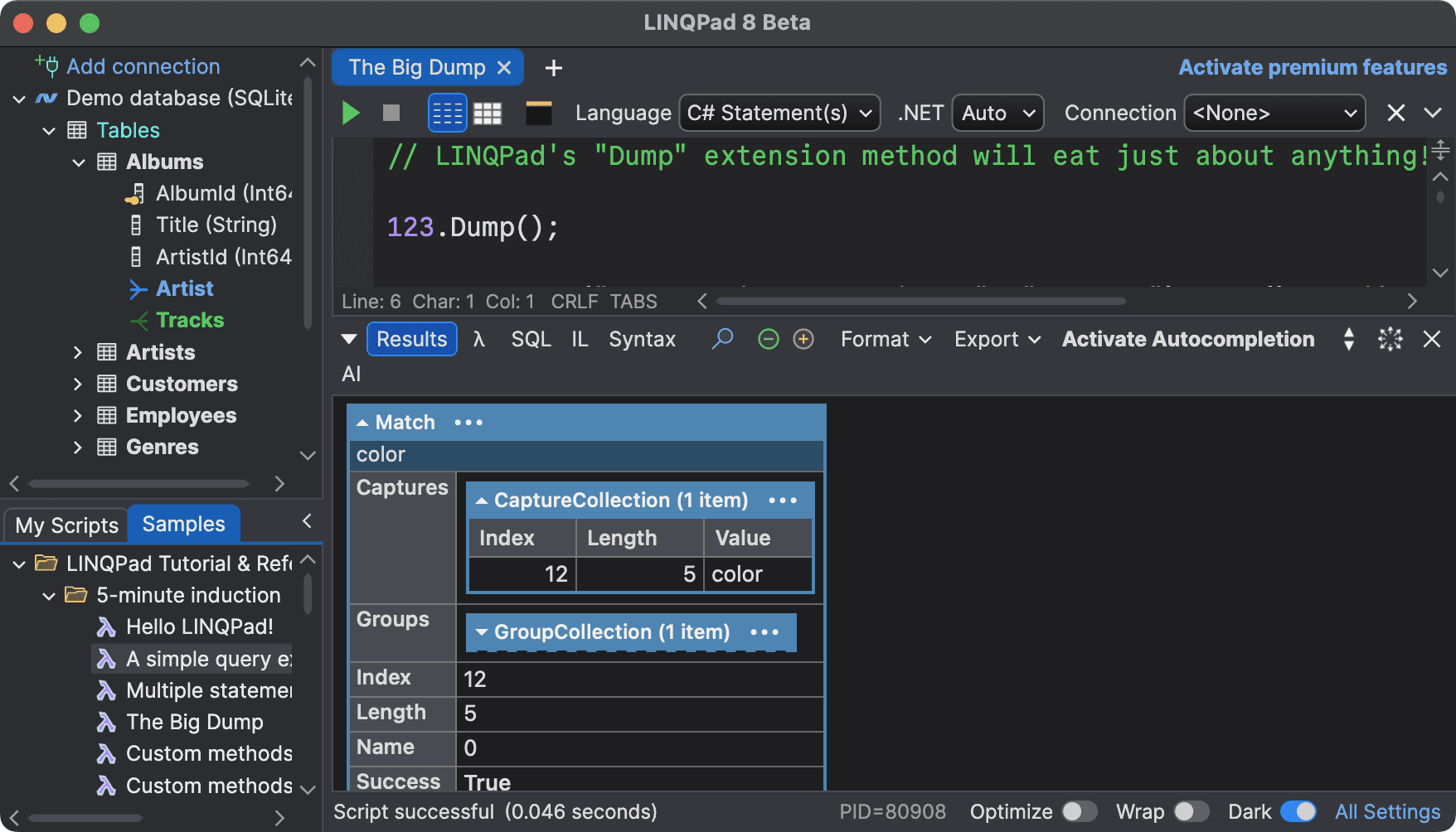
macOS
macOS 10.14 (Mojave) or later
Deploy WPF apps to macOS through the App Store or ad-hoc with DMG packaging. Package as universal binaries for Intel and Apple Silicon.
Linux
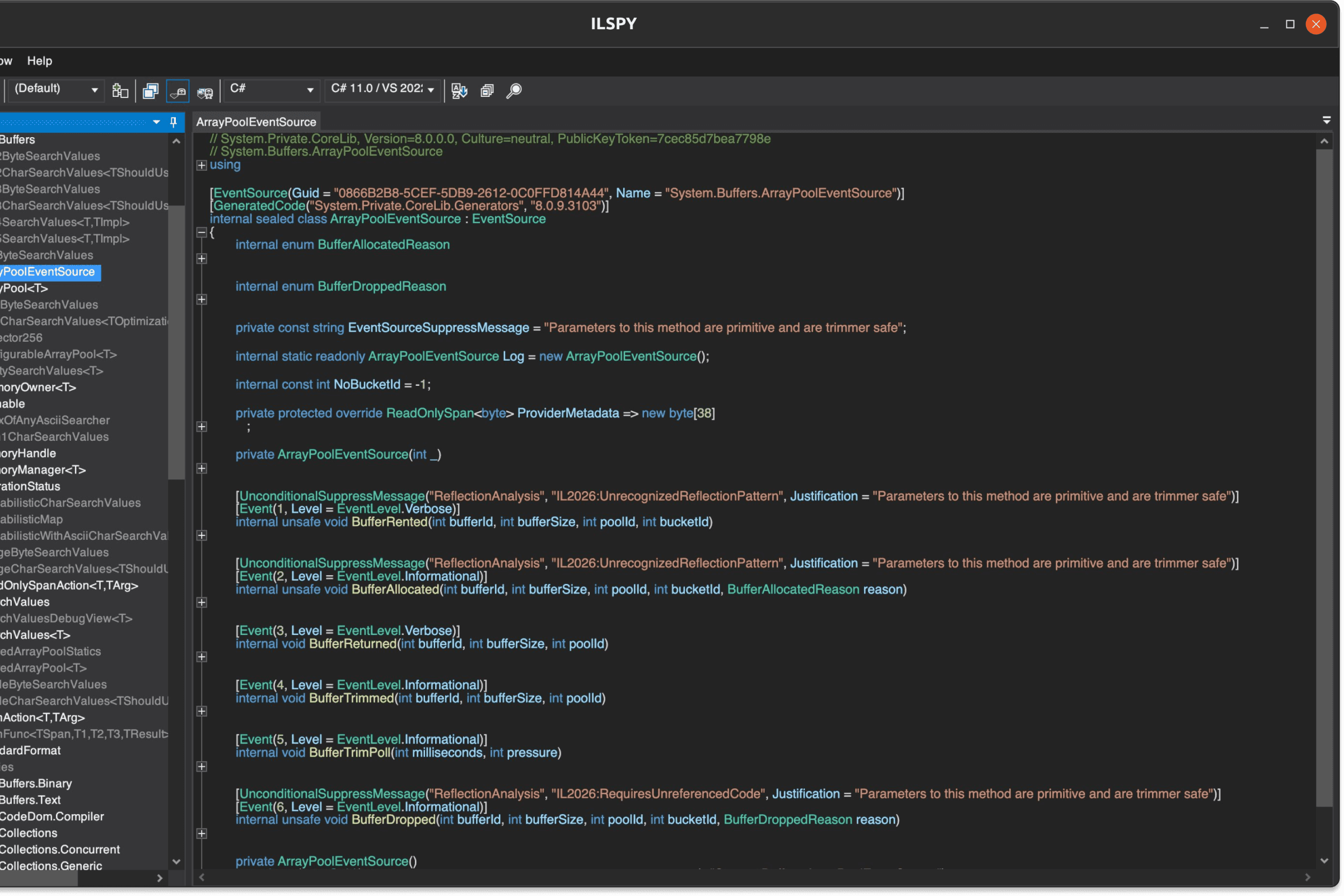
Desktop & Embedded Linux
All XPF versions support desktop Linux including Ubuntu, Debian, Fedora, Arch, Red Hat, openSUSE, and Linux Mint. The Enterprise tier adds embedded Linux and additional distributions.
iPadOS
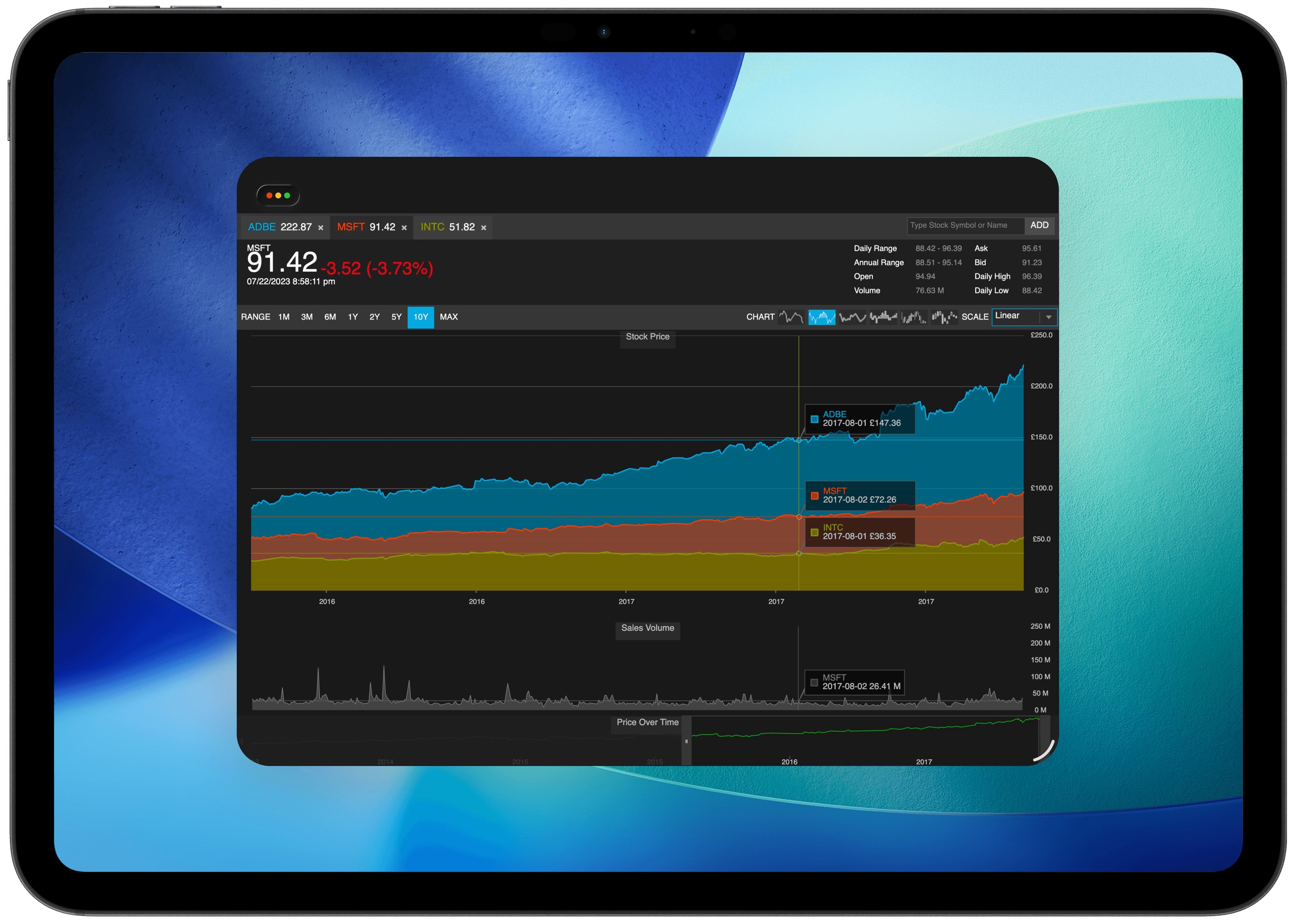
WPF on iPad
XPF brings native WPF applications to iPadOS, allowing you to deploy touch-optimised desktop experiences to iPad.
Android
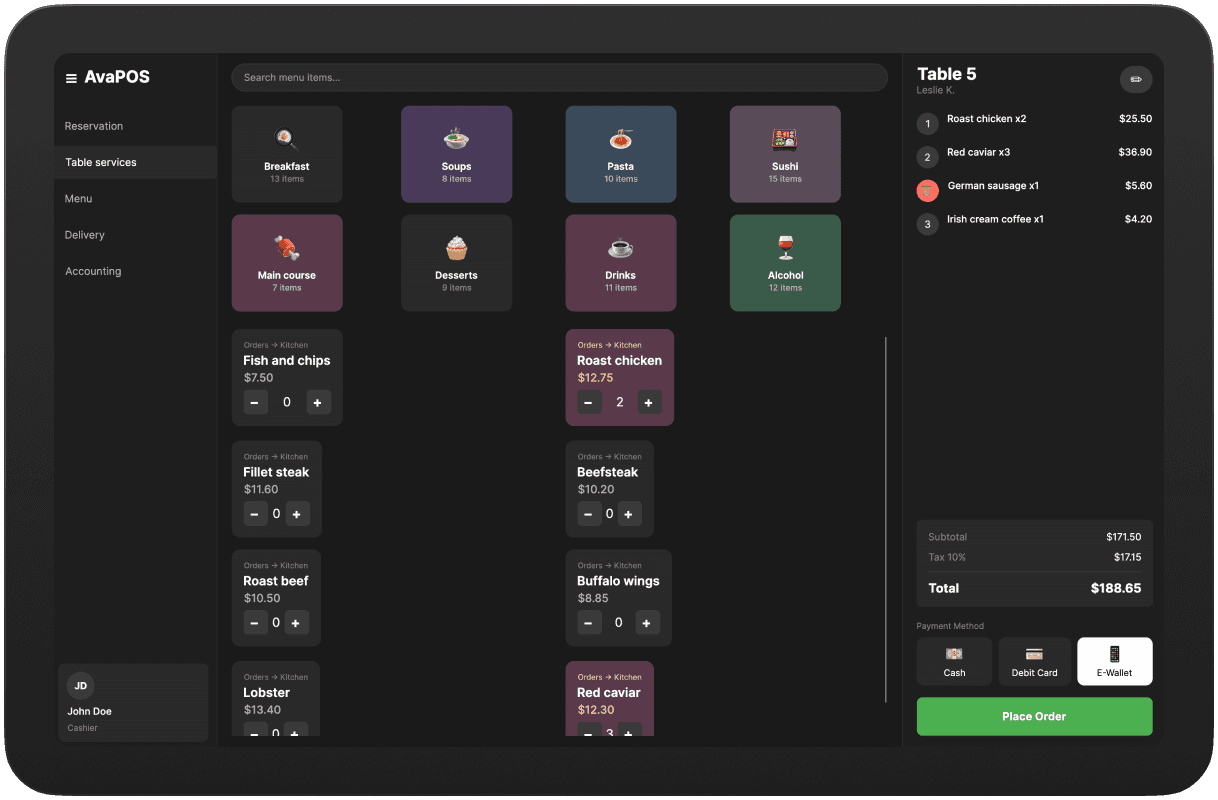
Android Tablets
XPF enables WPF applications to run seamlessly on Android tablets, bringing your existing desktop software to the Android ecosystem.
Browser
WPF in the browser
XPF enables WPF applications to run in modern web browsers through WebAssembly. Browser deployment requires the Enterprise tier.
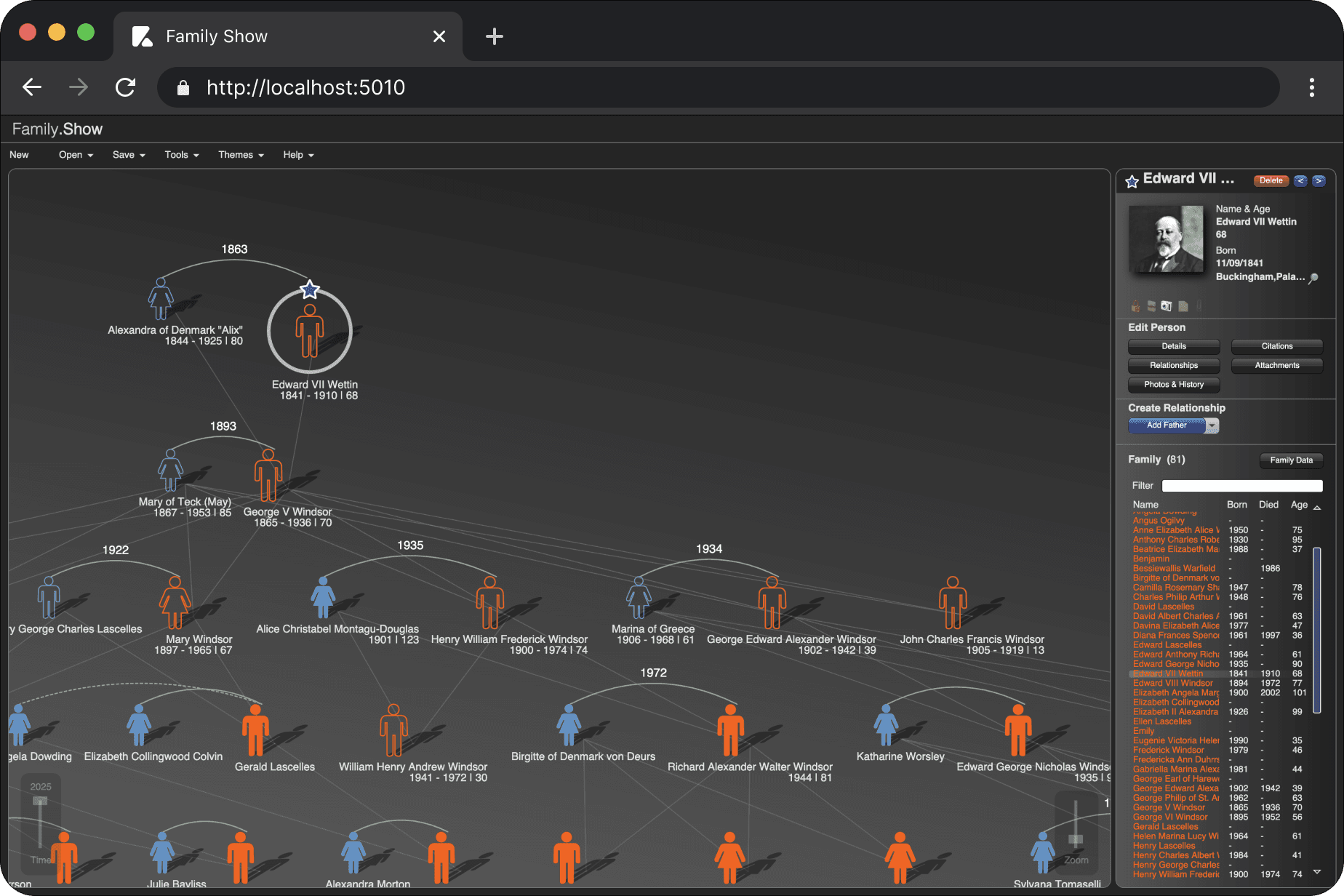
Architecture
Your managed code stays.
The renderer changes.
WPF Compatibility
XPF is a fork of WPF that maintains API and binary compatibility across the managed surface area. Your existing code and third-party controls carry over. The Windows-only renderer is replaced with Avalonia's cross-platform compositional renderer.
What to expect
Most managed WPF code and third-party controls work without changes. Windows-specific APIs (DirectX, native interop, shell integration) are replaced by cross-platform equivalents. Browser deployment requires adapting to single-view UX patterns.
<Project Sdk="Xpf.Sdk/1.4.0">

  <ItemGroup>
    <RuntimeHostConfigurationOption
      Include="AvaloniaUI.Xpf.LicenseKey"
      Value="<YOUR_LICENSE_KEY>" />
  </ItemGroup>
Go cross-platform by changing your SDK reference
Getting started with XPF is as simple as updating your csproj. Your free trial includes all the features available in the Business Tier.
Try it nowCompatibility & Ecosystem
Keep your third-party controls.
XPF works seamlessly with Telerik, DevExpress, Infragistics, Syncfusion, Actipro, and more. No rewrites needed.
 DevExpress
 Actipro
 Syncfusion
 Telerik
 Infragistics
 SciChart
<Window x:Class="EnterpriseApp.MainWindow"
xmlns:telerik="http://schemas.telerik.com/2008/xaml/presentation">
<Grid>
<!-- 100% Native Telerik Control -->
<!-- Running on macOS/Linux -->
<telerik:RadGridView
ItemsSource="{Binding FinancialData}"
ShowGroupPanel="True" />
</Grid>
</Window> GrapeCitySyncfusion
 XceedInfragistics
 MindscapeTelerik
 NorthwoodsSciChart
 Steema
 NevronDevExpressActiproGrapeCitySyncfusionXceedInfragisticsMindscapeTelerikNorthwoodsSciChartSteemaNevronDevExpressActiproGrapeCitySyncfusionXceedInfragisticsMindscapeTelerikNorthwoodsSciChartSteemaNevron
Hybrid XPF
Blend Avalonia and WPF in the same window.
Mix & Match lets you embed native Avalonia controls alongside your WPF controls. Modernize your UI incrementally — adopt Avalonia's TreeDataGrid, theming, or any custom control without touching the rest of your app.
- Embed Avalonia controls directly in WPF views
- Access Avalonia's modern theming and styling system
- Gradual migration path — no big-bang rewrite needed
- Available in Business and Enterprise tiers
<Window>
  <Grid>

    <!-- Standard WPF control -->
    <DataGrid ... />

    <!-- Avalonia control embedded in WPF -->
    <xpf:AvaloniaHost>
      <avalonia:TreeDataGrid
        Source="{Binding GridSource}" />
    </xpf:AvaloniaHost>

  </Grid>
</Window>
Customer Proof
Teams shipping cross-platform with XPF
"With XPF, the Mac version is now identical to the Windows version, and more importantly, we are very happy to be back to one codebase, thanks to XPF."
Peter Wanders
KLM
"Porting our app to the Mac has been a breeze with XPF, and their technical support is rock solid. Kudos to the XPF team for creating an extraordinary product!"
David Cavin
OnCue
"Very happy with the decision to use Avalonia XPF: it's turned out to be a powerful and productive x-platform API, and the support has been nothing short of awesome."
Joseph Albahari
LINQPad
Pricing
Choose your
deployment path
Internal
For development and internal deployment to employees only
Included
Business
Commercial deployment to macOS, desktop Linux, and embedded Linux with third-party control support
Included
Everything from Internal, plus…
Enterprise
Starting from
All platforms including iOS, Android, and WebAssembly with priority support
Included
Everything from Business, plus…
Avalonia XPF is a cross-platform implementation of WPF that allows you to run your existing WPF applications on macOS, Linux, iOS, Android, and WebAssembly without rewriting your code.
Avalonia is a cross-platform UI framework with its own API inspired by WPF. XPF is a fork of WPF that maintains API and binary compatibility across the managed surface area. Most managed WPF code carries over directly, though Windows-specific APIs require platform alternatives.
XPF supports .NET 6 and later versions of WPF, providing broad compatibility with modern .NET applications.
For typical business UI workloads, rendering performance is broadly comparable to WPF. XPF uses Avalonia's modern compositional renderer, which is hardware-accelerated and optimized for each target platform.
Yes, XPF supports UI controls from leading vendors including Actipro, DevExpress, Syncfusion, Telerik, Infragistics, and more.
No, XPF does not convert your code. It's a WPF fork that runs your managed WPF code on new platforms. You change the SDK reference in your project file and XPF handles the rendering.
DirectX is a Windows-only technology. XPF replaces the DirectX-based rendering pipeline with Avalonia's cross-platform renderer while maintaining visual fidelity.

Cross-platform WPF,
built for enterprise.
Start a free 30-day trial with all Business tier features. No credit card required.