

If you've ever felt like the VSCode experience for Avalonia was lagging behind its Visual Studio counterpart, we hear you. Today we're releasing a preview of an entirely rewritten Avalonia for Visual Studio Code extension, and it changes everything.
This is a ground-up rebuild, powered by the same brand-new XAML parser that drives our latest Avalonia for Visual Studio extension. That single architectural decision unlocks something we've wanted for a long time: feature parity. Every code editing enhancement we ship for Visual Studio now flows directly into VSCode, because both extensions share the same underlying engine.
But what does this mean you every day development?
A Proper IntelliSense Experience
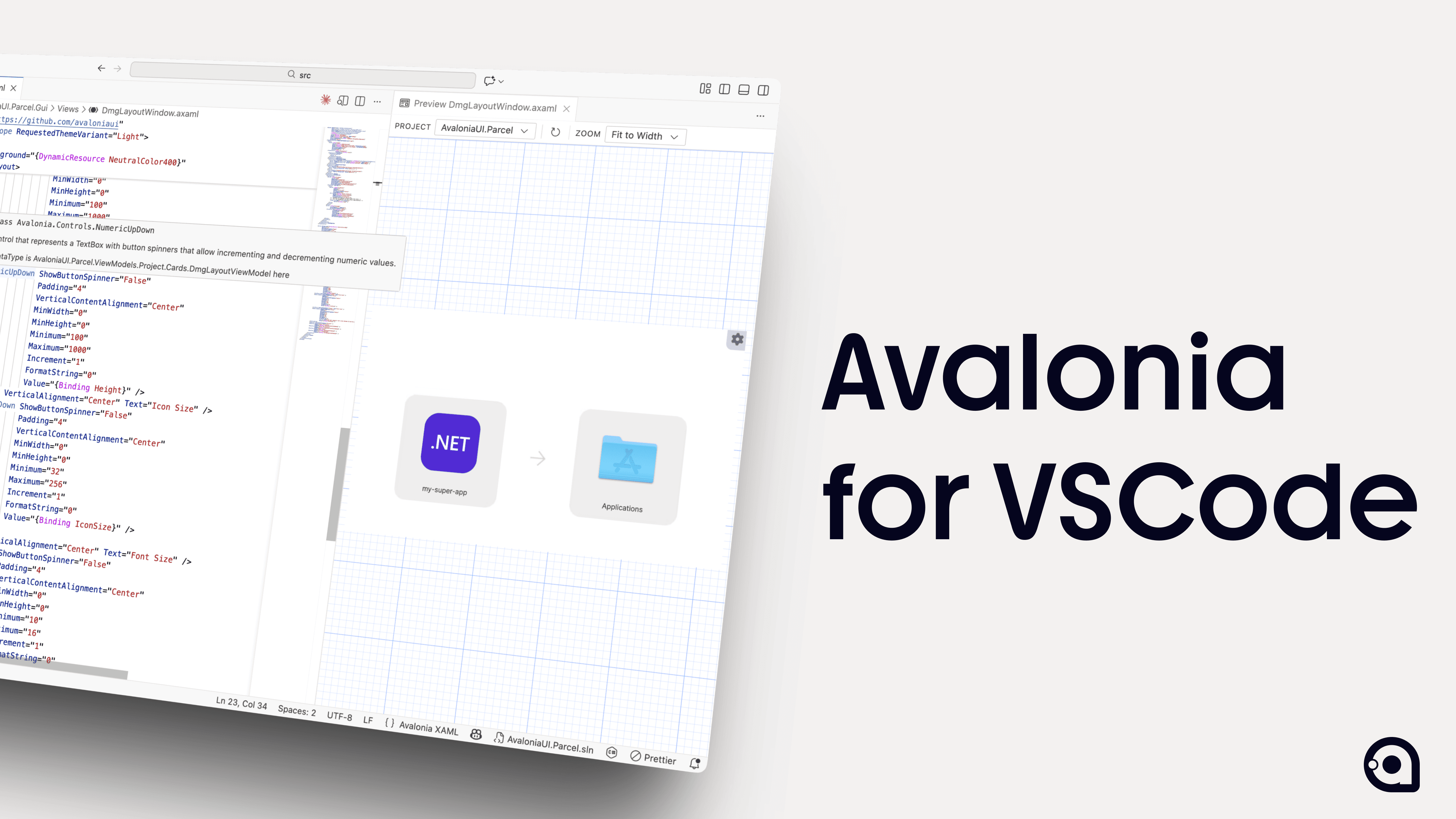
The headline feature is dramatically enhanced IntelliSense. You'll experience richer completions, smarter suggestions, and contextual awareness that makes writing XAML feel less like guesswork and a lot more fun. Quick Info has been overhauled to surface genuinely useful information when you hover over elements, including full x:DataType Quick Info so you can instantly see the data context flowing through your bindings without having to trace it manually.
Go To Definition support means you can navigate your XAML the way you navigate your C#.
Smarter Error Handling, Better Code Fixes
Error handling and reporting have been completely reworked. The old extension could be, let's say, cryptically unhelpful when things went wrong. The new parser surfaces clear, actionable diagnostics that point you to the actual problem rather than leaving you to play detective.
Alongside that, we've shipped improved code fixes and automatic XAML namespace imports. Forget a namespace? The extension will suggest and apply the right xmlns declaration for you. Need to wire up an event handler? Enhanced event handler generation creates the method stub in your code-behind with the correct signature, saving you the tedious round-trip of checking documentation for the right delegate type.
These are the kinds of small but compounding quality-of-life improvements that add up to a genuinely faster development experience over the course of a day.
A Previewer You Can Actually Rely On
Code editing is only half the story. We've invested serious effort into making the XAML previewer rock-solid. We put it through its paces on some of the most complex Avalonia projects we could find, hunting down the edge cases and reliability issues that made the previous previewer frustrating to depend on.
The result is a previewer that works when you need it to, without the mystery failures and silent crashes that plagued earlier versions. We've also added better DPI handling so your preview actually matches what your users will see, a Zoom to Fit option for working with larger layouts, and a collection of smaller quality-of-life touches that make the whole experience feel more polished.
A Few Things Worth Knowing
We want to be upfront about a couple of important changes.
First, this is a preview release. We're shipping it early specifically because we want your feedback before we push to stable. If something is broken or if a feature doesn't behave the way you'd expect, we want to hear about it. Your input will directly shape the stable release.
Second, the extension is now part of Avalonia Accelerate. You'll need an active Accelerate subscription to use it, and the extension is no longer open-source. We know that's a significant change, and we don't take it lightly. Building and maintaining professional-grade tooling across multiple IDEs requires sustained investment, and Accelerate is how we fund that work while keeping the Avalonia framework itself open-source.
If you're part of an organisation generating modest revenues (under €1M), we offer community licences that give you access to Accelerate at no cost. We're committed to making sure Avalonia's tooling remains accessible to the community that helped build it.
Try It Today
This preview represents a step change in what's possible with Avalonia in Visual Studio Code. Better IntelliSense, reliable previewing, smarter diagnostics, and the promise that every future improvement lands in both IDEs simultaneously.
Install the preview, put it through its paces, and let us know what you think. We're building this for you, and your feedback is what makes it better.
If you've ever felt like the VSCode experience for Avalonia was lagging behind its Visual Studio counterpart, we hear you. Today we're releasing a preview of an entirely rewritten Avalonia for Visual Studio Code extension, and it changes everything.
This is a ground-up rebuild, powered by the same brand-new XAML parser that drives our latest Avalonia for Visual Studio extension. That single architectural decision unlocks something we've wanted for a long time: feature parity. Every code editing enhancement we ship for Visual Studio now flows directly into VSCode, because both extensions share the same underlying engine.
But what does this mean you every day development?
A Proper IntelliSense Experience
The headline feature is dramatically enhanced IntelliSense. You'll experience richer completions, smarter suggestions, and contextual awareness that makes writing XAML feel less like guesswork and a lot more fun. Quick Info has been overhauled to surface genuinely useful information when you hover over elements, including full x:DataType Quick Info so you can instantly see the data context flowing through your bindings without having to trace it manually.
Go To Definition support means you can navigate your XAML the way you navigate your C#.
Smarter Error Handling, Better Code Fixes
Error handling and reporting have been completely reworked. The old extension could be, let's say, cryptically unhelpful when things went wrong. The new parser surfaces clear, actionable diagnostics that point you to the actual problem rather than leaving you to play detective.
Alongside that, we've shipped improved code fixes and automatic XAML namespace imports. Forget a namespace? The extension will suggest and apply the right xmlns declaration for you. Need to wire up an event handler? Enhanced event handler generation creates the method stub in your code-behind with the correct signature, saving you the tedious round-trip of checking documentation for the right delegate type.
These are the kinds of small but compounding quality-of-life improvements that add up to a genuinely faster development experience over the course of a day.
A Previewer You Can Actually Rely On
Code editing is only half the story. We've invested serious effort into making the XAML previewer rock-solid. We put it through its paces on some of the most complex Avalonia projects we could find, hunting down the edge cases and reliability issues that made the previous previewer frustrating to depend on.
The result is a previewer that works when you need it to, without the mystery failures and silent crashes that plagued earlier versions. We've also added better DPI handling so your preview actually matches what your users will see, a Zoom to Fit option for working with larger layouts, and a collection of smaller quality-of-life touches that make the whole experience feel more polished.
A Few Things Worth Knowing
We want to be upfront about a couple of important changes.
First, this is a preview release. We're shipping it early specifically because we want your feedback before we push to stable. If something is broken or if a feature doesn't behave the way you'd expect, we want to hear about it. Your input will directly shape the stable release.
Second, the extension is now part of Avalonia Accelerate. You'll need an active Accelerate subscription to use it, and the extension is no longer open-source. We know that's a significant change, and we don't take it lightly. Building and maintaining professional-grade tooling across multiple IDEs requires sustained investment, and Accelerate is how we fund that work while keeping the Avalonia framework itself open-source.
If you're part of an organisation generating modest revenues (under €1M), we offer community licences that give you access to Accelerate at no cost. We're committed to making sure Avalonia's tooling remains accessible to the community that helped build it.
Try It Today
This preview represents a step change in what's possible with Avalonia in Visual Studio Code. Better IntelliSense, reliable previewing, smarter diagnostics, and the promise that every future improvement lands in both IDEs simultaneously.
Install the preview, put it through its paces, and let us know what you think. We're building this for you, and your feedback is what makes it better.