Cross-Platform WPF. Without the rewrite.
XPF is a binary-compatible WPF runtime. Your XAML, your code-behind, your DevExpress and Telerik controls, all of it comes with you. Change one SDK reference and build.
Adopted by leading organizations




What a rewrite actually costs
Compare the cost of a rewrite to a license fee.
Rewrite it in-house
€300,000+
Two senior engineers for a year, plus the year of roadmap that did not ship.
Licence XPF instead
€29,500
Business tier, per application, perpetual. Your code is not rewritten at all.
The difference
10×
An XPF licence is the only options with a known cost.
Opportunity cost is the real price to pay
A rewrite puts your most experienced engineers on rebuilding what you already have, and most teams can't afford to spend a year reinventing the wheel while their competitors ship new features.
A rewrite is never 1:1
Even under ideal conditions, with an expert cross-platform team, a rewrite rarely achieves true 1:1 feature parity. The first 90% can look straightforward; the final 10% is where the complexity and hidden costs emerge.
Published migration methodologies recommend a 30 to 40 per cent contingency buffer for exactly this kind of work. A licence doesn't carry one. You purchase the known cost, not the unknown.
Your DevExpress licence still works. So does Telerik, Infragistics, Syncfusion, Actipro, SciChart and more.
Commercial control suites are available on some cross-platform XAML targets, but they often don't match the depth, maturity, or critical functionality of their WPF counterparts.
WPF applications can rely on thousands of professionally maintained, battle-tested, and supported UI components. Replacing or adapting those dependencies control by control adds risk, time, and cost to a port that was already difficult to scope.
XPF preserves compatibility with the third-party controls your application already depends on, so you can migrate without turning the project into a component-replacement programme.
 DevExpress
 Actipro
 Syncfusion
 Telerik
 Infragistics
 SciChart
<Window x:Class="EnterpriseApp.MainWindow"
xmlns:telerik="http://schemas.telerik.com/2008/xaml/presentation">
<Grid>
<!-- 100% Native Telerik Control -->
<!-- Running on macOS/Linux -->
<telerik:RadGridView
ItemsSource="{Binding FinancialData}"
ShowGroupPanel="True" />
</Grid>
</Window>





One codebase.
Six platforms.
Desktop in every tier. Mobile and browser at Enterprise.
Windows, macOS and desktop Linux are covered by every XPF licence, building from the codebase you already ship. iPadOS, Android tablets and the browser through WebAssembly sit in the Enterprise tier, scoped with our engineers.
macOS
macOS 10.14 (Mojave) or later
Deploy WPF apps to macOS through the App Store or ad-hoc with DMG packaging. Package as universal binaries for Intel and Apple Silicon.
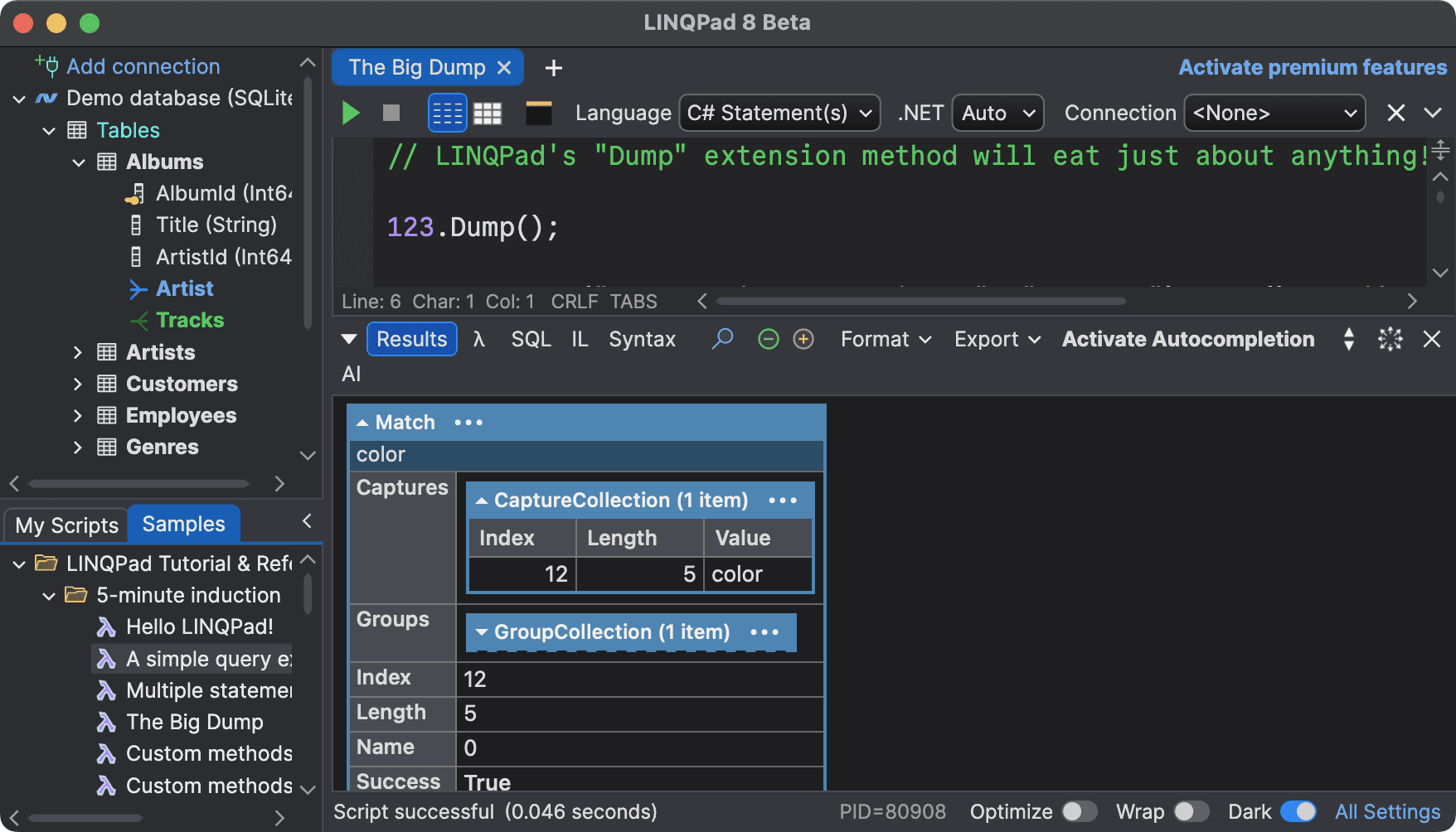
Linux
Desktop & Embedded Linux
Every XPF tier supports desktop Linux including Ubuntu, Debian, Fedora, Arch, Red Hat, openSUSE, and Linux Mint. Embedded Linux and additional distributions are a Business-tier add-on, included at Enterprise.
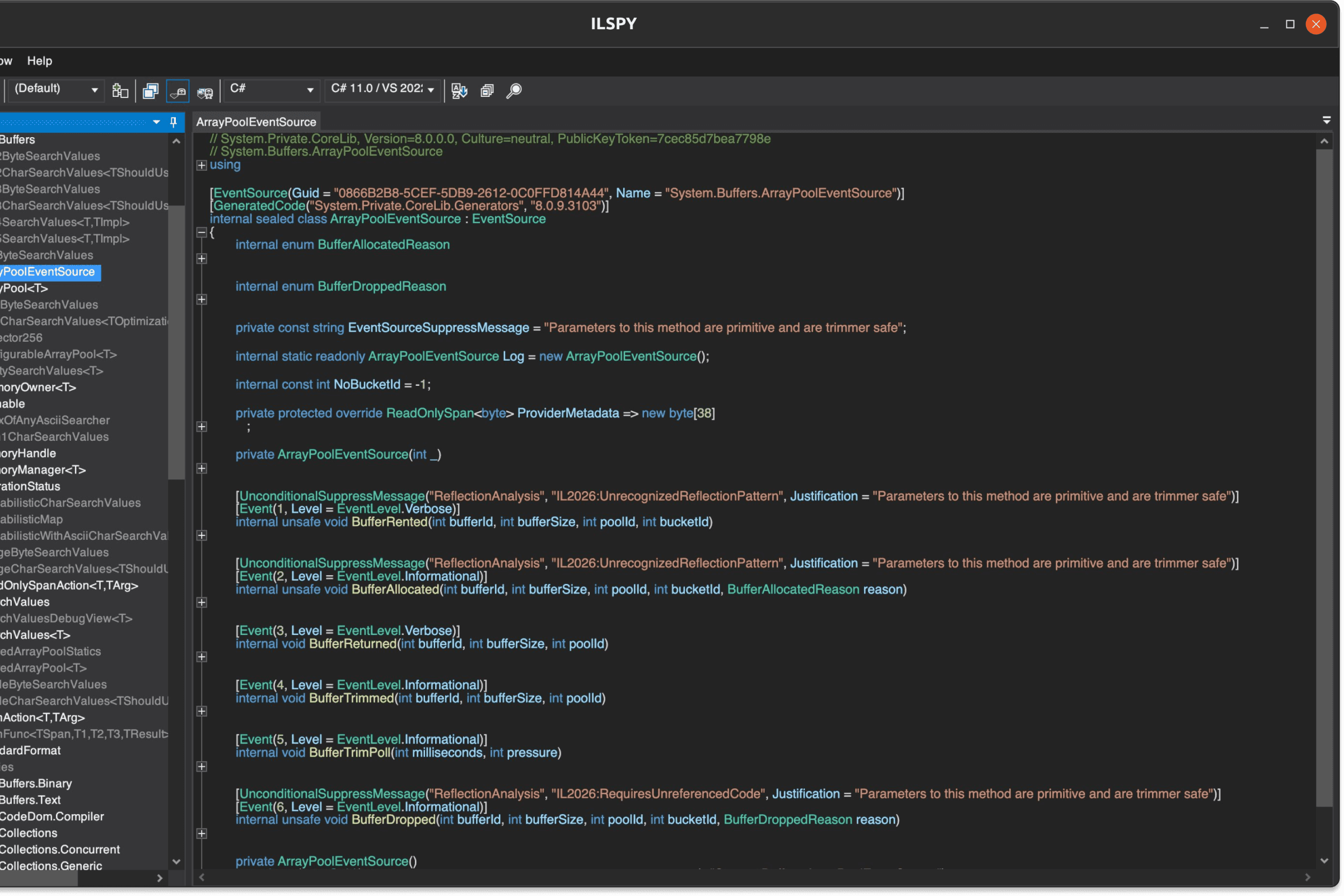
iPadOS
WPF on iPad
XPF brings your existing WPF application to iPadOS. Desktop interactions carry over; you decide what to adapt for touch.
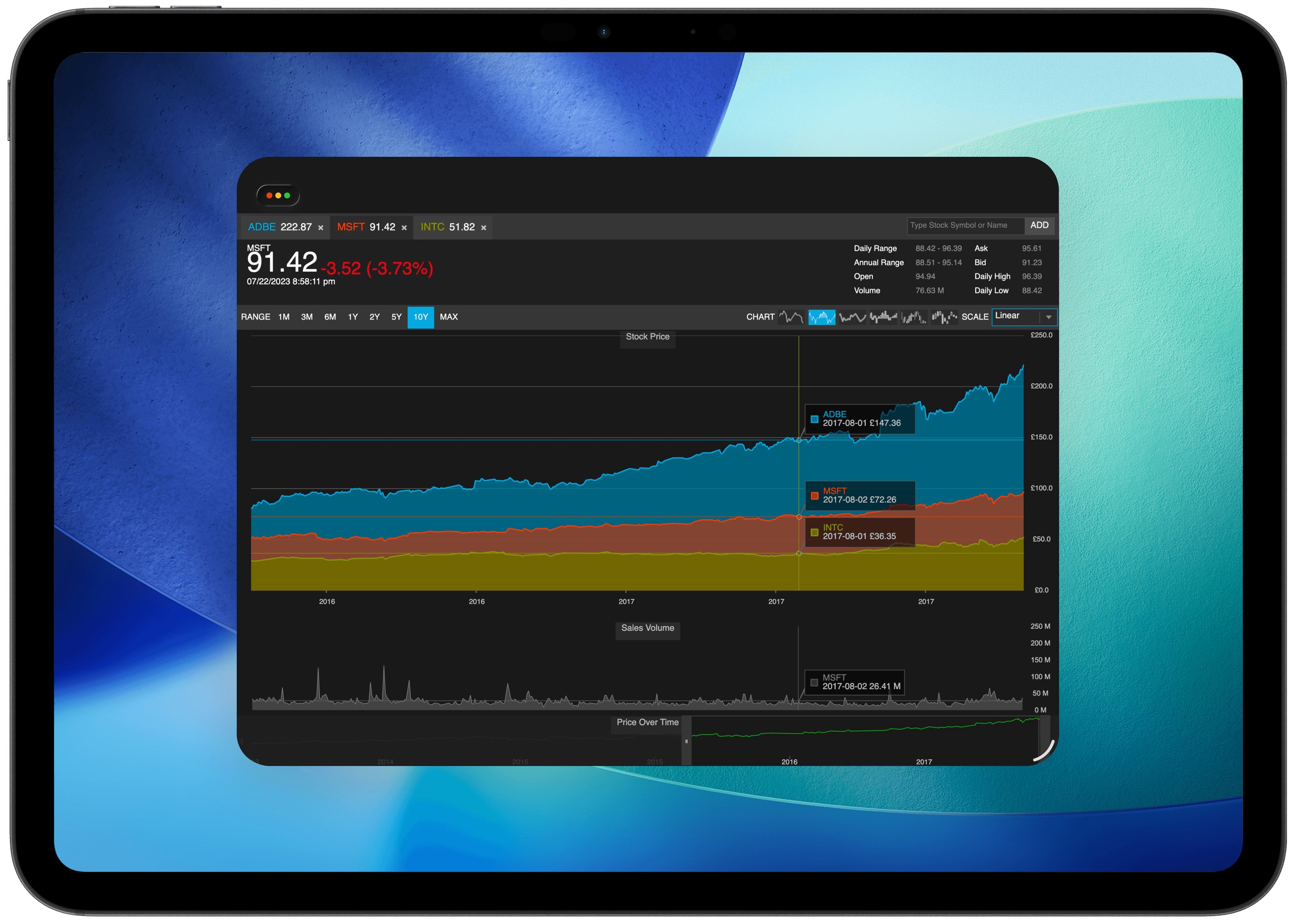
Android
Android Tablets
XPF runs your WPF application on Android tablets, bringing existing desktop software to the Android ecosystem.
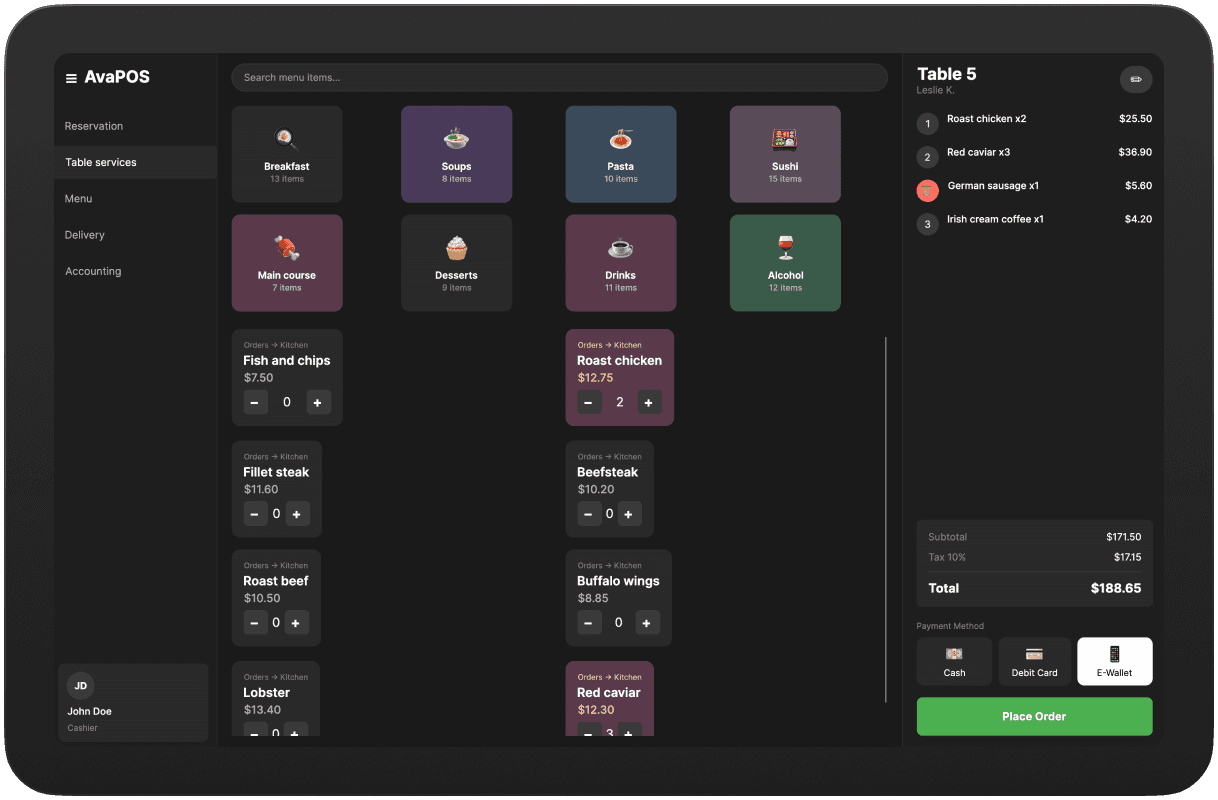
Browser
WPF in the browser
XPF runs WPF applications in modern web browsers through WebAssembly. Multi-window desktop flows need adapting to single-view UX patterns.
Your managed code stays.
The renderer changes.
Windows Components
Core API layerAvalonia Renderer
Cross-platformMilCore
Unmanaged layerPresentation Core
Managed layerPresentation Framework
Managed layerWPF Compatibility
XPF is a fork of WPF that maintains API and binary compatibility across the managed surface area. Your existing code and third-party controls carry over. The Windows-only renderer is replaced with Avalonia's cross-platform compositional renderer.
What to expect
Most managed WPF code and third-party controls work without changes. Windows-specific APIs (DirectX, native interop, shell integration) are replaced by cross-platform equivalents.
<Project Sdk="Xpf.Sdk/1.6.0">

  <ItemGroup>
    <RuntimeHostConfigurationOption
      Include="AvaloniaUI.Xpf.LicenseKey"
      Value="<YOUR_LICENSE_KEY>" />
  </ItemGroup>
Go cross-platform by changing your SDK reference
Getting started is one edit to your csproj. Evaluation licences cover the full Business tier feature set, and you run them against your own production codebase with our engineers involved.
Start an evaluationBlend Avalonia and WPF in the same window.
Mix & Match lets you embed native Avalonia controls alongside your WPF controls. Modernise your UI incrementally: adopt Avalonia's TreeDataGrid, theming, or any custom control without touching the rest of your app.
- Embed Avalonia controls directly in WPF views
- Access Avalonia's modern theming and styling system
- A gradual modernisation path, not a big-bang rewrite
- Available in Business and Enterprise tiers
<Window>
  <Grid>

    <!-- Standard WPF control -->
    <DataGrid ... />

    <!-- Avalonia control embedded in WPF -->
    <xpf:AvaloniaHost>
      <avalonia:TreeDataGrid
        Source="{Binding GridSource}" />
    </xpf:AvaloniaHost>

  </Grid>
</Window>
XPF is trusted by leading WPF teams across industries

“With XPF, the Mac version is now identical to the Windows version, and more importantly, we are very happy to be back to one codebase, thanks to XPF.”
Peter Wanders

“We chose Avalonia XPF to support the transition from a PC-based application to an embedded solution on custom hardware. This decision allowed us to seamlessly reuse our existing WPF-based user interface on an embedded Yocto OS platform, replacing the previous Windows-based platform in an efficient and maintainable way.”
Marcus Berglund

“Porting our app to the Mac has been a breeze with XPF, and their technical support is rock solid. Kudos to the XPF team for creating an extraordinary product!”
David Cavin

“Very happy with the decision to use Avalonia XPF: it’s turned out to be a powerful and productive x-platform API, and the support has been nothing short of awesome.”
Joseph Albahari
Choose your
deployment path
Perpetual licences, per application, with twelve months of updates and direct support from the engineers who build XPF.
Internal
For line-of-business apps and internal tooling that never leaves your organisation.
Development and internal deployment to your own employees only
Included
Business
For software you sell or ship to customers on macOS and desktop Linux.
Commercial deployment to macOS and desktop Linux, with embedded Linux as a priced add-on
Included
Everything from Internal, plus…
Enterprise
Starting from
For products that also need mobile or the browser, scoped with our engineers.
Every platform XPF supports, including iOS, Android, and WebAssembly
Included
Everything from Business, plus…
Migration services
Would you rather someone else did the migration?
XPF is a licence, not a service, and plenty of teams run the migration themselves. If you would rather hand it over, we offer migration services and we work with partners who specialise in exactly this kind of work.
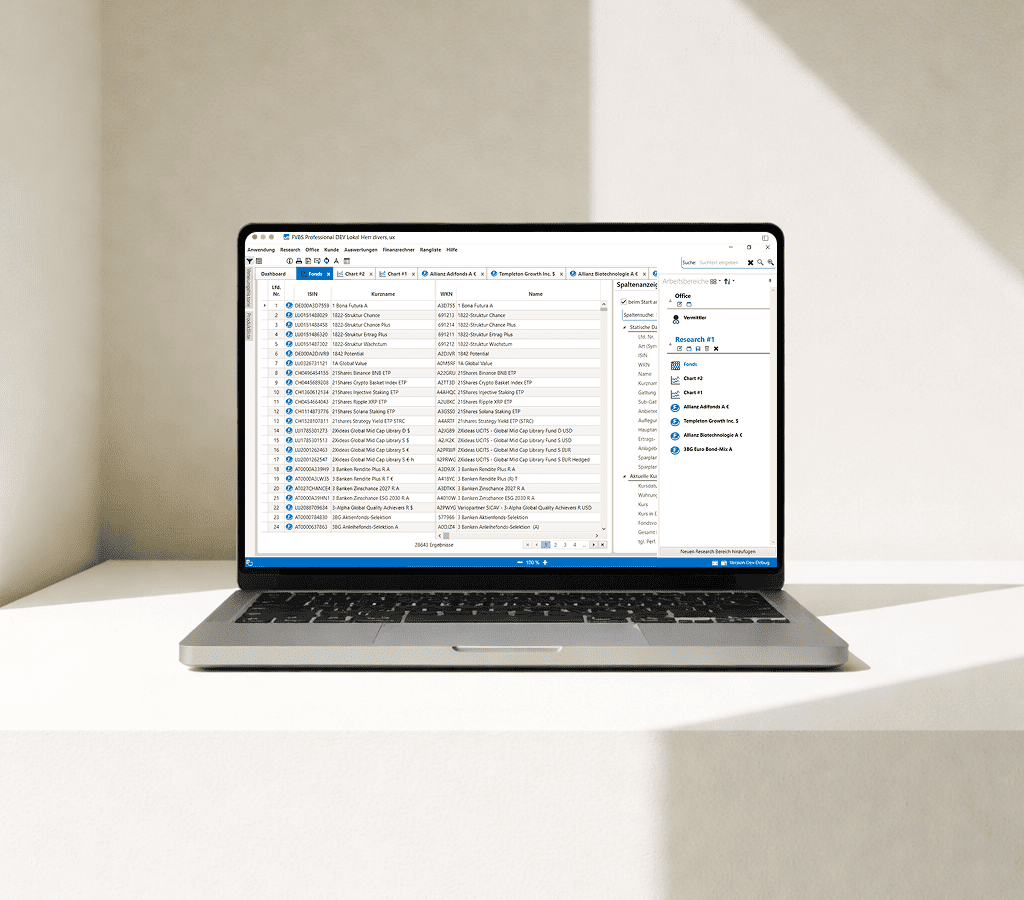
Our partner UXDivers has delivered several of these engagements. Their latest moved FVBS professional, a WPF financial advisory platform used by banks and advisors, from .NET Framework to .NET 8 on XPF. It now ships on Windows, macOS and Linux with 99.9 per cent of its XAML preserved.
FAQ
Your questions,
answered.
Can't find what you need? We're here to help.
Avalonia XPF is a cross-platform implementation of WPF that allows you to run your existing WPF applications on macOS, Linux, iOS, Android, and WebAssembly without rewriting your code.
Avalonia is a cross-platform UI framework with its own API inspired by WPF. XPF is a fork of WPF that maintains API and binary compatibility across the managed surface area. Most managed WPF code carries over directly, though Windows-specific APIs require platform alternatives.
XPF requires .NET 6 as a minimum, and we recommend .NET 8 (the current LTS) or .NET 9. Your project needs to be an SDK-style project targeting at least net6.0-windows, and building cleanly on modern .NET, before XPF comes into it.
Not directly. Modernising from .NET Framework to .NET 6 or later is a separate piece of work that has to happen first, and XPF does not do it for you. It is well-trodden ground and plenty of teams do it as the first phase of the same project, but it should be scoped as its own piece rather than assumed away.
DirectX is Windows-only, so anything rendering through D3D directly needs a cross-platform answer. System.Drawing.Common is deprecated off Windows and GDI+-dependent controls will throw, which is what the Business tier cross-platform System.Drawing addresses. FlowDocument support has real limits: no pagination, no floaters, and limited tables. Multiple UI threads are not supported on macOS, per-pixel hit transparency is not supported, and not every Win32 message is generated on every platform. We publish the full list of behavioural differences in the XPF documentation under Migration, Known Differences.
For typical business UI workloads, rendering performance is broadly comparable to WPF. XPF uses Avalonia's modern compositional renderer, which is hardware-accelerated and optimised for each target platform.
Yes, XPF supports UI controls from leading vendors including Actipro, DevExpress, Syncfusion, Telerik, Infragistics, and more.
No, XPF does not convert your code. It's a WPF fork that runs your managed WPF code on new platforms. You change the SDK reference in your project file and XPF handles the rendering.
DirectX is a Windows-only technology. XPF replaces the DirectX-based rendering pipeline with Avalonia's cross-platform renderer while maintaining visual fidelity.

Run WPF on
macOS & Linux
Try your production codebase and third-party components on new platforms, with engineering support from the developers building XPF.
01
Plan
What 3rd-party components and dependencies you have, and what it takes to run them.
02
Validate
Your app, built and running with XPF on macOS and Linux.
03
Ship
Work with our engineers to get your app into production on new platforms, with confidence.